Getting started
Version: 1.0.0
Who can access
All demo roles after signing in from the Demo Mode login screen.
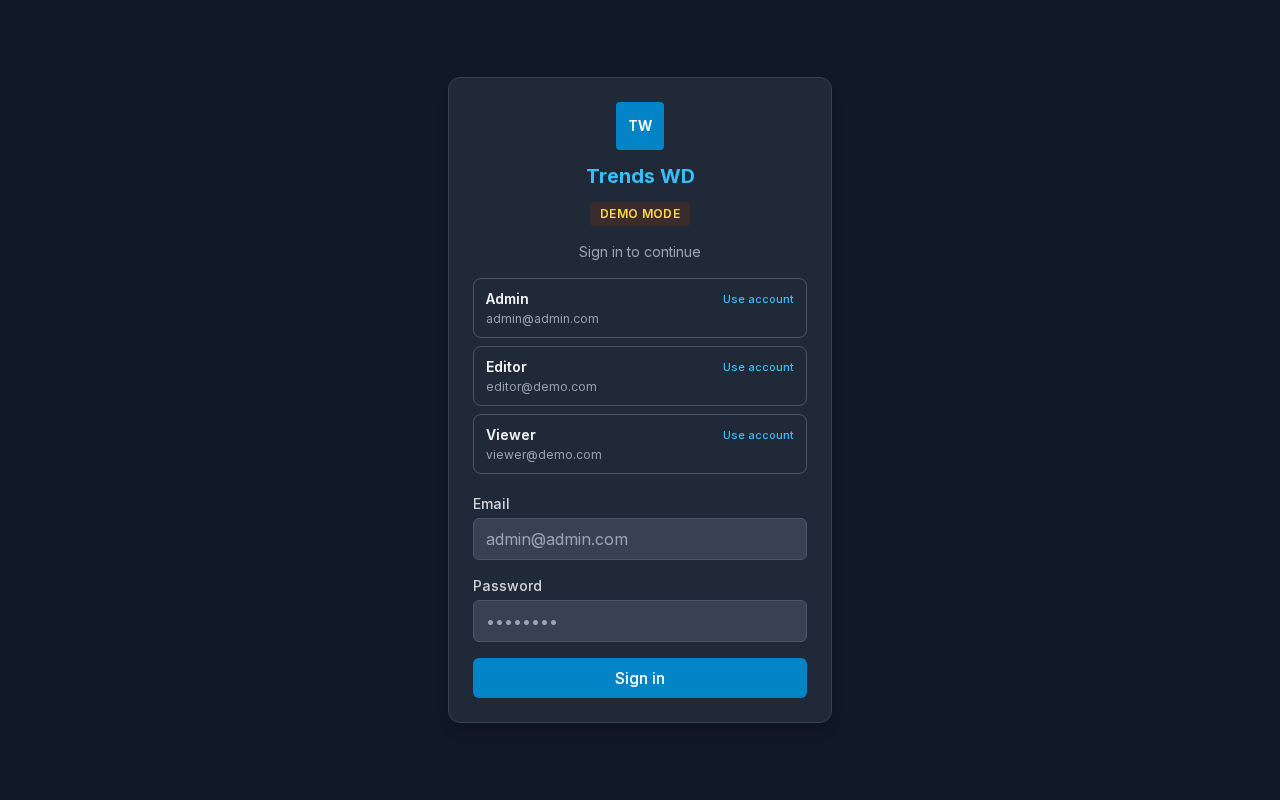
Screenshot
Steps
- Start Demo Mode locally (
cd demo-mode && npm run dev) or open the published live demo when available. - On Login, choose an account card (Admin, Editor, or Viewer) or enter the credentials shown on that screen.
- Select Sign in.
- Use the menu to open Dashboard, Products Details, Size Charts, POS Stock, and Settings.
- Optional (demo): use Reset demo data in the banner to restore sample data for your account.