Login
Version: 1.0.0 · Route: /login
Who can access
Anyone visiting the Demo Mode or production app before signing in.
Screenshot
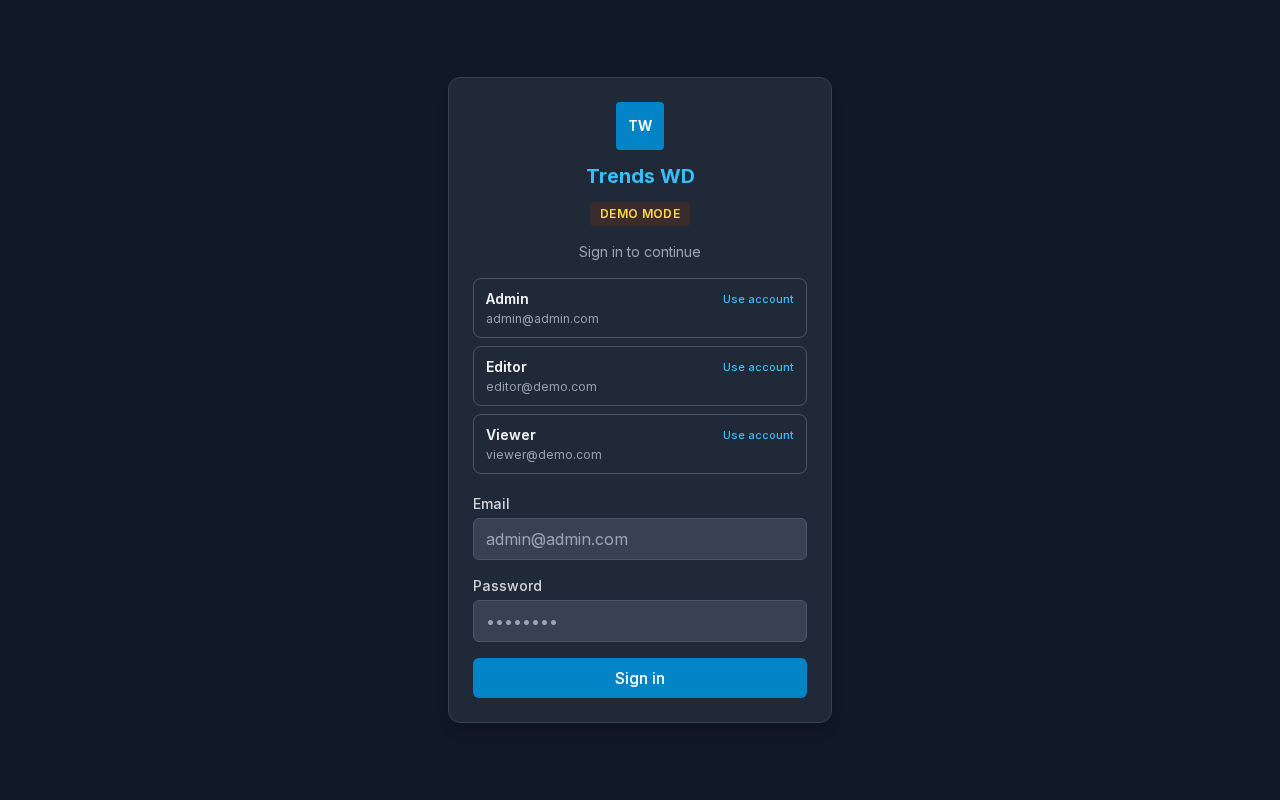
What this page does
Signs you into Trends WD Size Chart System. In Demo Mode, clickable account cards fill credentials for Admin, Editor, or Viewer so you can explore without creating an account.
Layout at a glance
- Brand mark and business name
- Demo Mode badge (demo only)
- Account cards (Admin / Editor / Viewer)
- Email and password fields
- Sign in button
Steps
- Open the demo or app URL.
- Choose an account card (Use account), or enter email and password.
- Select Sign in.
- You are taken to the first page your role can view (usually Dashboard).
Demo accounts
Accounts are listed on the Demo Mode login screen. Do not store passwords in public project metadata.
Errors & edge cases
- Wrong email or password shows an error above the form.
- If you already have a session, the app redirects you away from login automatically.