Dashboard
Version: 1.0.0
Route: /
Who can access: Signed-in users
What this page does
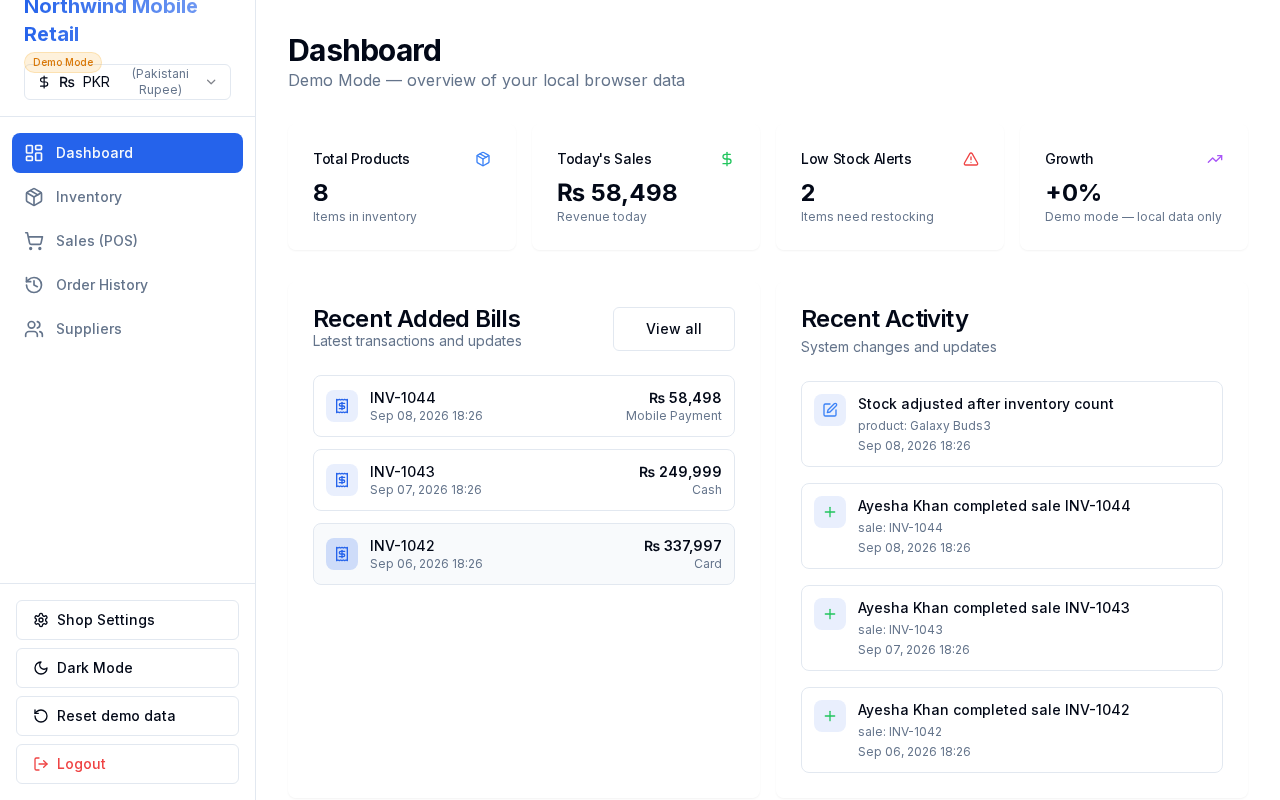
Shows a daily overview: product count, today’s sales, low-stock alerts, recent invoices, and activity.
Layout at a glance
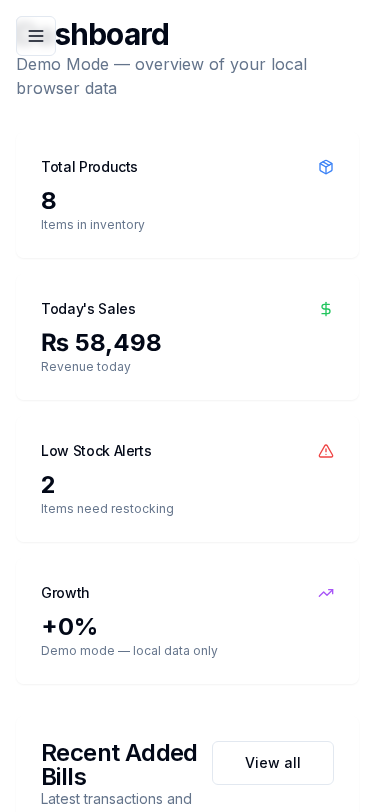
- Four summary cards: Total Products, Today's Sales, Low Stock Alerts, Growth
- Recent Added Bills list
- Recent Activity feed
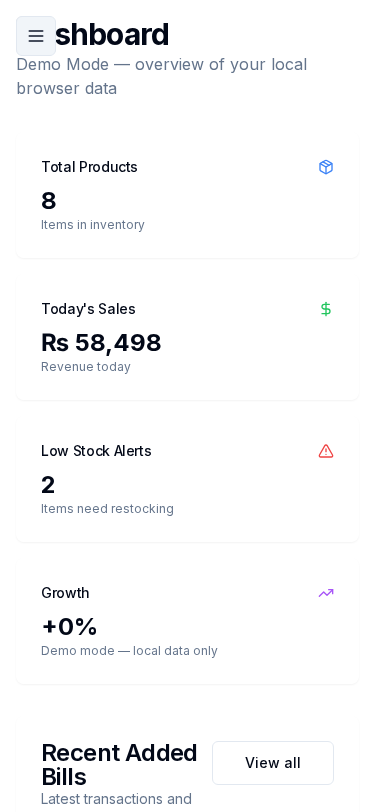
- Sidebar navigation (desktop) or hamburger menu (mobile)
Steps
- Sign in and open Dashboard (home).
- Review the four summary cards for today’s status.
- Open a recent bill from Recent Added Bills, or use View all to go to Order History.
- Use the sidebar to move to Inventory, Sales (POS), Orders, or Suppliers.
Fields / cards
| Card | Meaning |
|---|---|
| Total Products | Count of products in inventory |
| Today's Sales | Sum of sales created today |
| Low Stock Alerts | Products at or below min stock |
| Growth | Trend indicator (demo uses local data) |
Errors & edge cases
- Empty shops show zeros until products and sales exist (Demo Mode seeds sample data on first login).