Shop Settings
Version: 1.0.0
Route: Sidebar → Shop Settings (dialog)
Who can access: Signed-in users
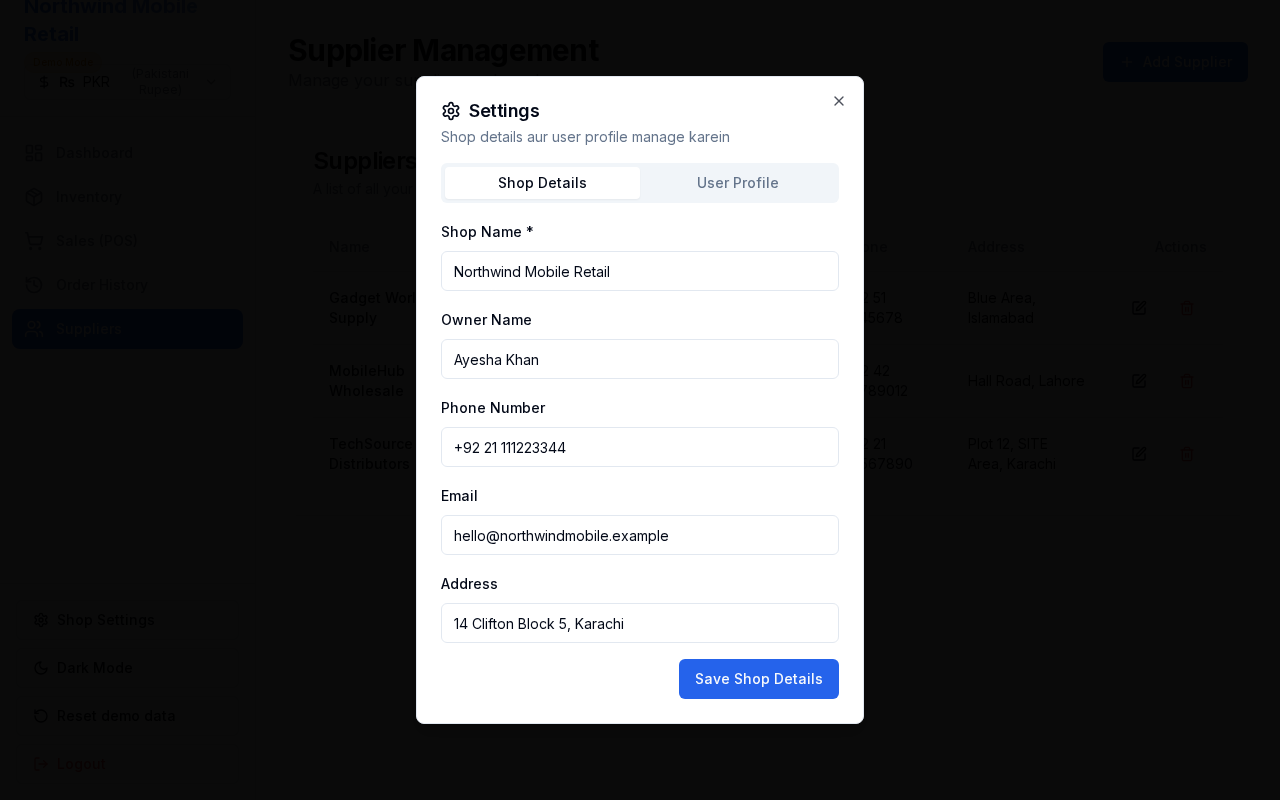
What this page does
Edit shop profile details shown on invoices and in the sidebar, and update the signed-in user’s username or password.
Layout at a glance
- Dialog opened from Shop Settings in the sidebar
- Tabs for shop details and user profile
- Currency selector and theme toggle live in the sidebar (outside this dialog)
Steps — shop details
- Click Shop Settings.
- Update shop name, address, phone, email, and owner name.
- Save changes and close the dialog.
Steps — user profile
- Open the profile tab inside Settings.
- Change username and/or password (current password required to change password).
- Save.
Demo Mode extras
- Reset demo data in the sidebar restores the seeded sample shop for the current demo account.
- Demo Mode badge indicates data is local to this browser.
Errors & edge cases
- Password change fails if the current password is incorrect.
- Shop name updates appear in the sidebar after save.