COD Shipments (status filter)
Version: 1.0.1
Route: /{courierSlug}/{statusSlug}
Examples: /tcs/in-transit, /callcourier/delivered, /m-p/returned
Who can access: Users with View on all-courier
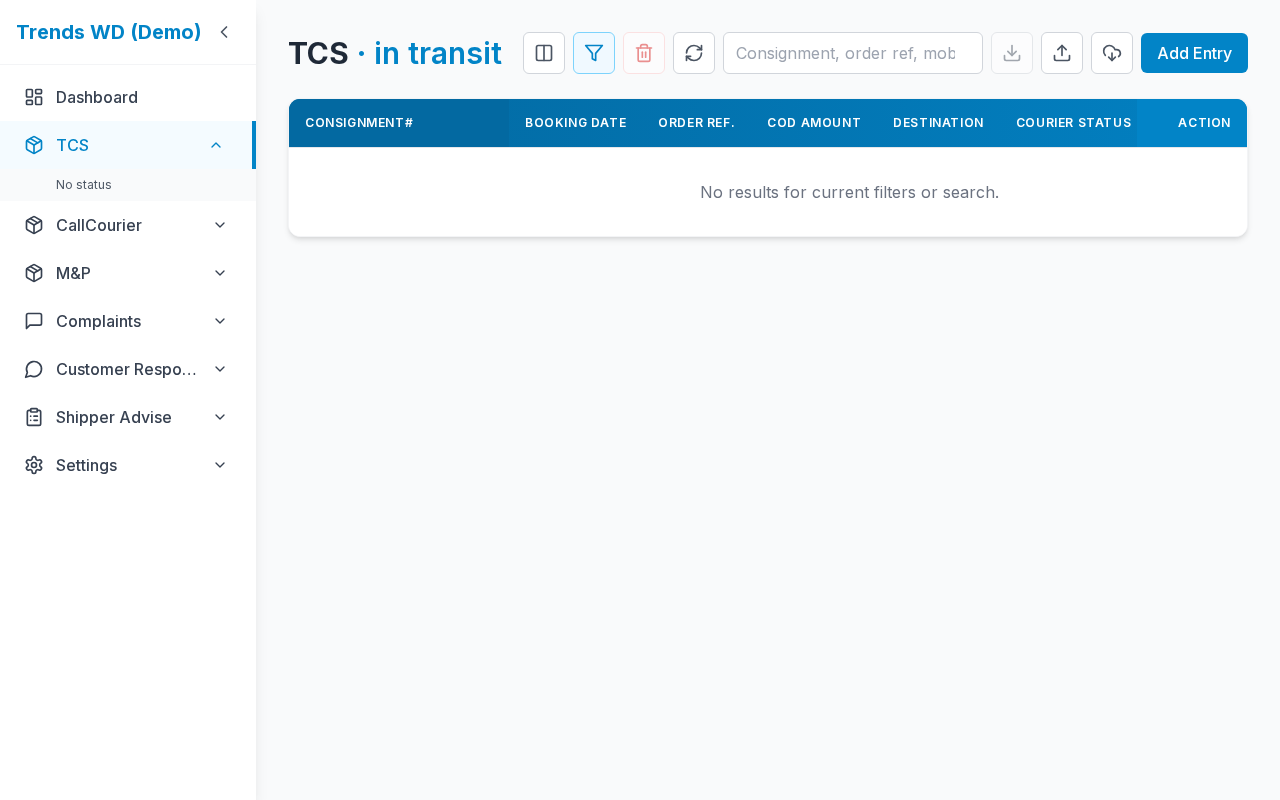
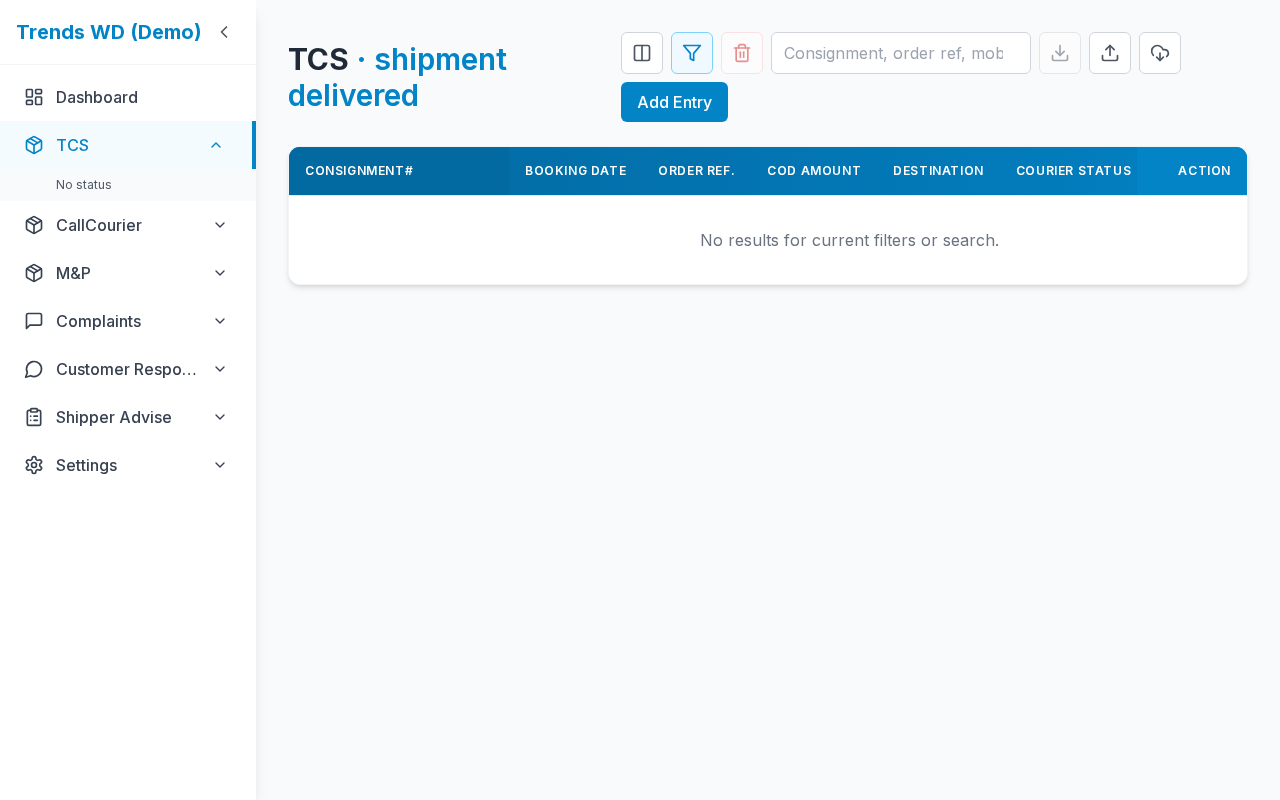
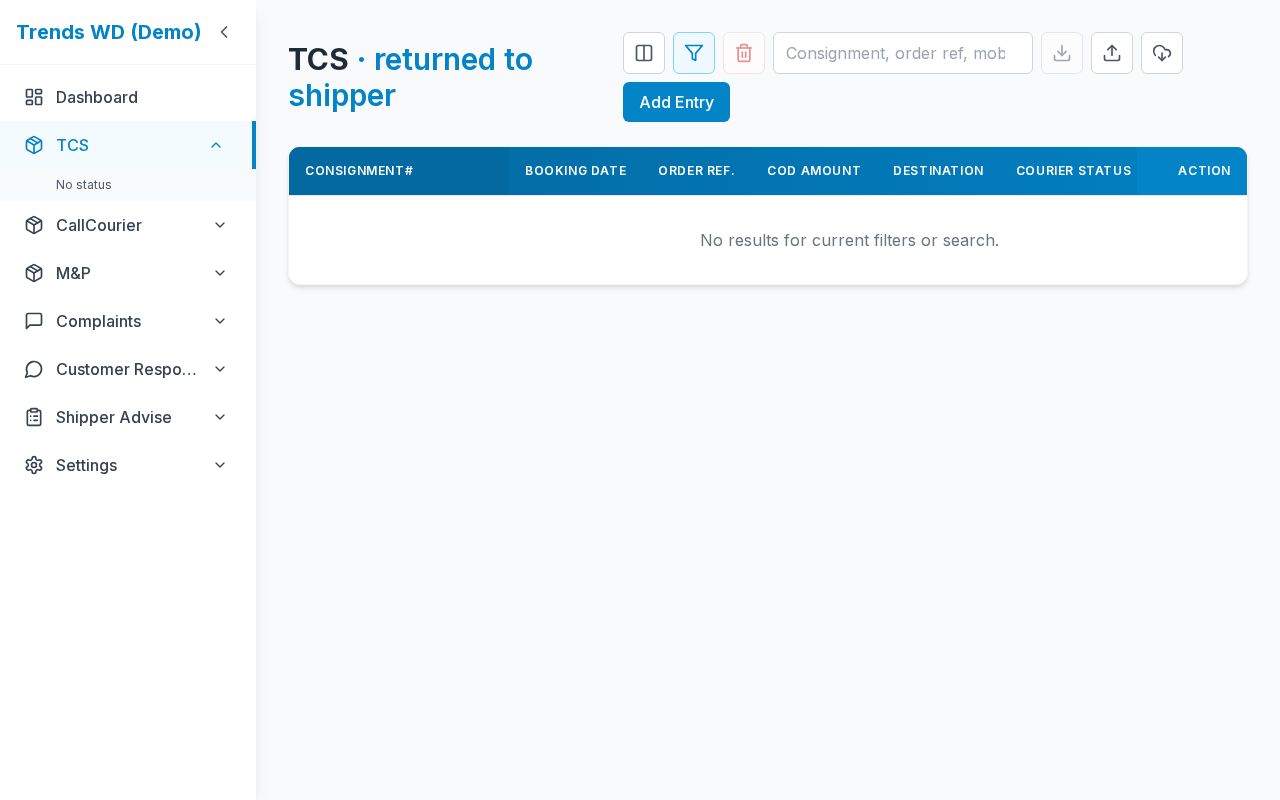
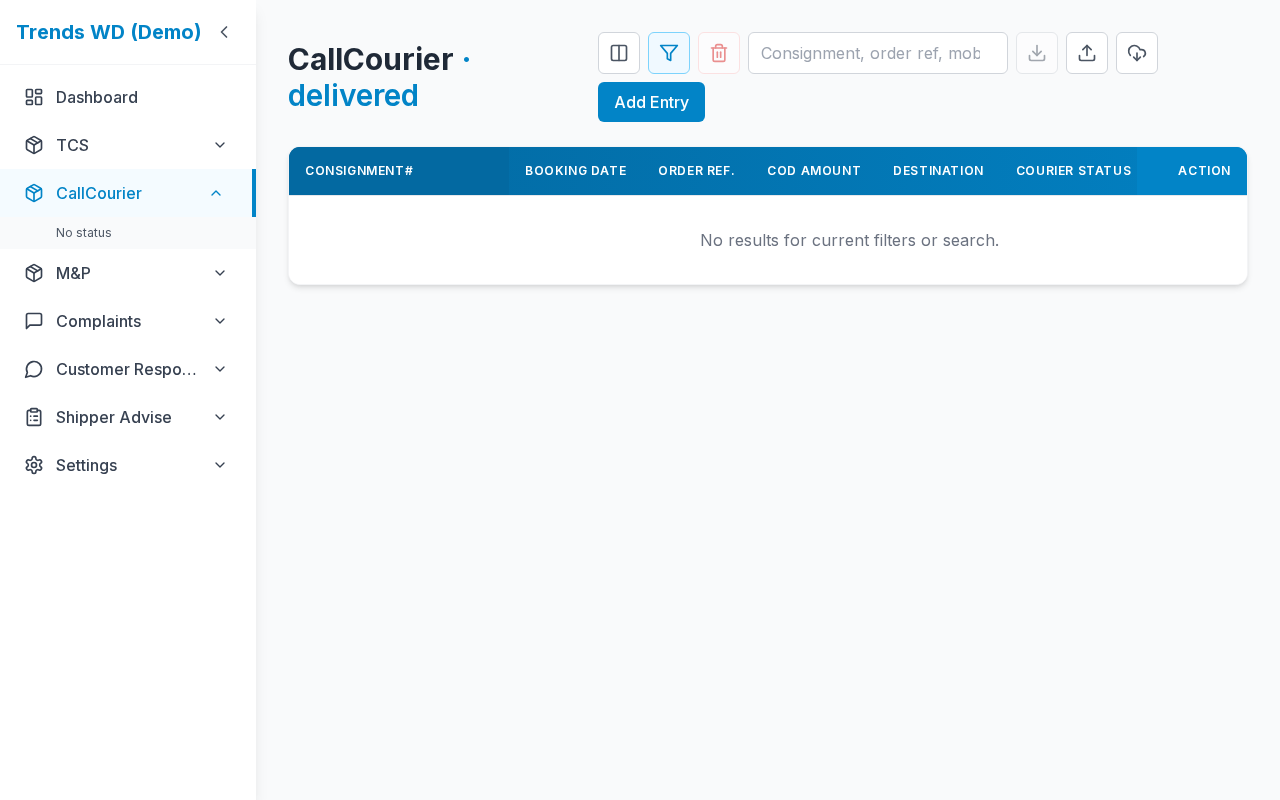
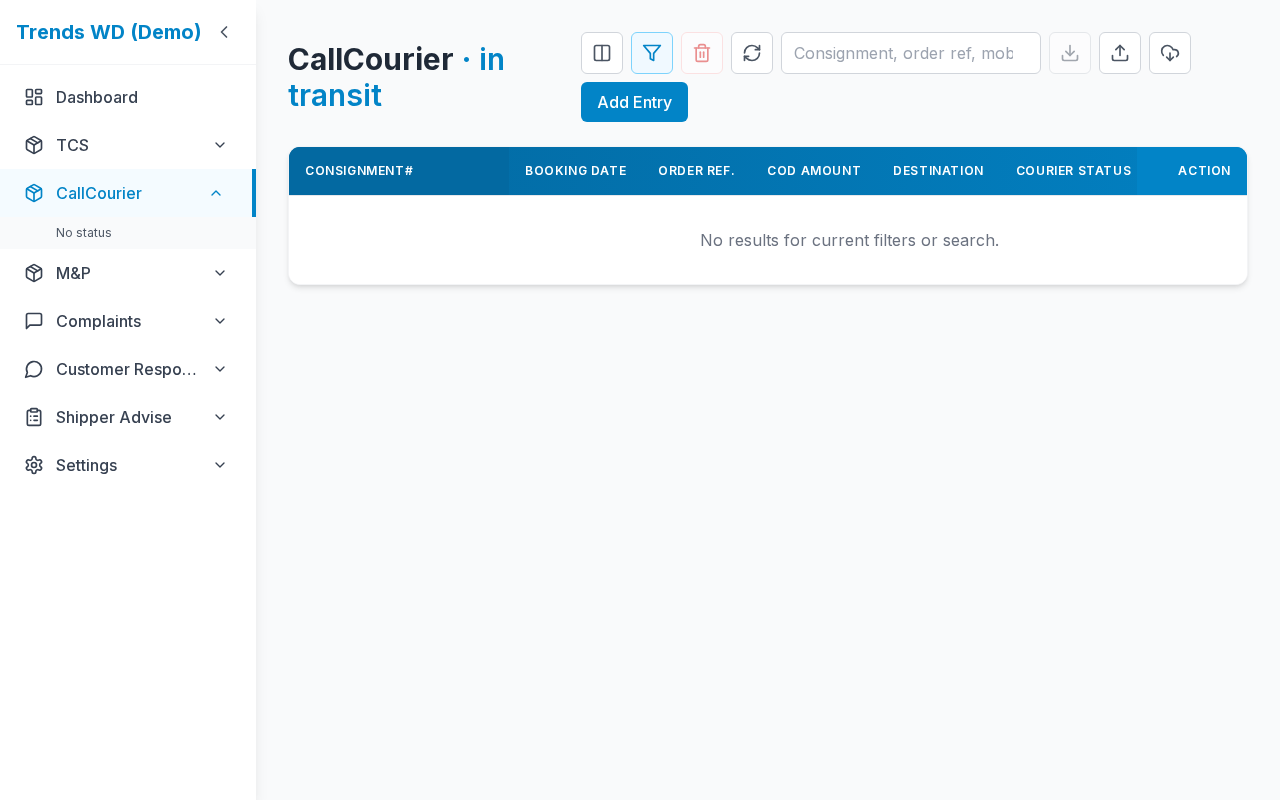
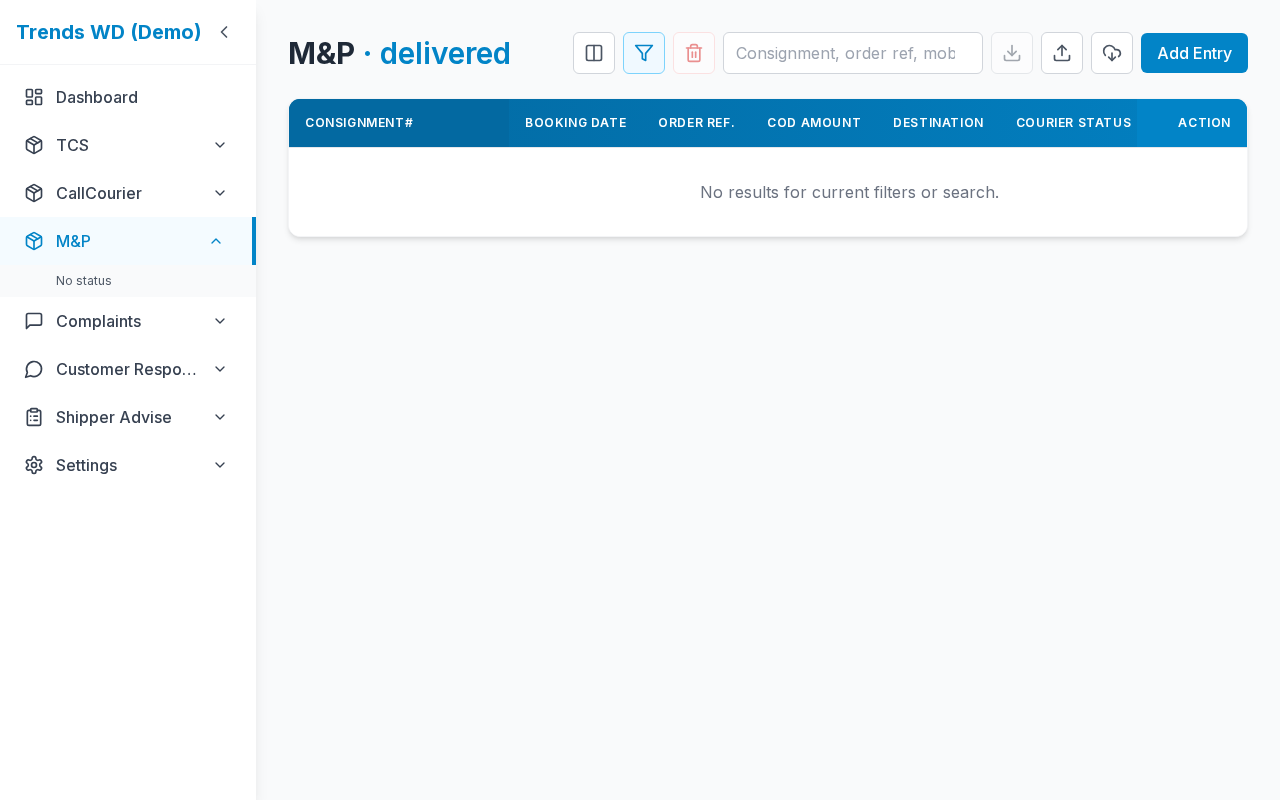
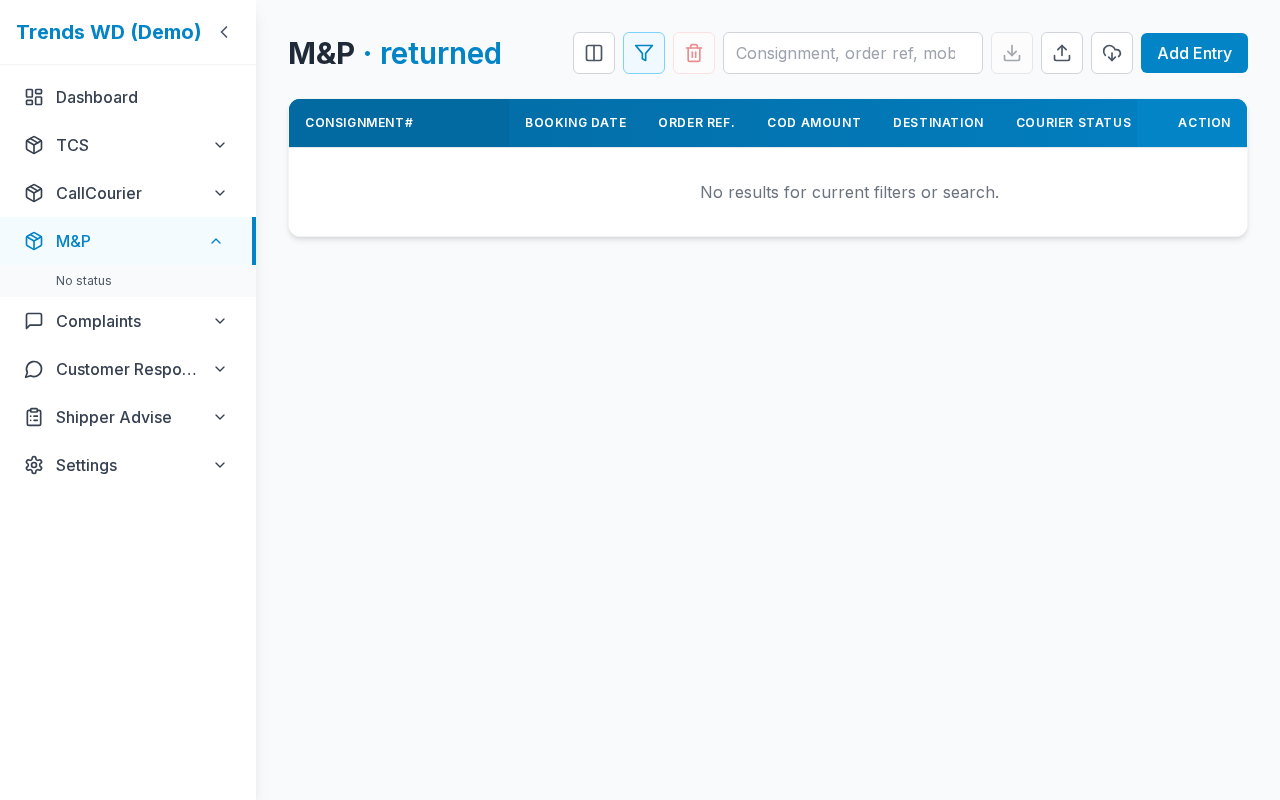
What this page does
Same COD grid as the courier page, pre-filtered to one courier status (from the sidebar submenu or dashboard links).
Layout at a glance
Identical to COD Shipments (courier): toolbar, table, modals. Title / active sidebar item reflect the status.
Steps
- Expand a courier in the sidebar.
- Click a status (for example In Transit).
- Review only matching shipments.
- Use search, sync, import, and row actions as on the full list.
Other ways in
- Dashboard insight links (may append year/month query params)
- Direct URL with slug + status slug
Status slugs
| Example status text | URL segment |
|---|---|
In Transit | in-transit |
Shipment Delivered | shipment-delivered |
Returned to Shipper | returned-to-shipper |
| Empty status | no-status |
| All statuses | all (same idea as main courier page) |
Mapping: spaces → hyphens, lowercase (lib/courierStatusSlug.ts).
Errors & edge cases
| Situation | Notes |
|---|---|
| Unknown status slug | May show empty list or decoded fallback label |
| Status list empty | Courier has no distinct statuses yet — sync or add data |