Complaints (courier)
Version: 1.0.1
Route: /complaints/{courierSlug}
Examples: /complaints/tcs, /complaints/callcourier, /complaints/m-p
Who can access: Users with View on complaints
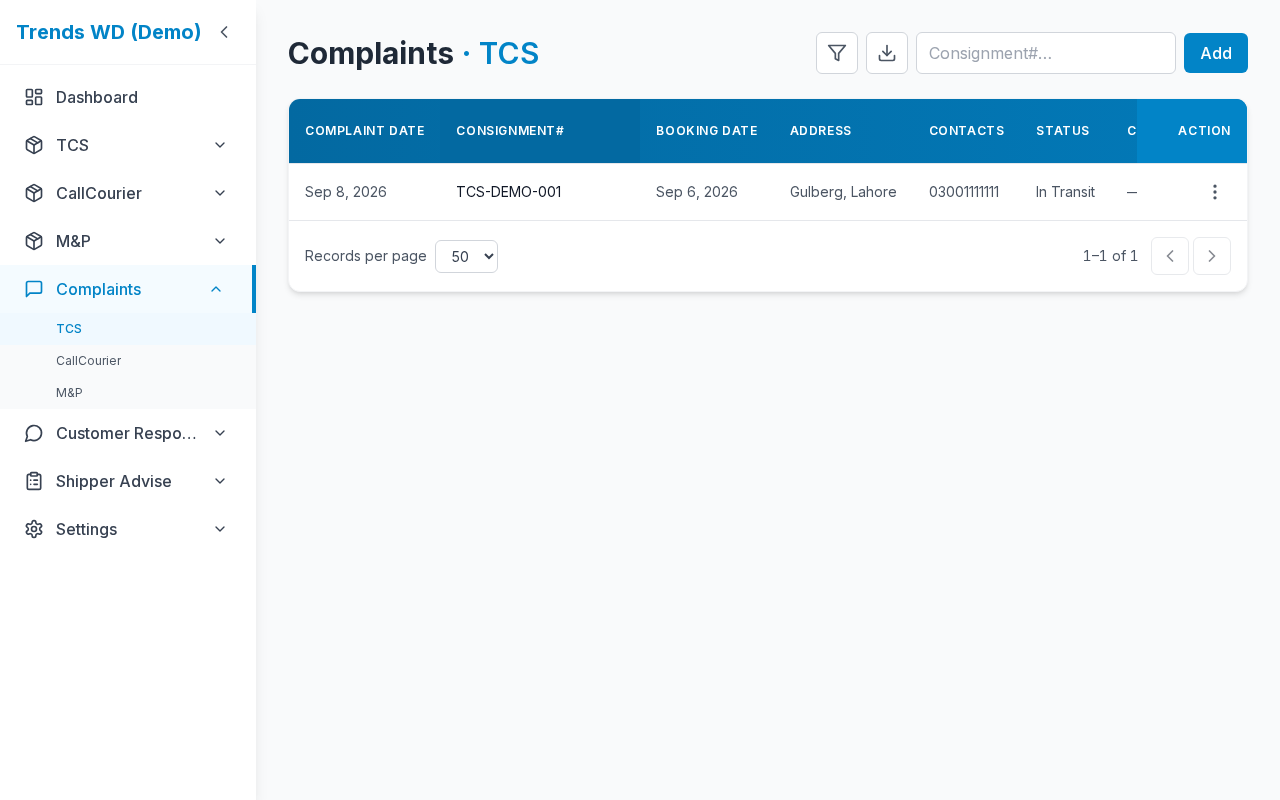
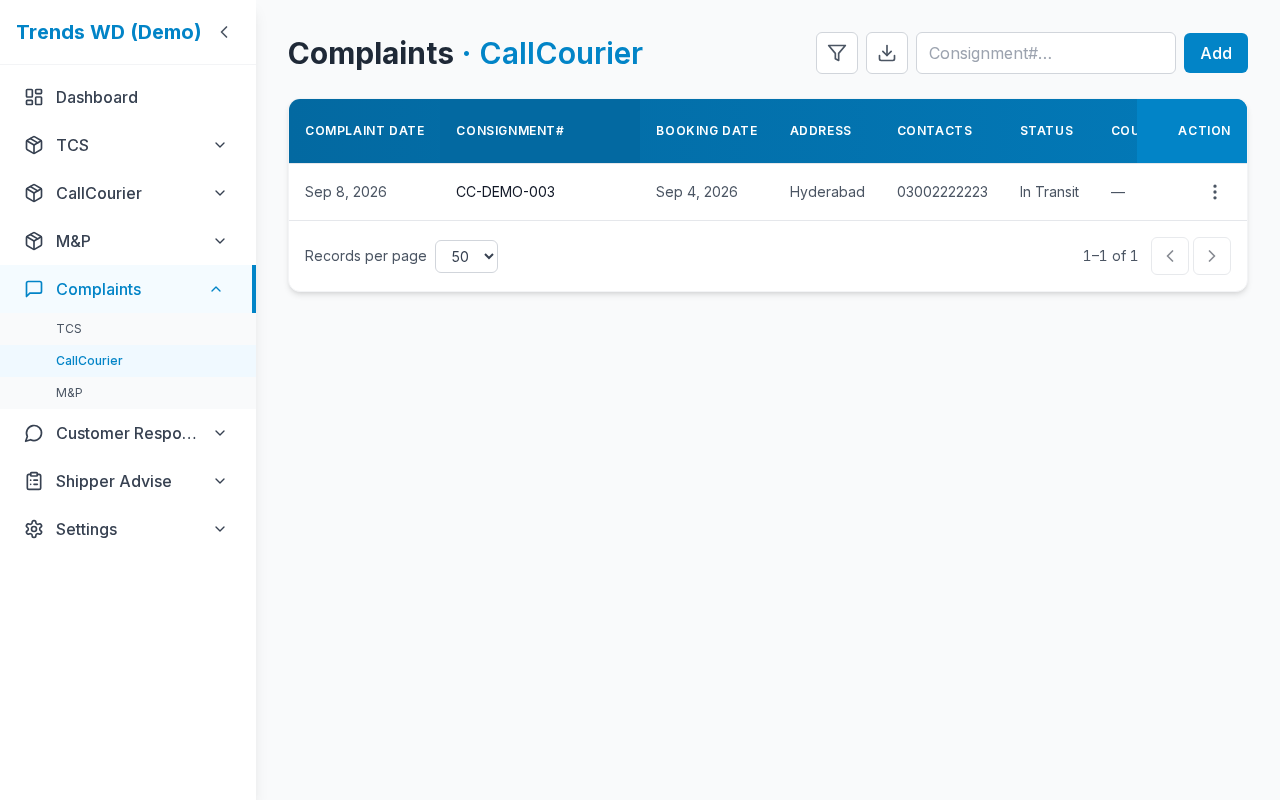
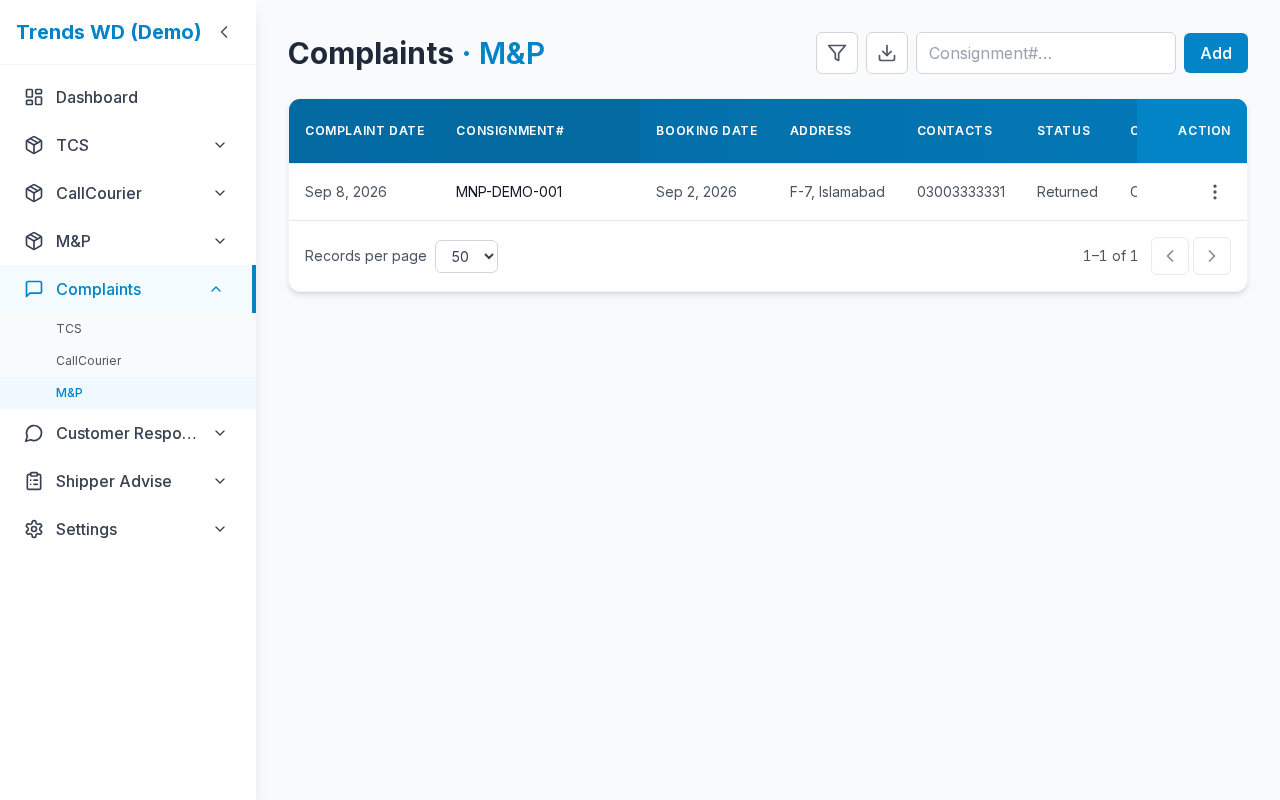
What this page does
Per-courier complaint register: dates, consignment snapshots, requests, and responses. Adding a complaint for today highlights the matching COD row in red.
Layout at a glance
| Area | Content |
|---|---|
| Title | Courier + Complaints |
| Toolbar | Search, filters, export, Add complaint |
| Table | Paginated complaints |
Steps
- Open Complaints → pick a courier (or use a COD row complaint action).
- Search / filter as needed.
- Click Add complaint (Edit) — fill consignment and fields → save.
- Edit or delete from the row actions (Edit / Delete permissions).
- Optional: Export CSV of the filtered list.
Table columns (typical)
| Column | Description |
|---|---|
| Complaint Date | When registered |
| Consignment# | CN / tracking |
| Booking Date | From shipment |
| Address / Contacts | Delivery / phone |
| Status | Courier status snapshot |
| Our Request / Customer Response / Courier Response | Notes |
| Actions | Edit / Delete |
Form fields (add / edit)
| Field | Required | Notes |
|---|---|---|
| Consignment / shipment link | Yes | Ties to COD row |
| Complaint date | Yes | Today triggers COD red highlight |
| Request / responses | Optional | Free text |
Permissions
| Action | Need |
|---|---|
| View list | complaints View |
| Add / Edit | complaints Edit |
| Delete | complaints Delete |
Errors & edge cases
| Situation | Notes |
|---|---|
| Complaint not today | No COD red highlight |
| Same CN + today + customer response | Complaint red takes priority over response colors |