Customer Response
Version: 1.0.1
Route: /customer-response/{courierSlug}
Index: /customer-response → first courier (same pattern as Complaints)
Who can access: Users with View on customer-response
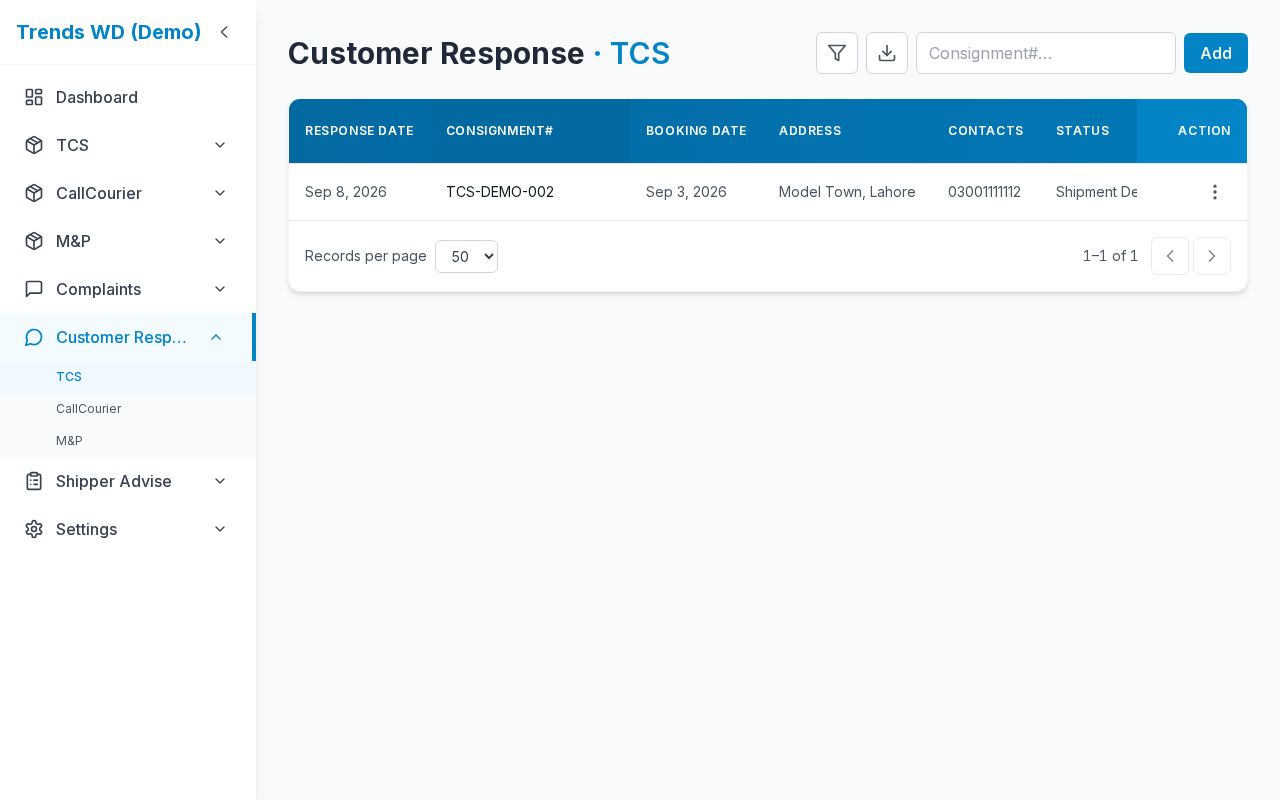
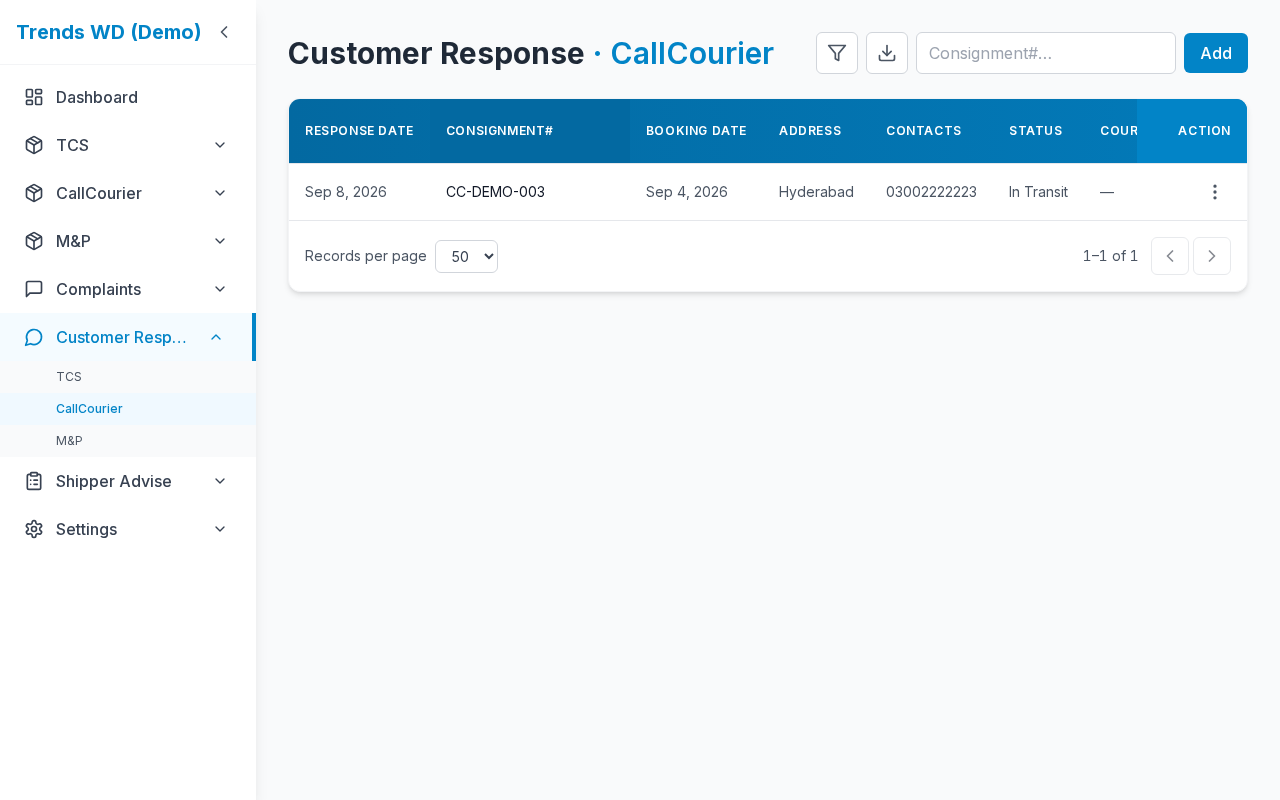
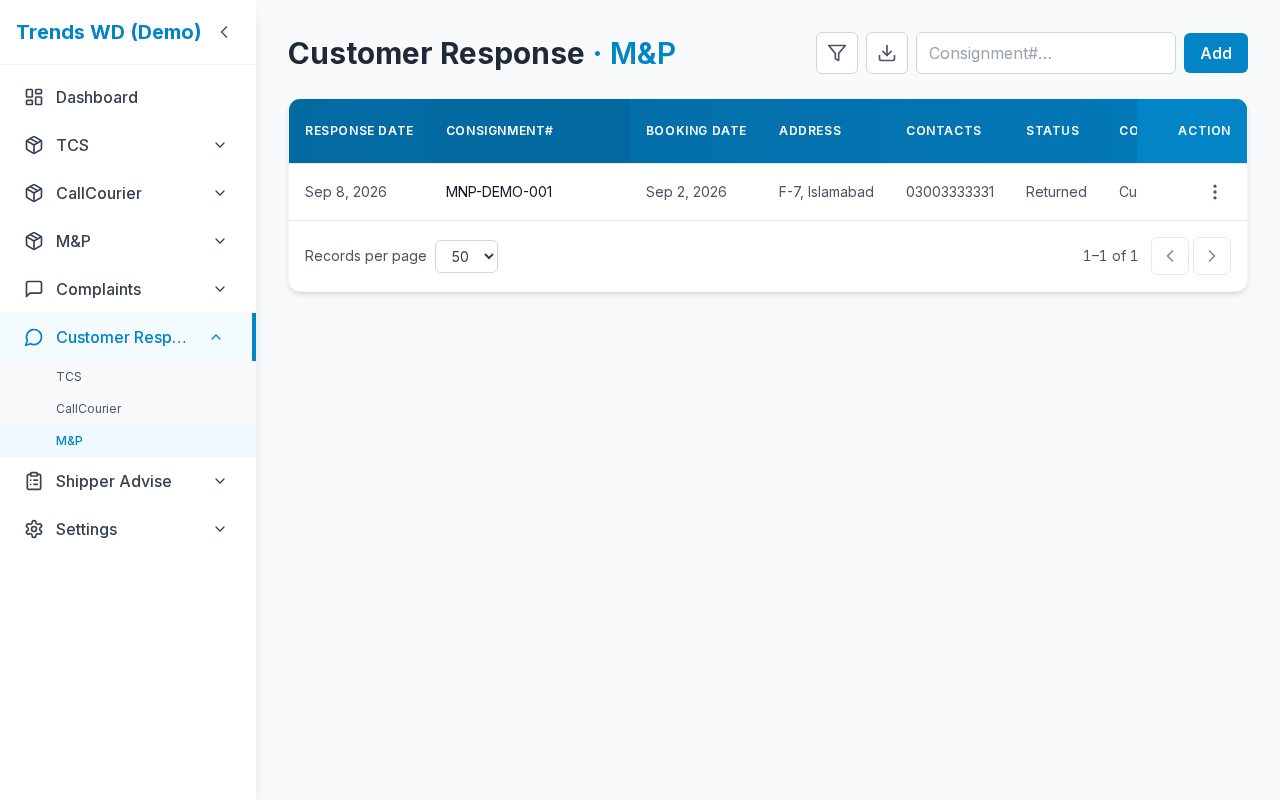
What this page does
Per-courier customer response register. Opening Customer Msg on a COD row can auto-create/update today’s entry. Same-day responses color the COD row by status bucket.
Layout at a glance
| Area | Content |
|---|---|
| Title | Courier + Customer Response |
| Toolbar | Search, filters, export, add |
| Table | Response rows with shipment snapshot fields |
Steps
- Sidebar → Customer Response → choose a courier (or open
/customer-response/{slug}). - Review auto-created rows from COD Customer Msg, or add manually (Edit).
- Edit / delete with the row menu when permitted.
- On the COD page, confirm same-day row colors after a response is logged.
Auto entry from COD
- Open
/{slug}→ row ⋮ → Customer Msg. - WhatsApp opens or the link is copied (Profile setting).
- If you have Customer Response Edit, a register row for today is created or updated (same CN + same date updates).
Without Edit, WhatsApp can still run, but nothing is registered.
Same-day COD colors
| Status bucket | Row color |
|---|---|
| In Process | Amber |
| Delivered | Green |
| Returned | Red |
Only response_date = today applies. If a complaint is also today, complaint red wins.
Permissions
| Action | Need |
|---|---|
| View list | customer-response View |
| Add / Edit / auto-register | Edit |
| Delete | Delete |
Errors & edge cases
| Situation | Notes |
|---|---|
| Index with no couriers | Redirect to / |
| Yesterday’s response | No COD highlight |
| Duplicate CN same day | Updates existing row instead of erroring |