Resolution Workflow
Version: 1.0.1
| Route | /resolution-workflow |
| Access | Users with View on Resolution Workflow |
| Permission key | resolution-workflow |
Purpose
Record how each complaint was resolved. Saving a workflow can write Priority Override and Status back to the linked complaint. You can also create a workflow from a complaint’s ⋮ Workflow action.
Screenshot — list page
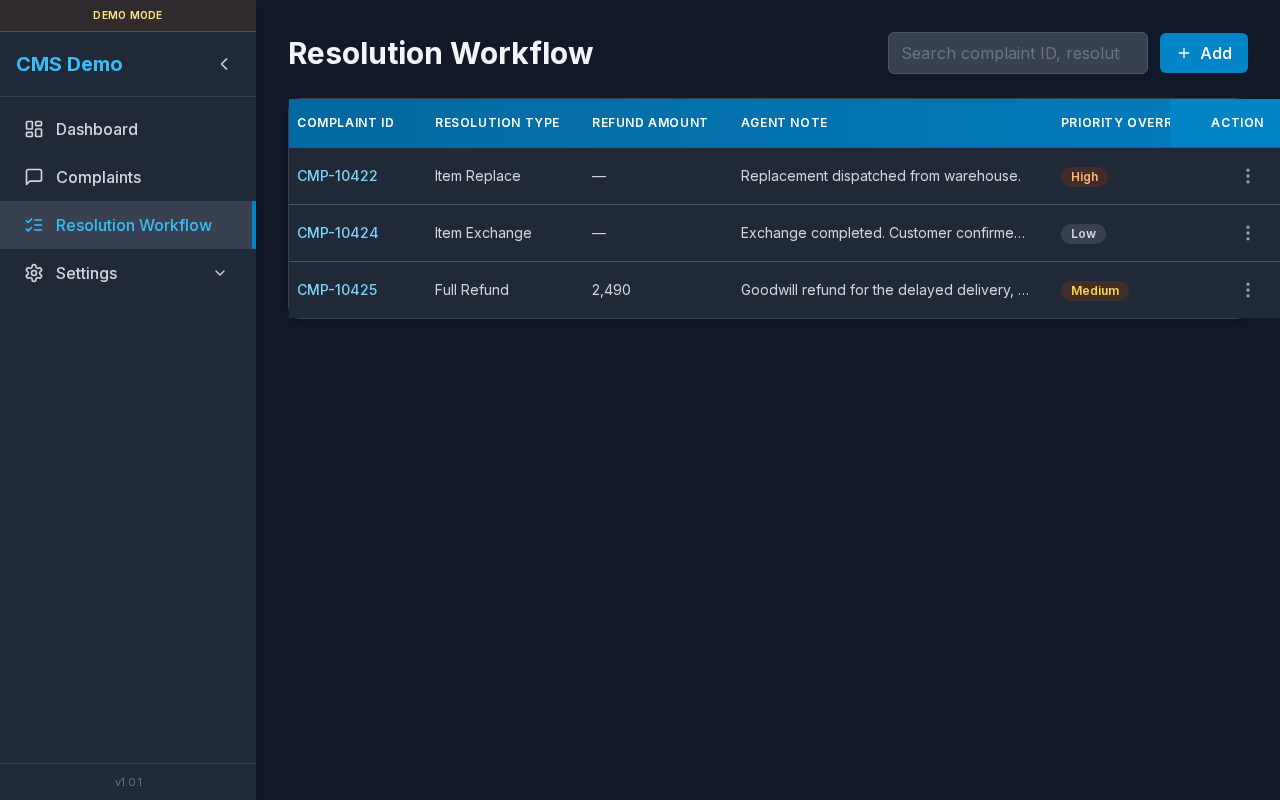
Search, Add button, and workflows table.
Layout — regions
| Region | Contents |
|---|---|
| Title | Resolution Workflow |
| Search | Free-text search |
| Add | Add (Edit permission) |
| Table | Workflow columns + Action |
| Modals | New/Edit form · Delete confirm |
Sub-details — search
| aria-label | Search resolution workflows |
| Placeholder | Search complaint ID, resolution type, note, priority, status, order, tracking… |
Steps
- Type in the search box.
- Table filters to matching workflows.
- Empty search:
No results for current search.
Sub-details — Add button
| Label | Add |
| Permission | Edit |
| Disabled when | No complaints exist yet |
| Disabled title | Add a complaint first |
Sub-details — table columns
| Column | Description |
|---|---|
| Complaint ID | Linked complaint’s ID |
| Resolution Type | Full Refund / Item Exchange / Item Replace / From outlet / Others |
| Refund Amount | Numeric if Full Refund; otherwise — |
| Agent Note | Truncated note |
| Priority Override | Synced to complaint |
| Status | Synced to complaint |
| New Order ID | Optional |
| New Tracking ID | Optional |
| Action | ⋮ Edit / Delete |
Loading: Loading resolution workflows…
Empty: No resolution workflows yet. Click Add to create one.
No complaints in system: No complaints available. Add complaints first.
Sub-details — row actions
| Menu item | Permission | Result |
|---|---|---|
| Edit | Edit | Opens Edit Resolution Workflow |
| Delete | Delete | Opens Delete resolution workflow? |
aria-label on ⋮: Actions.
Sub-details — New / Edit modal
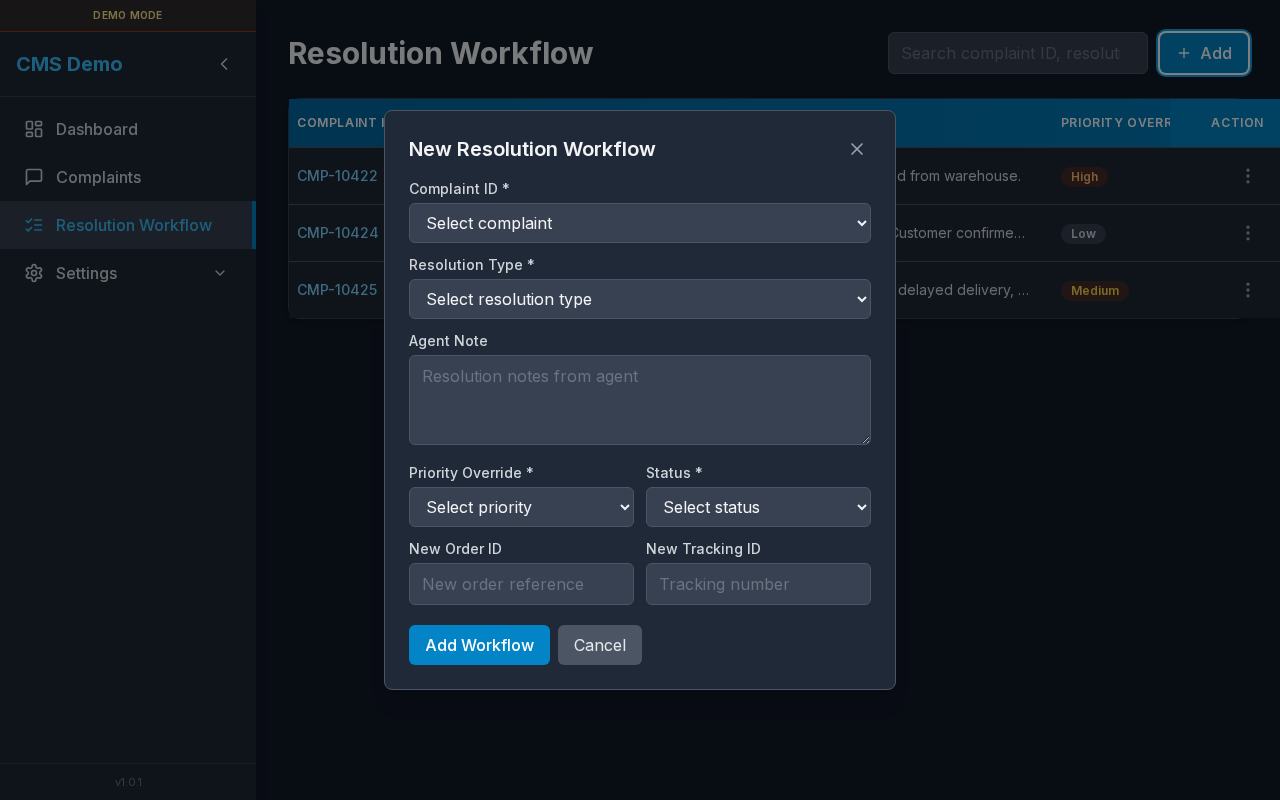
Form for creating a workflow linked to a complaint.
Modal titles
- Create: New Resolution Workflow
- Edit: Edit Resolution Workflow
Form fields
| Field | Required | Notes |
|---|---|---|
| Complaint ID * | Yes | Select list (Select complaint); locked on edit |
| Resolution Type * | Yes | See enum list below |
| Refund Amount * | If type = Full Refund | placeholder 0.00 |
| Agent Note | No | Resolution notes from agent |
| Priority Override * | Yes | Low / Medium / High / Urgent |
| Status * | Yes | Open / InProcess / Under Review / Resolved / Closed |
| New Order ID | No | New order reference |
| New Tracking ID | No | Tracking number |
Resolution types (enum)
- Full Refund
- Item Exchange
- Item Replace
- From outlet
- Others
Buttons
| Button | When |
|---|---|
| Add Workflow | Create |
| Save | Edit |
Saving… | While request runs |
| Cancel | Close without saving |
| Close (X) | aria Close |
Validation messages (examples)
- Complaint / Resolution type / Priority override / Status is required.
- Refund amount is required for Full Refund.
- Refund amount must be a valid number.
- Invalid resolution type / priority / status.
Steps — add
- Click Add (ensure at least one complaint exists).
- Select Complaint ID.
- Choose Resolution Type (and refund amount if Full Refund).
- Set Priority Override and Status.
- Optionally fill note / new order / new tracking.
- Click Add Workflow.
- List refreshes; linked complaint priority/status update.
Steps — edit
- ⋮ → Edit.
- Change fields (complaint stays fixed).
- Click Save.
Sub-details — delete confirm
| Title | Delete resolution workflow? |
| Body | This cannot be undone. |
| Buttons | Cancel · Delete / Deleting… |
Steps
- ⋮ → Delete.
- Confirm Delete.
Sub-details — create from Complaints page
- Open Complaints.
- ⋮ → Workflow (see
09-complaints-actions-menu.png). - Complaint ID is pre-filled.
- Save as above.
Sub-details — mobile
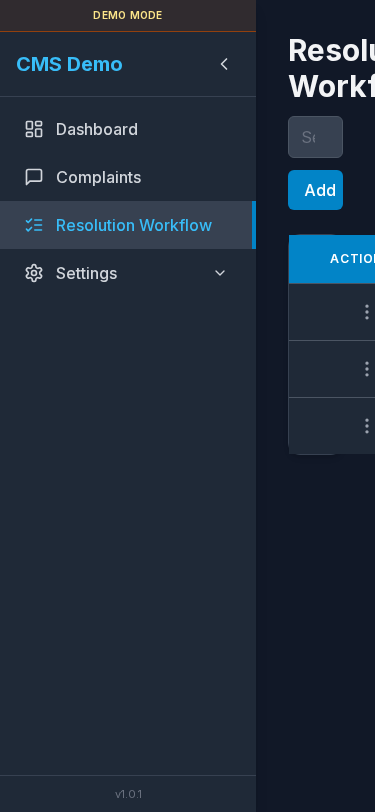
Narrow layout with scrollable table.
Errors & access
| Situation | UI |
|---|---|
| No view permission | “You do not have access to this page.” |
| Load failure | Message + Retry |