Complaint Type
Version: 1.0.1
| Route | /settings/complaint-type |
| Access | Users with View on Complaint Type settings |
| Permission key | settings-complaint-type |
Purpose
Define complaint type names and customer message templates. Types fill the Complaints form dropdown. The Complaints ⋮ Message action copies the matching template with variables replaced by real complaint values.
Screenshot — list page
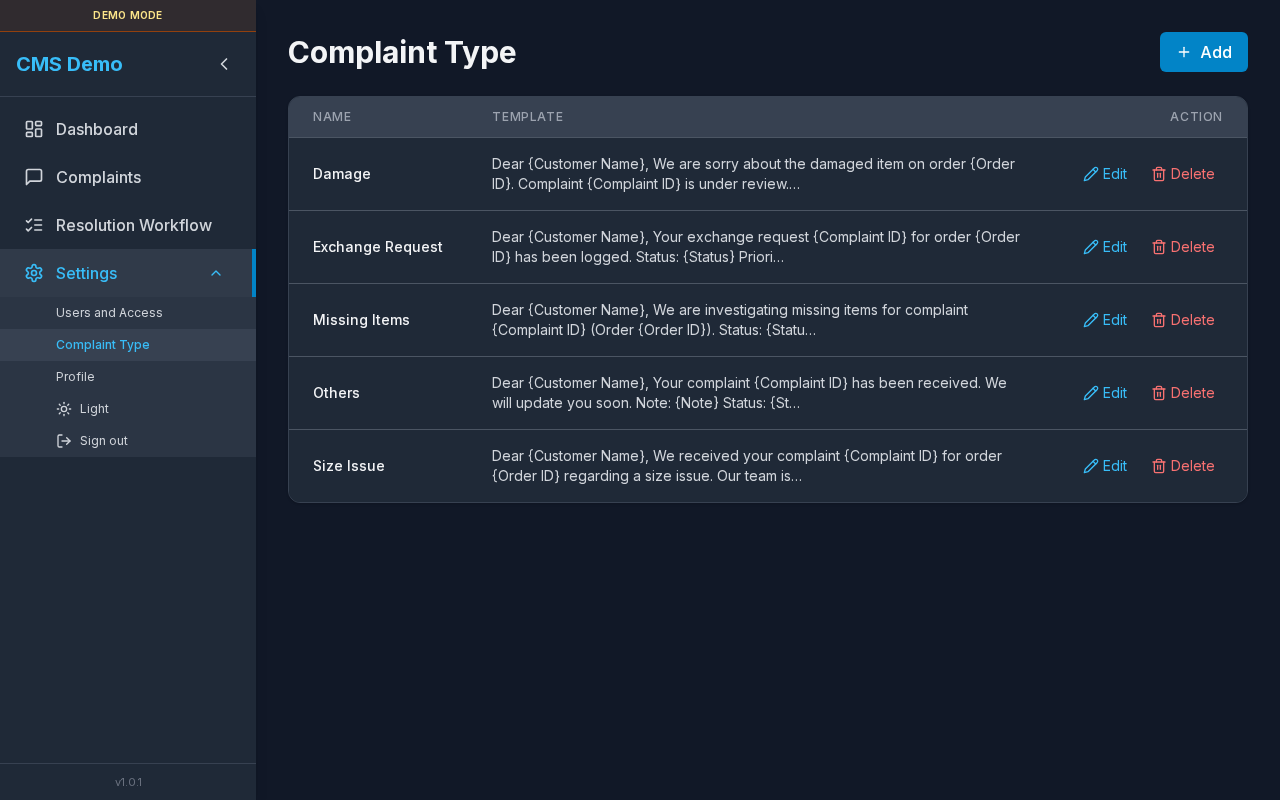
Add button and table of type names + templates.
Layout — regions
| Region | Contents |
|---|---|
| Title | Complaint Type |
| Primary action | Add (Edit permission) |
| Table | Name · Template · Action |
| Modal | Add / Edit type (name, template, variable chips, preview) |
| Confirm | Delete complaint type? |
Sub-details — table
| Column | Detail |
|---|---|
| Name | Type name (e.g. Size Issue) |
| Template | Truncated message body |
| Action | Edit · Delete |
Loading: Loading…
Empty: No complaint types yet. Add one to populate the Complaints dropdown.
Steps — open this page
- Expand Settings in the sidebar.
- Click Complaint Type.
Sub-details — Add / Edit modal
Titles
- Add Complaint Type
- Edit Complaint Type
Field — Name *
| Required | Yes |
| Placeholder | e.g. Size Issue |
| Uniqueness | Duplicate names rejected |
Field — Template
| Purpose | Customer-facing message body |
| Helper | Insert complaint variables below. They will be replaced with real values on the Complaints page. |
| Placeholder | Sample text including {Customer Name} / {Complaint ID} |
Variable chips (click to insert)
| Chip |
|---|
{Customer Name} |
{Complaint ID} |
{Order ID} |
{Old Tracking ID} |
{Complaint Type} |
{Note} |
{Priority} |
{Status} |
{Date} |
Preview
| Label | Preview area |
| Empty state | Template preview will appear here. |
| Behavior | Shows template with sample/replaced values as you edit |
Modal buttons
| Button | When |
|---|---|
Add Complaint Type / Saving… | Create |
Save / Saving… | Edit |
| Cancel | Close |
| Close (X) | aria Close |
Steps — add a type
- Click Add.
- Enter a unique Name.
- Write the Template.
- Click variable chips where dynamic fields belong.
- Check Preview.
- Click Add Complaint Type.
Steps — edit a type
- Click Edit.
- Update name and/or template.
- Click Save.
Form errors
| Message | Cause |
|---|---|
| Name is required. | Empty name |
| A complaint type with this name already exists. | Duplicate |
Sub-details — delete confirm
| Title | Delete complaint type? |
| Body | Existing complaints with this type will keep their saved value, but it will no longer appear in the dropdown. |
| Buttons | Cancel · Delete / Deleting… |
Steps
- Click Delete on a row.
- Read the warning.
- Confirm Delete.
Sub-details — how types are used elsewhere
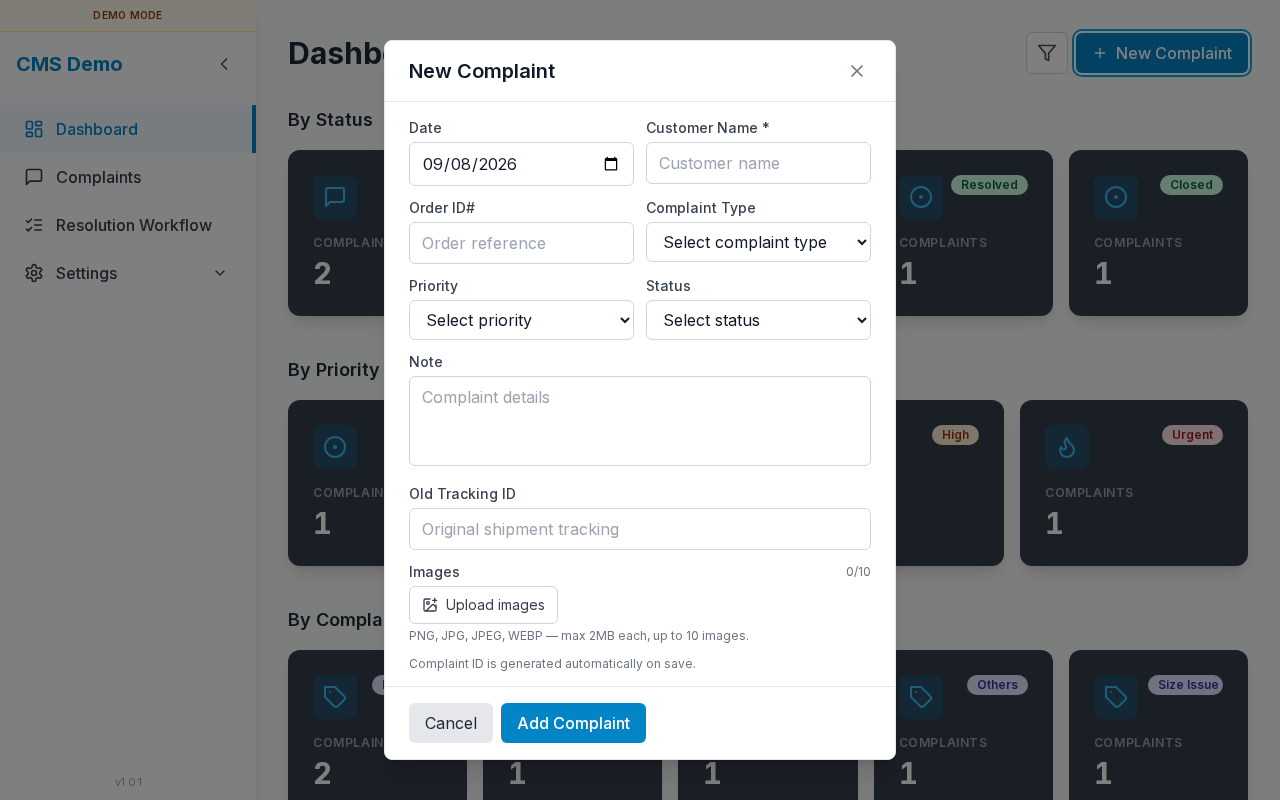
Complaints form dropdown
- Complaints → Add / Edit.
- Open Complaint Type select.
- Choose a name defined here.
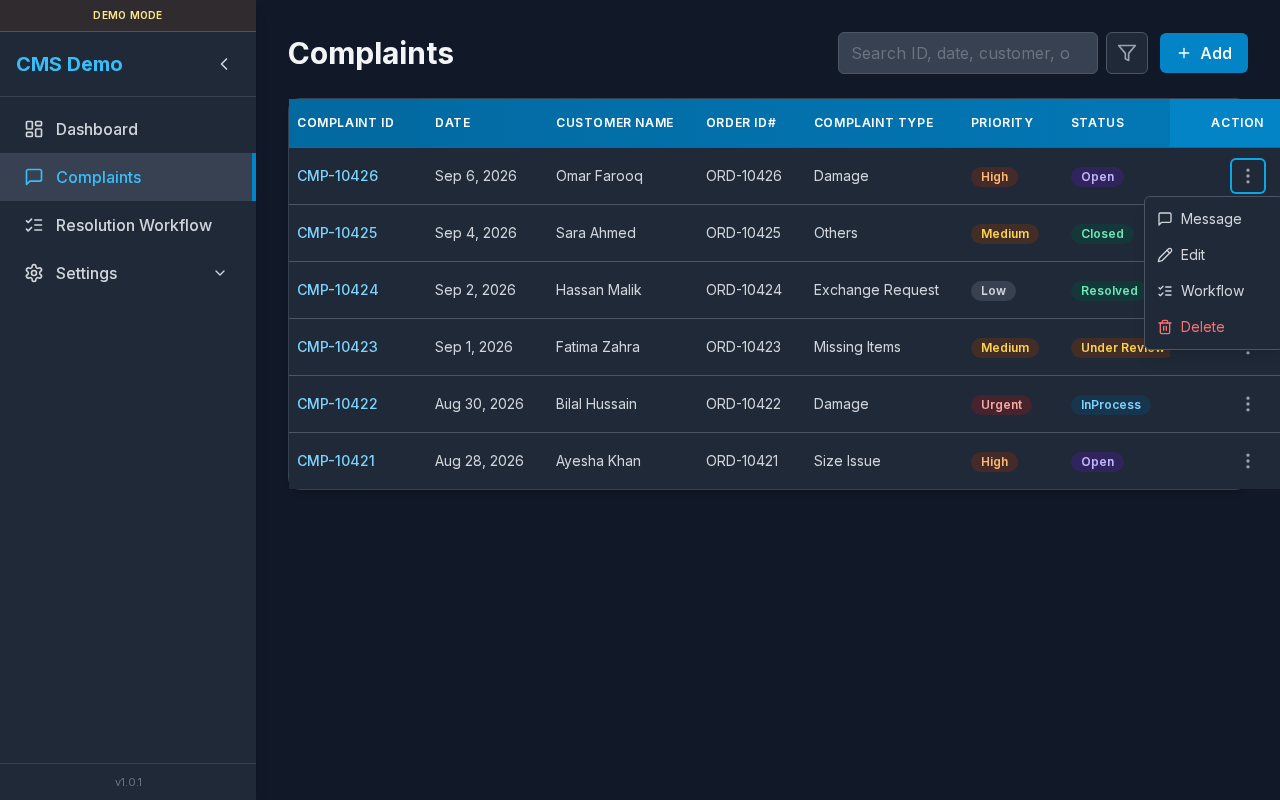
Message action (copy template)
- On Complaints, open ⋮ Actions.
- Click Message.
- Clipboard gets this type’s template with real values.
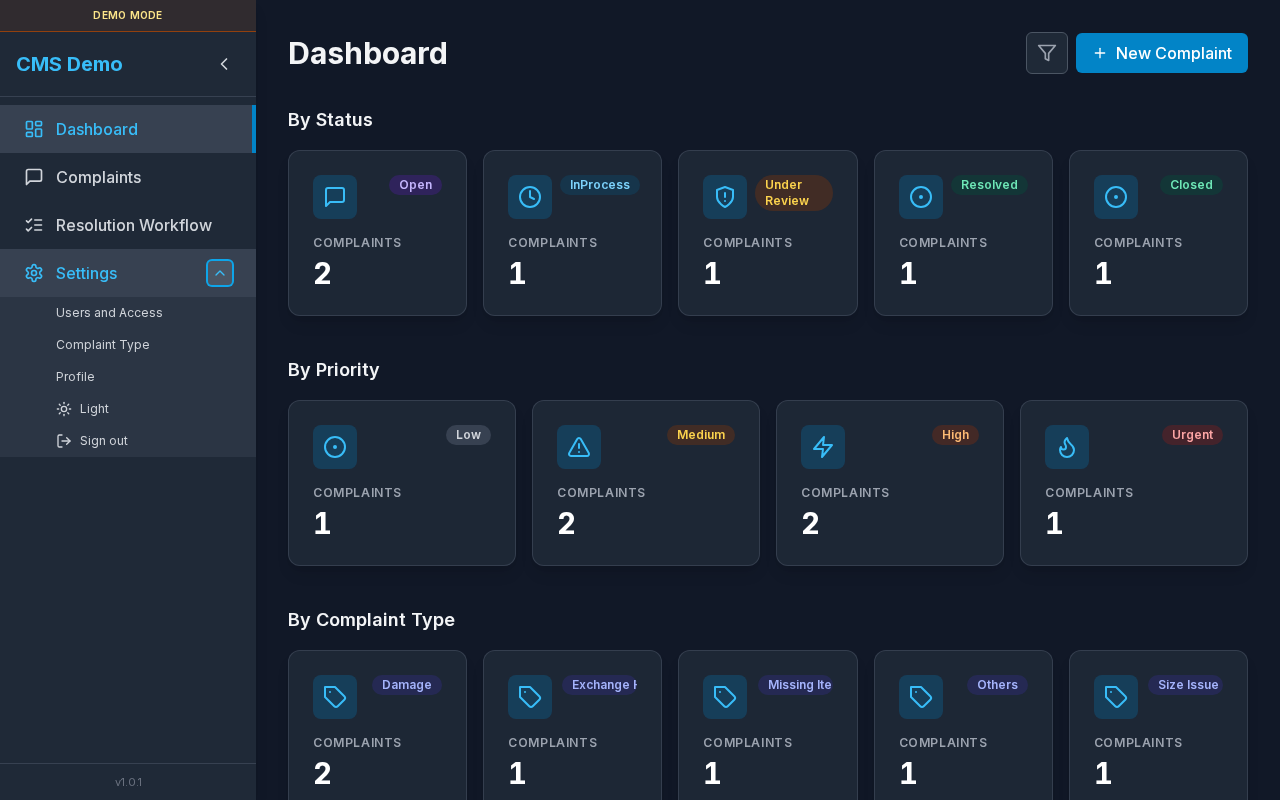
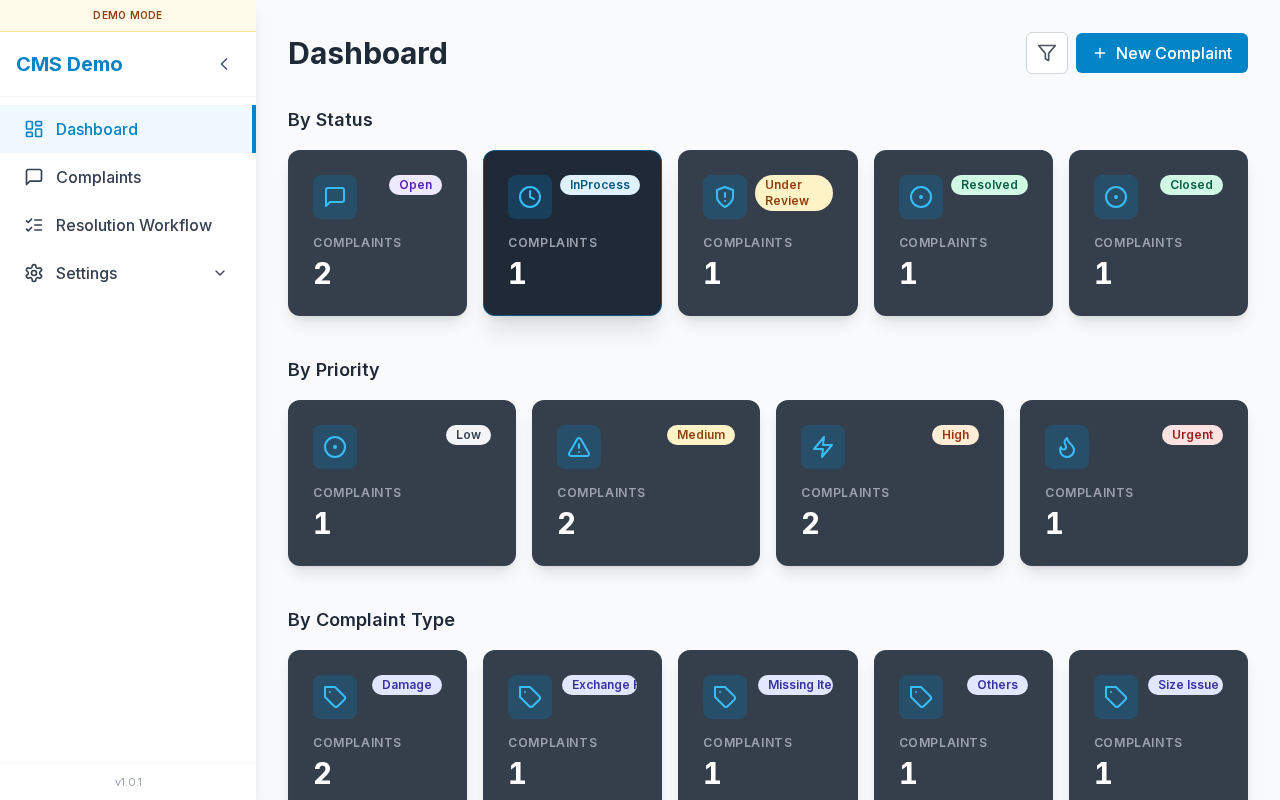
Dashboard “By Complaint Type”
Cards are driven by these type names.
Errors & access
| Situation | UI |
|---|---|
| No view permission | “You do not have access to this page.” |
| Load failure | Message + Retry |
Related
Sidebar Settings: