Overview (Home)
Version: 2.1.2
Route: /
How to open: Sign in, or click the Dev Log Verse / home link in the sidebar.
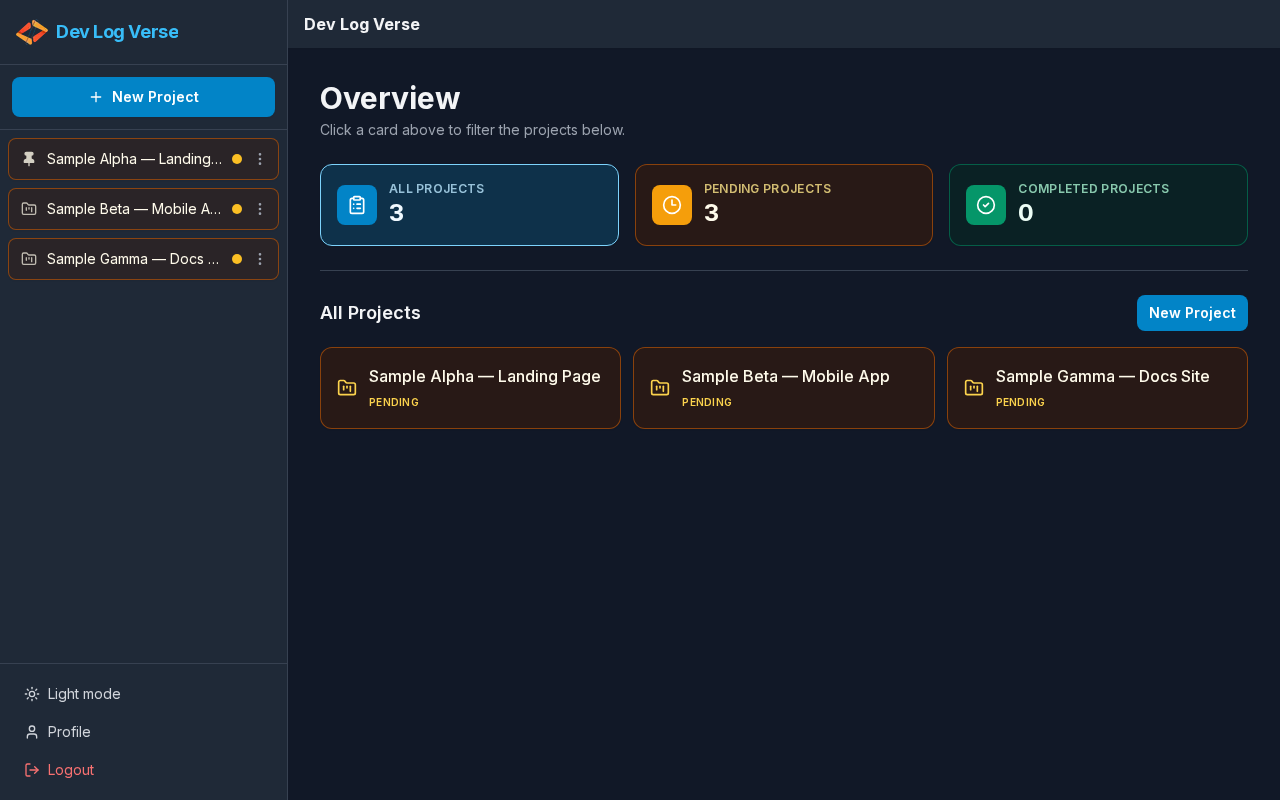
What this page does
Dashboard of all your projects: totals, status filters, and a list to open any project timeline.
Layout at a glance
| Area | Contents |
|---|---|
| Left sidebar | New Project, project list, theme, Profile, Logout |
| Main header | Brand / page context |
| Main body | Title Overview, filter cards, project list |
Steps — open Overview
- Complete Login.
- You arrive on Overview.
- Read the hint: Click a card above to filter the projects below.
Steps — use filter cards
Three cards at the top act as filters (aria-pressed shows which is active):
All Projects
- Click the All Projects card.
- The list below shows every project.
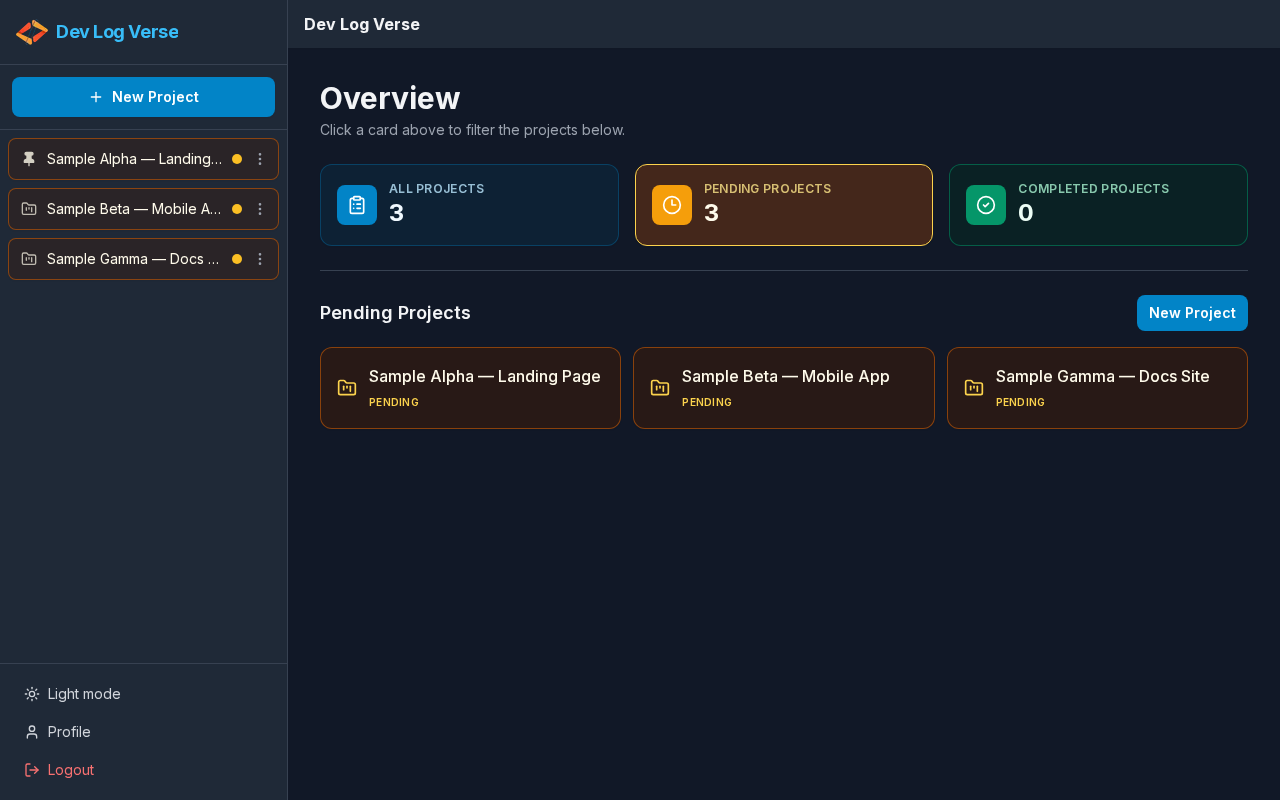
Pending Projects
- Click the Pending Projects card.
- Only projects that are still pending appear.
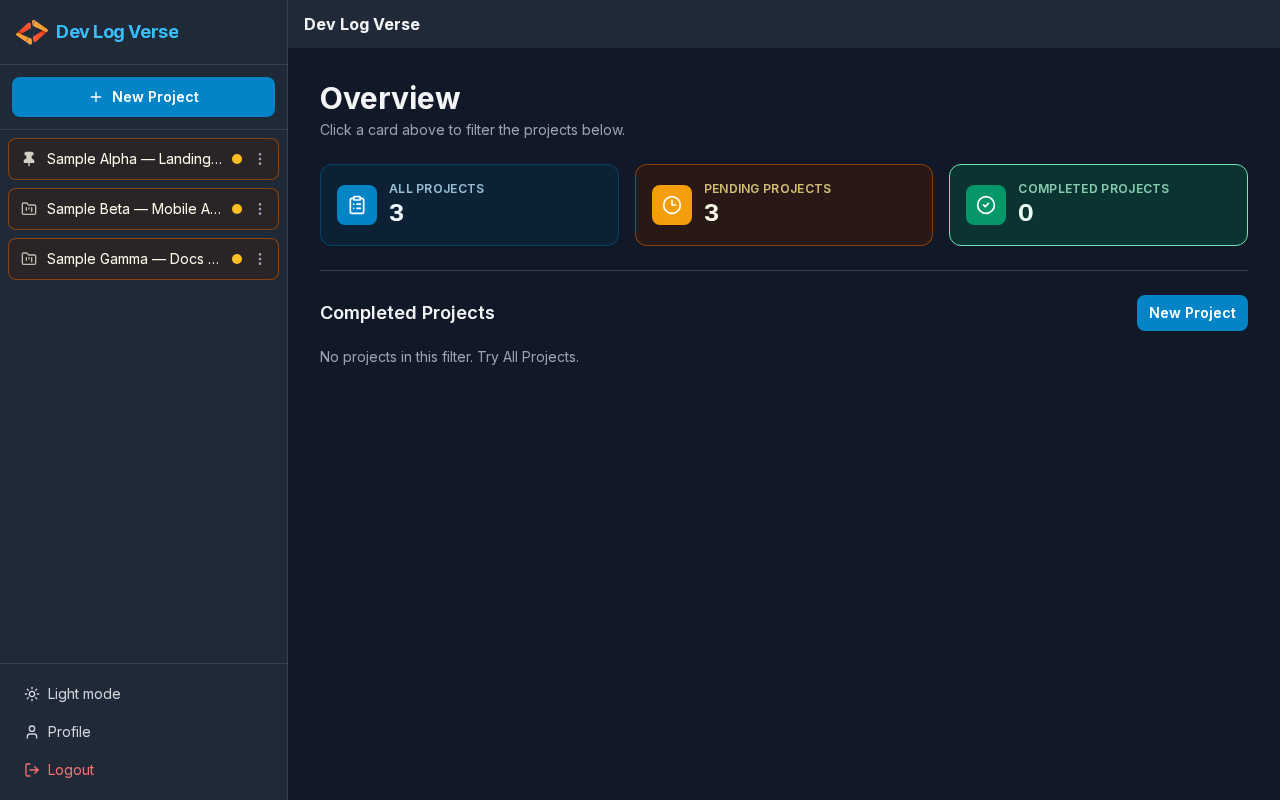
Completed Projects
- Click the Completed Projects card.
- Only completed projects appear (or an empty-filter message if none).
Steps — open a project
- In the All Projects (or filtered) list, click a project row/card (name + Pending / Completed badge).
- Or, in the sidebar Projects list, click the same project name.
- You go to Project Chat at
/projects/{slug}— cached notes (if any) show right away; the server syncs in the background (v2.1.1).
Background refresh (v2.1.1)
- On load, the project list paints from local cache when available, then refreshes from the server without blocking the page.
- When you return to the browser tab, the project list revalidates quietly again.
- Counts and status on Overview/sidebar update when the server response differs from cache.
Steps — create a project from Overview
- Click New Project (sidebar button or the button next to the list heading).
- Follow New Project.
Empty states
- No projects at all → No projects yet. Create your first one with New Project.
- Filter has no matches → No projects in this filter. Try All Projects.
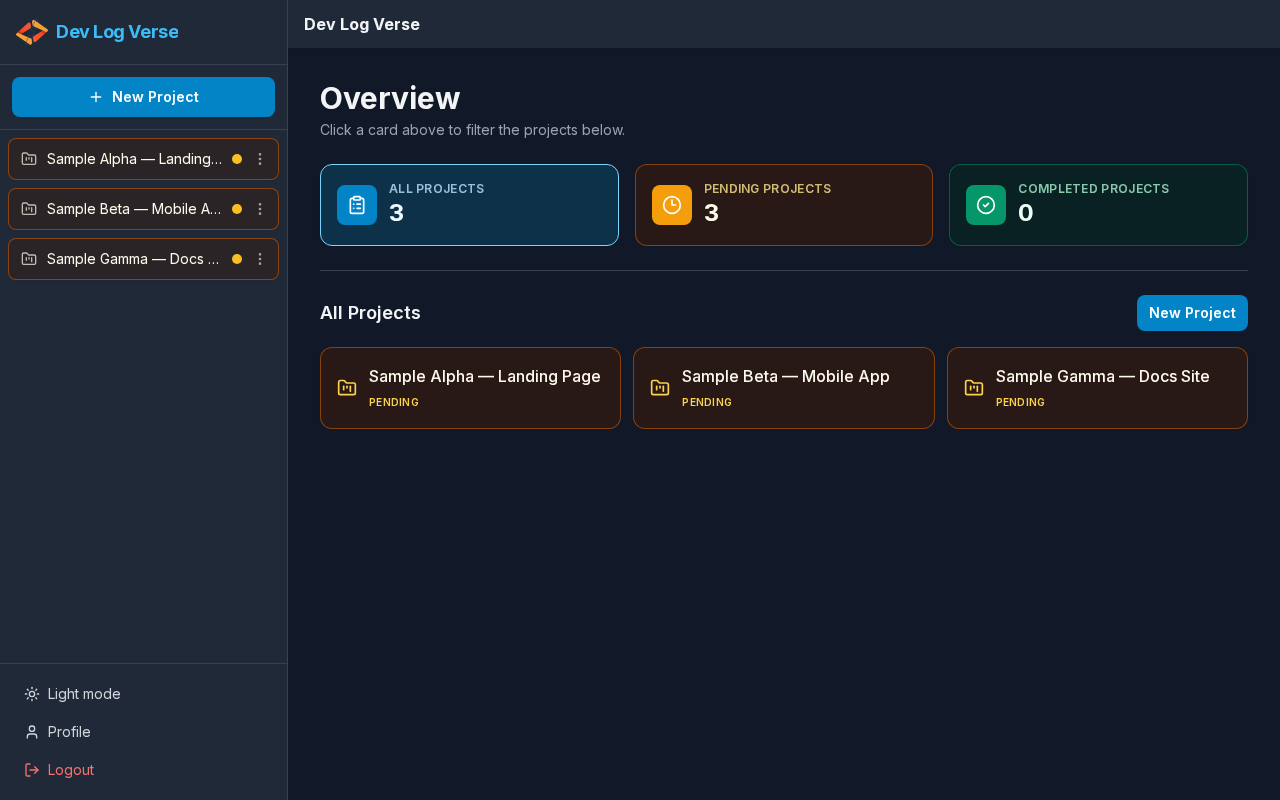
Dark theme on Overview
With dark mode enabled, Overview uses the dark shell:
Next
→ New Project · Project Chat · Mobile