Profile
Version: 2.1.2
Route: /profile
How to open: Sidebar link Profile
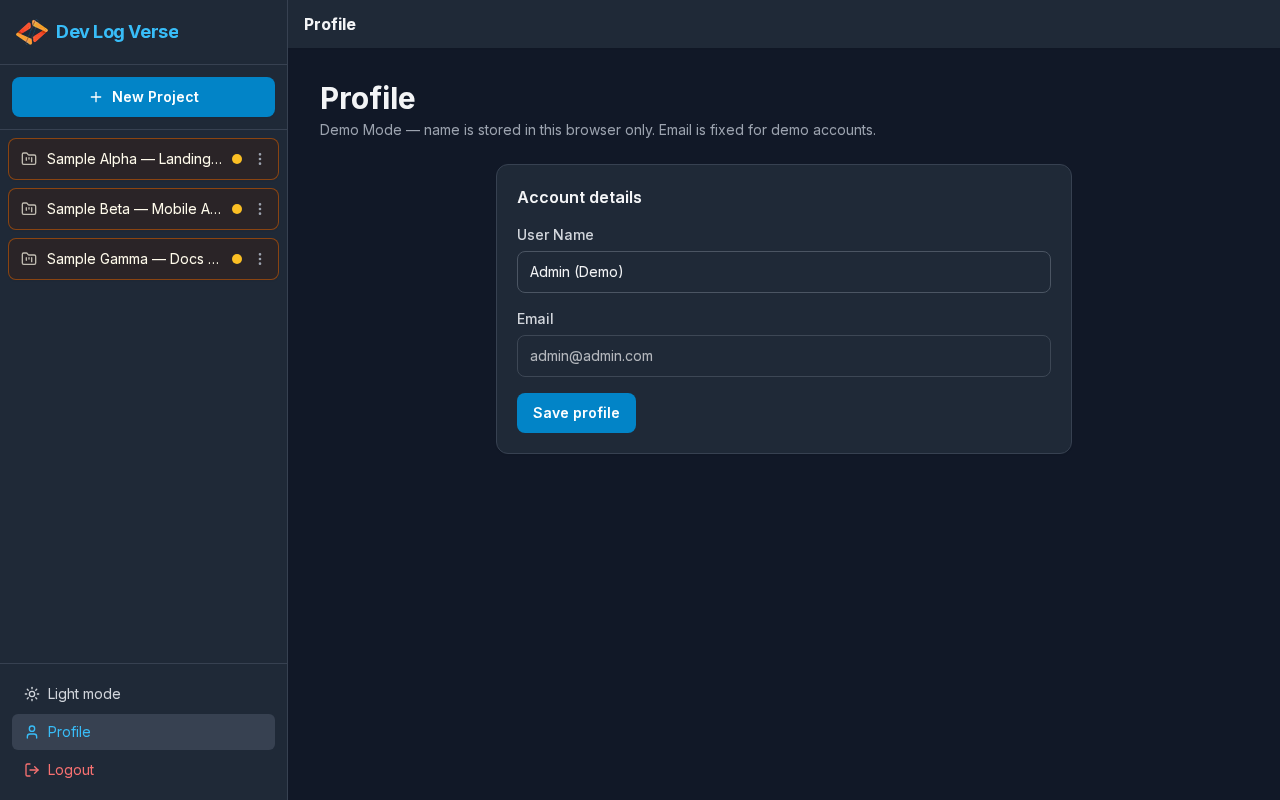
What this page does
Update your display name and (on the live app) change your password. Email is visible but not editable.
Steps — open Profile
- From any authenticated screen, click Profile in the sidebar footer.
- The page title Profile appears in the header and main content.
Steps — update your name
- Under Account details, find User Name.
- Edit the name in the field.
- Email stays disabled (read-only) with a note that it cannot be changed here.
- Click Save profile.
- While saving, the button shows Saving….
- On success, your name updates in the sidebar/session where shown.
Steps — change password (live app)
- Scroll to Change password.
- Enter New Password.
- Enter Confirm New Password (must match).
- Click Update password.
- On success, use the new password at next Login.
Demo Mode difference
In Demo Mode, only the name is saved (browser localStorage). There is no Change password section — accounts are fixed demo logins.