Sidebar, Theme & Logout
Version: 2.1.2
Where: Left app shell on every authenticated page (hidden behind a drawer on small screens — see Mobile).
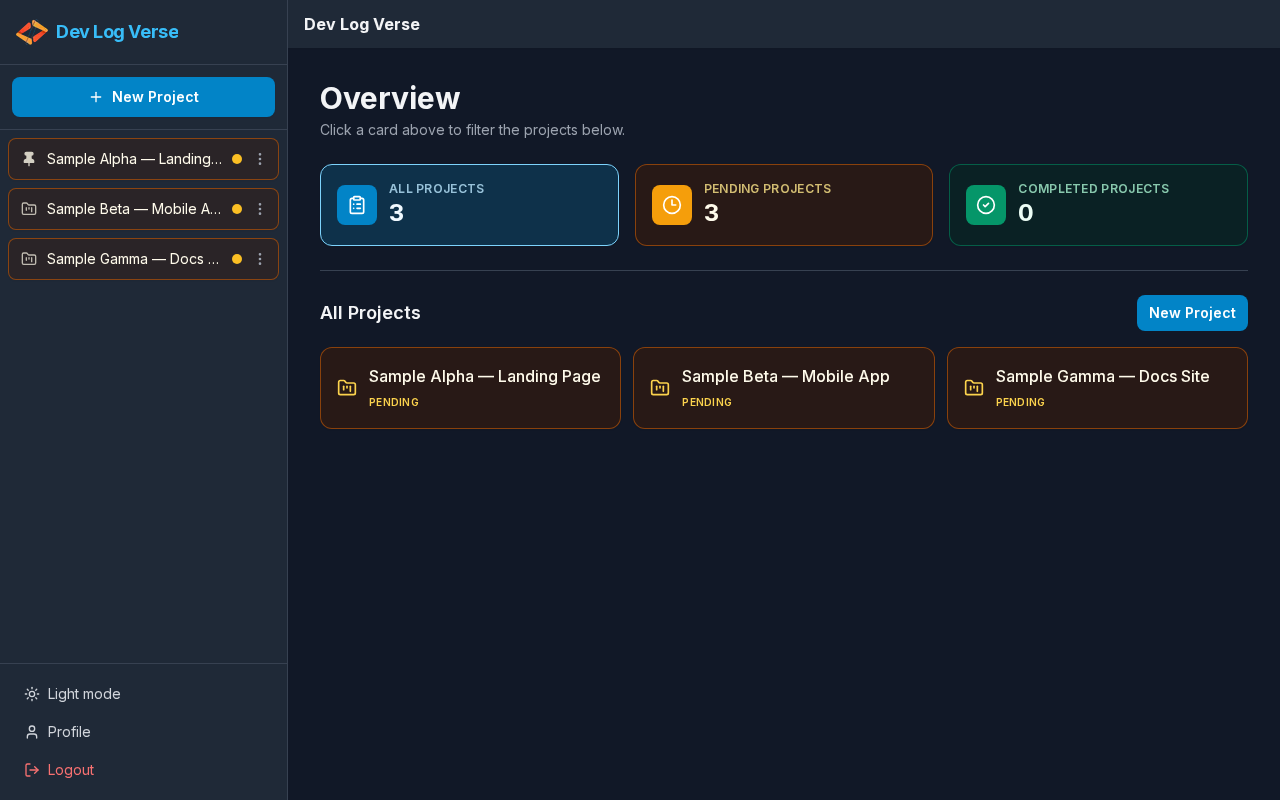
What the sidebar does
Global navigation: create projects, jump between projects, switch theme, open Profile, and sign out.
Sections
| Section | Controls |
|---|---|
| Brand | Go to home / Dev Log Verse → Overview |
| Create | New Project → New Project |
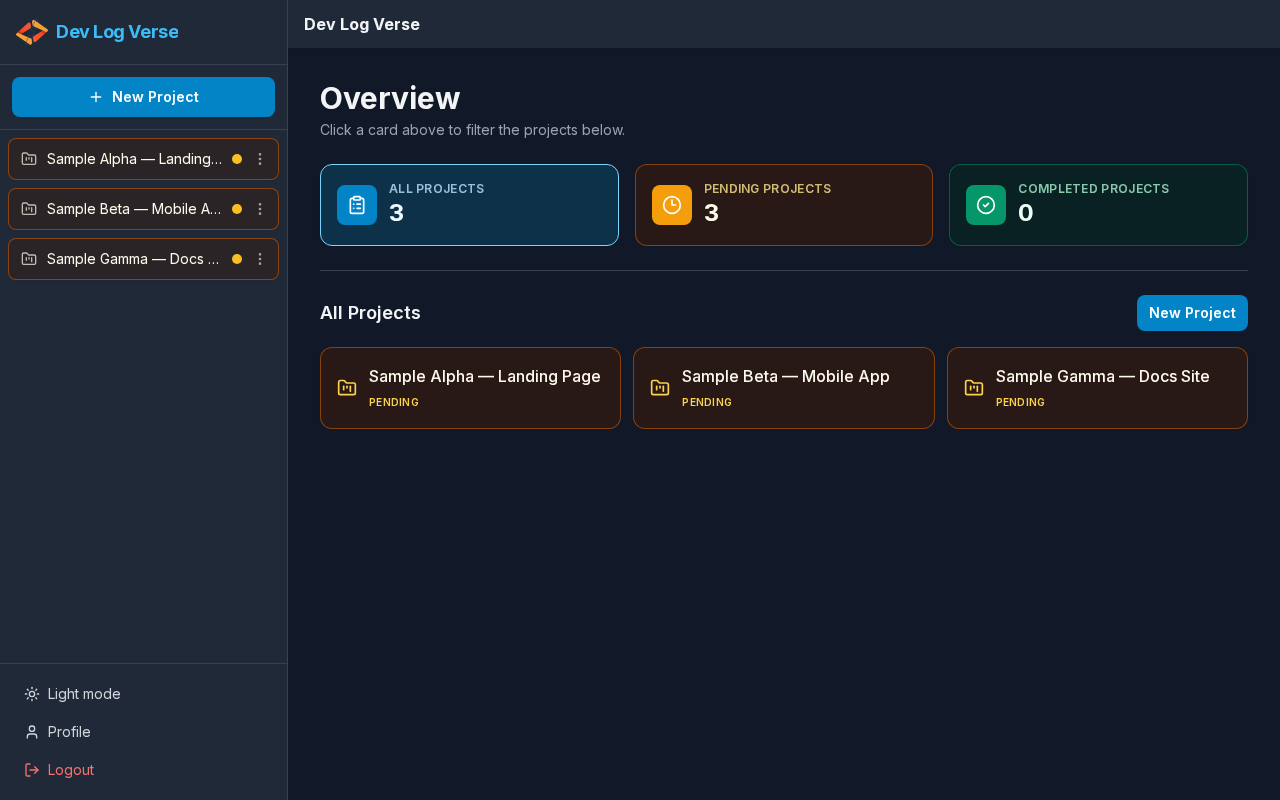
| Projects | List of projects (status dots, pin icon, ⋮ actions) |
| Footer | Theme toggle · Profile · Logout |
Steps — browse projects
- Scroll the Projects list if needed.
- Pending / Completed status is shown with a colored indicator.
- Pinned projects show a pin icon and stay near the top.
- Click a name to open Project Chat.
- Use ⋮ for Rename / Pin / Delete.
While a quiet background refresh is running, the list may dim slightly — the UI stays usable and does not show a full loading screen (v2.1.1).
Steps — switch theme
- In the sidebar footer, click the theme control:
- Switch to dark mode / label Dark mode, or
- Switch to light mode / label Light mode
- The whole app (Overview, chat, modals) follows the theme.
- Preference is stored in the browser (
localStorage).
Steps — log out
- Click Logout in the sidebar footer.
- Your session ends.
- You are sent to Login.
Next
→ Mobile Layout · Profile