Project Chat
Version: 2.1.2
Route: /projects/[slug]
How to open: Click a project on Overview or in the sidebar.
What this page does
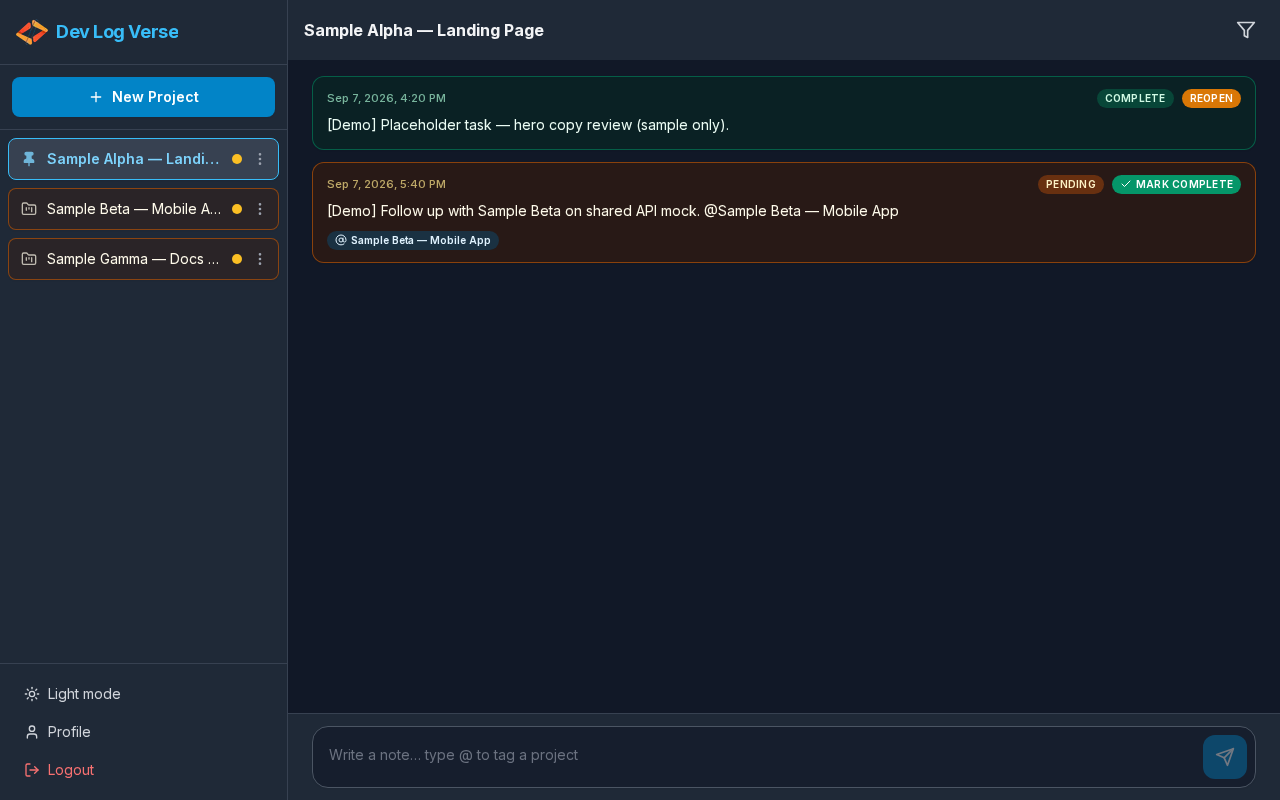
Per-project notes timeline: write progress notes, filter by status, tag other projects with @, and mark notes complete or reopen them.
Layout
| Area | Contents |
|---|---|
| Header | Project name; note status filter; (mobile) menu |
| Timeline | Scrollable list of notes (Project notes timeline) |
| Composer | Text area + Send |
Steps — open a project
- Go to Overview or use the sidebar Projects list.
- Click the project name.
- If you opened this project before, the timeline appears immediately from local cache.
- In the background, the app fetches fresh notes from the server (notes + @ metadata in one request). When the server data differs, the timeline updates quietly — you should not see a full-page loading flash on revisit.
- If there are no notes yet, you see No notes yet.
- When you first open a project (or after sending a new note), the view scrolls to the latest note.
Data sync (v2.1.1)
| Moment | What happens |
|---|---|
| Open a project you visited before | Cached notes show first |
| Same visit / background | Server revalidate; UI updates only if notes changed |
| Return to this browser tab | Notes for the open project refresh again |
| First open (no cache) and the project has notes | Short skeleton until the first server response |
The browser cache is for speed, not the source of truth — the server always wins when data differs.
Steps — write a simple note
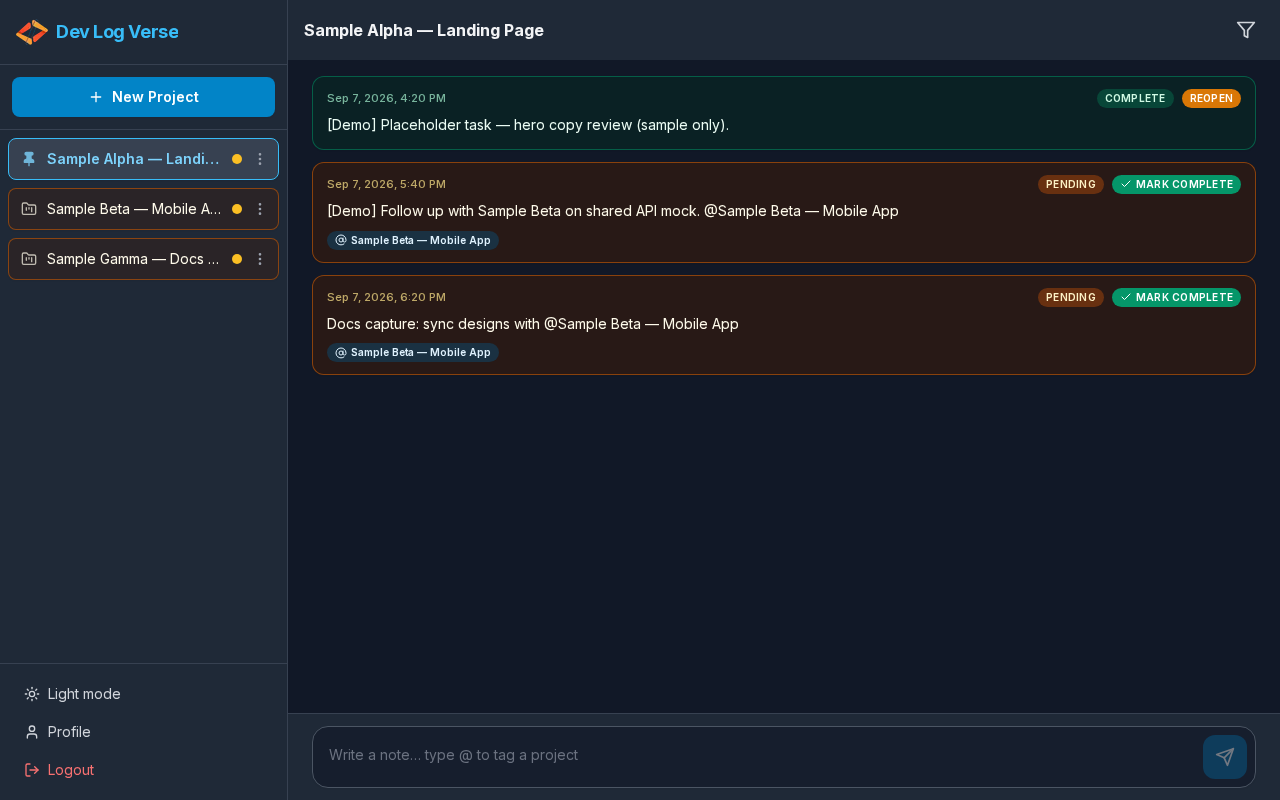
- Click the composer (Write a note… type @ to tag a project).
- Type your note text.
- Click Send note (paper-plane button).
- The note appears in the timeline with a Pending badge (and timestamp).
- The timeline scrolls to the new note at the bottom.
Steps — read a note
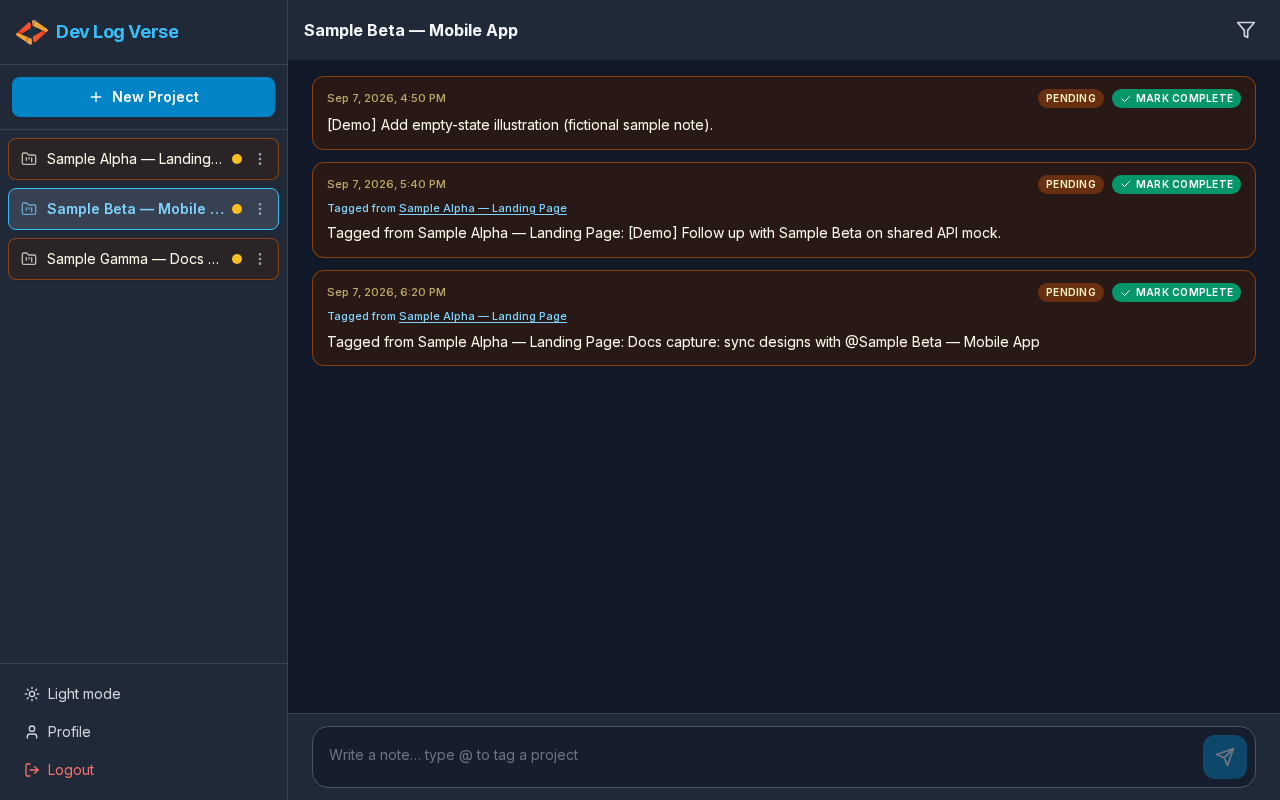
Each note can show:
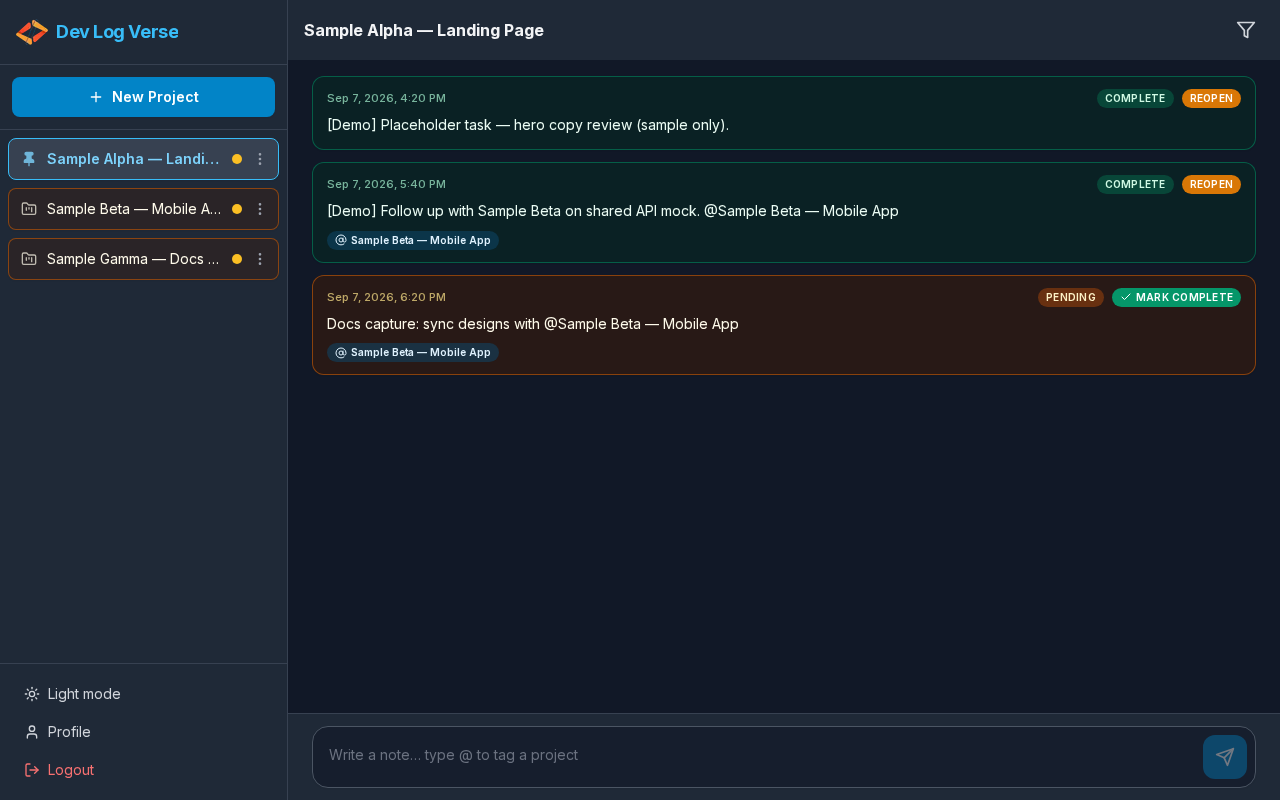
- Status badge: Pending, In progress, or Complete
- Actions: Mark Complete or Reopen (see Mark Complete)
- Optional Tagged from {Project} when the note was created by a mention from another project
- Optional
@mention chips linking to tagged projects
Scroll behaviour (v2.1.0)
| Action | Scroll |
|---|---|
| Open project / send new note | Goes to latest (end of timeline) |
| Mark Complete / Reopen | Stays on the note you clicked — no jump to the bottom |
Sub-guides on this screen
| Topic | Guide |
|---|---|
| Filter notes (All / Pending / Complete) | Note Filter |
Tag other projects with @ | @ Mentions |
| Complete a note + related projects modal | Mark Complete |
| Rename, pin, or delete the project | Project Actions |
Empty / filter empty
- No notes → No notes yet
- Filter hides everything → No notes in this filter
Invalid slug
If the URL slug does not match a project, you see a not-found state with a link to create a new project.