Login
Version: 1.0.0
Route: / (shown when not authenticated)
Who can access: guests (unauthenticated users)
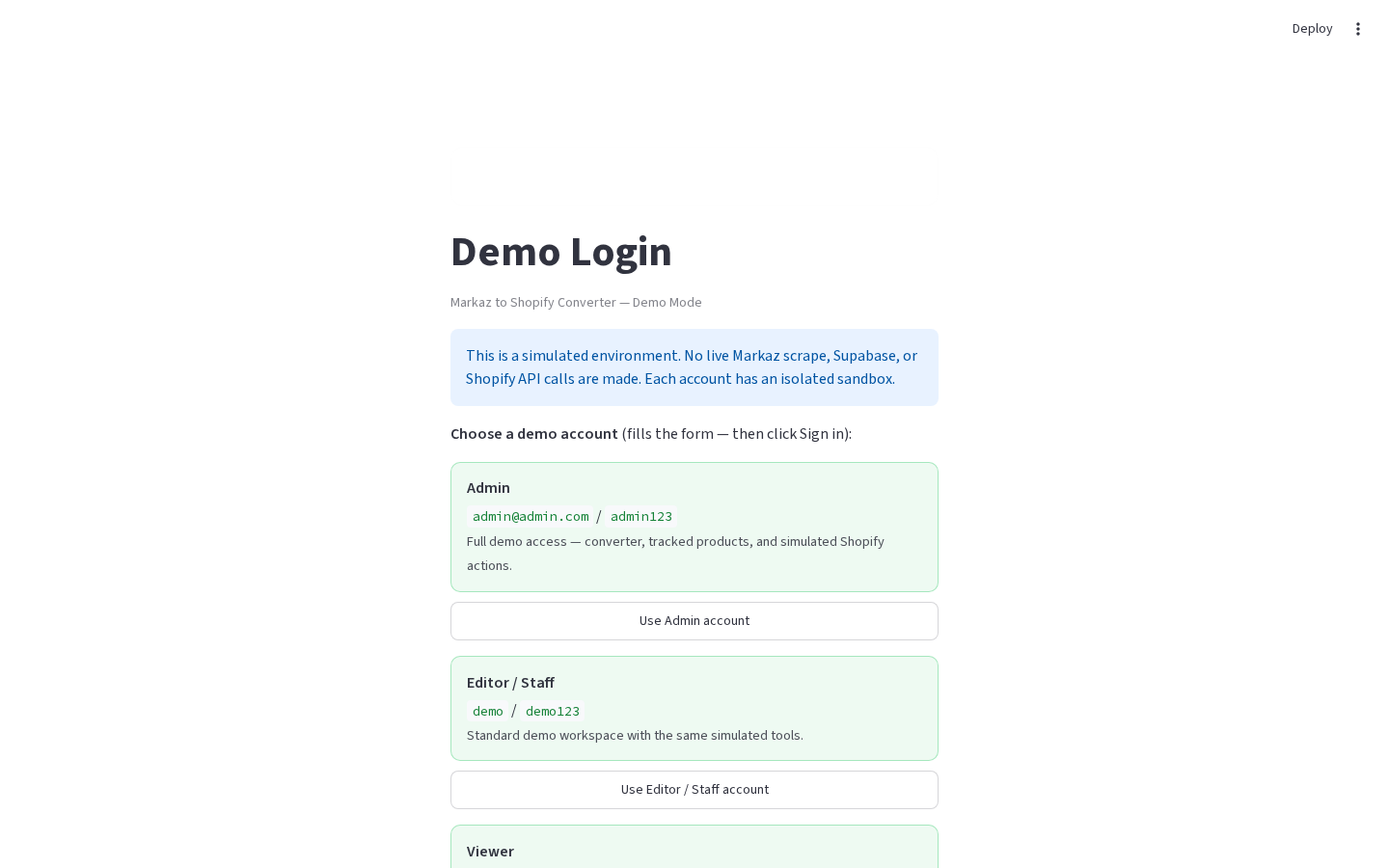
What this page does
Protects the dashboard behind a username and password. Production uses secrets; Demo Mode shows clickable demo account cards.
Layout at a glance
| Area | Content |
|---|---|
| Center card | Title, caption, Demo Mode note |
| Demo only | Account cards (Admin / Editor / Viewer) + form |
| Form | Username, Password, Sign in to Demo |
Steps
Production
- Open the app URL.
- Enter Username and Password from
[app_login]. - Click Sign in.
- After success, the session is kept for 14 days across refresh (signed
authquery token).
Demo Mode
- Open Demo Mode (
streamlit run demo-mode/app.py). - Click an account card to fill the form, or type credentials:
admin@admin.com/admin123(Admin)demo/demo123(Editor / Staff)viewer@demo.com/view123(Viewer; aliasvieweralso works)
- Click Sign in to Demo.
Form fields
| Label | Type | Required | Notes |
|---|---|---|---|
| Username | text | yes | Trimmed on submit |
| Password | password | yes | Exact match |
Errors & edge cases
- Enter username and password. — empty field(s).
- Invalid username or password. / Invalid demo username or password. — wrong credentials.
- Login is not configured… — production secrets missing
[app_login]. - Demo role labels do not change permissions; each account has an isolated sandbox with the same UI.