Shopify Converter tab
Version: 1.0.0
Route: / → section Shopify Converter
Who can access: signed-in users
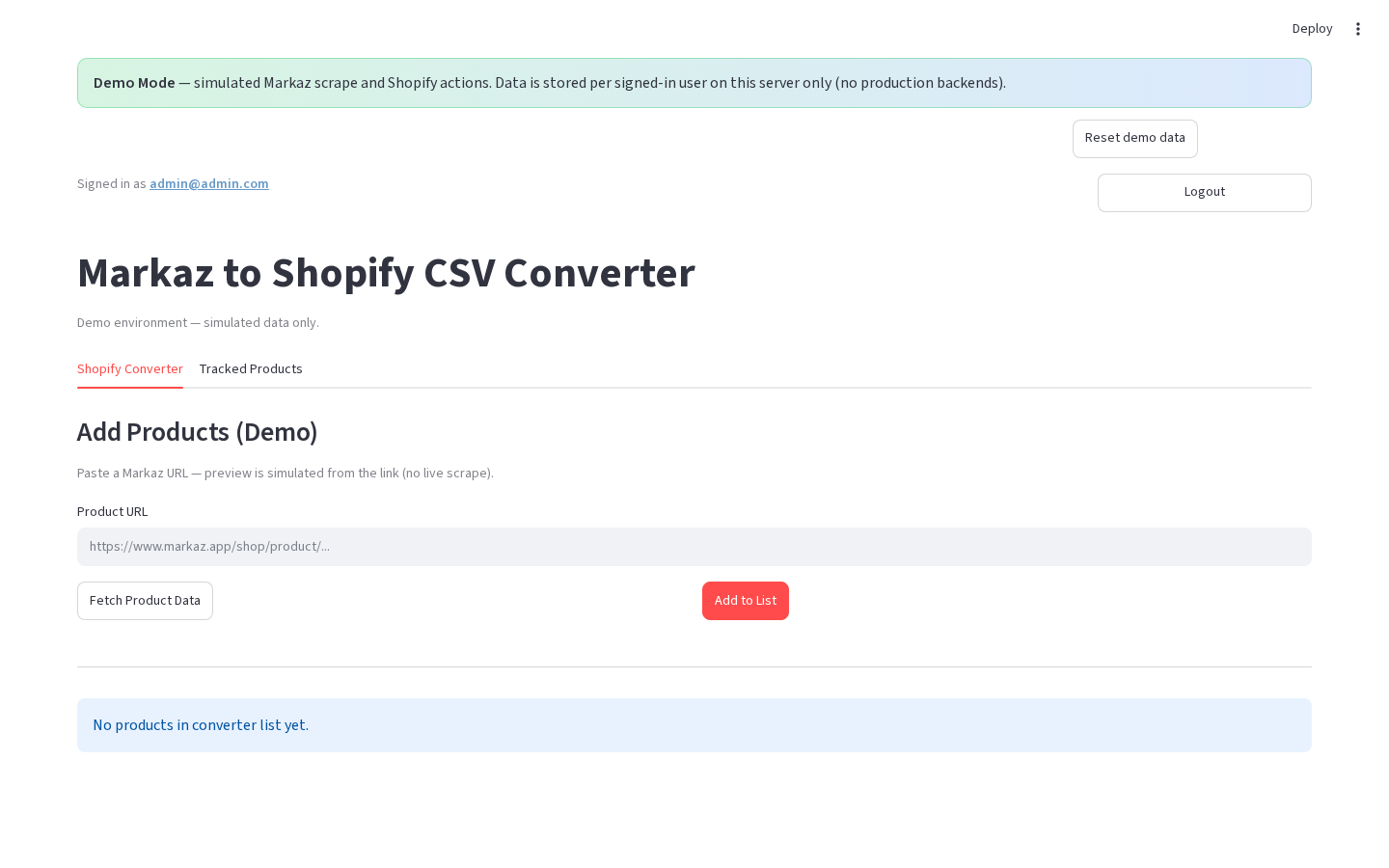
What this page does
Collect Markaz products into an in-session list, adjust pricing, then download a Shopify CSV and/or publish to Shopify. Successful adds also save the Markaz URL to Tracked Products (when storage is configured).
Layout at a glance
| Area | Content |
|---|---|
| Add Products | Mode switch + URL input(s) + action buttons |
| Preview | Optional (Single → Fetch Product Data) |
| Product List | Expandable rows when the list is not empty |
| Export | Publish All + CSV download (production) |
Steps
- Open Shopify Converter.
- Pick an add mode:
- Production: Single, Multiple, or Category
- Demo: single URL field only (Add Products (Demo))
- Paste URL(s) and add/fetch products.
- Review the Product List, then export or publish.
Mode captions (production)
| Mode | Caption |
|---|---|
| Single | Single product mode — enter one product URL below. |
| Multiple | Multiple products mode — paste one product URL per line below. |
| Category | Category mode — paste a Markaz category/shop page URL… |
Errors & edge cases
- Empty list shows helper text: enter a URL and click Add to List.
- Duplicate Markaz URLs already in the session list are skipped on bulk add.
- Demo Mode simulates scrape results; no live Playwright.