Pricing rules
Version: 1.0.0
Route: Converter tab → Pricing Settings (top)
Who can access: signed-in users
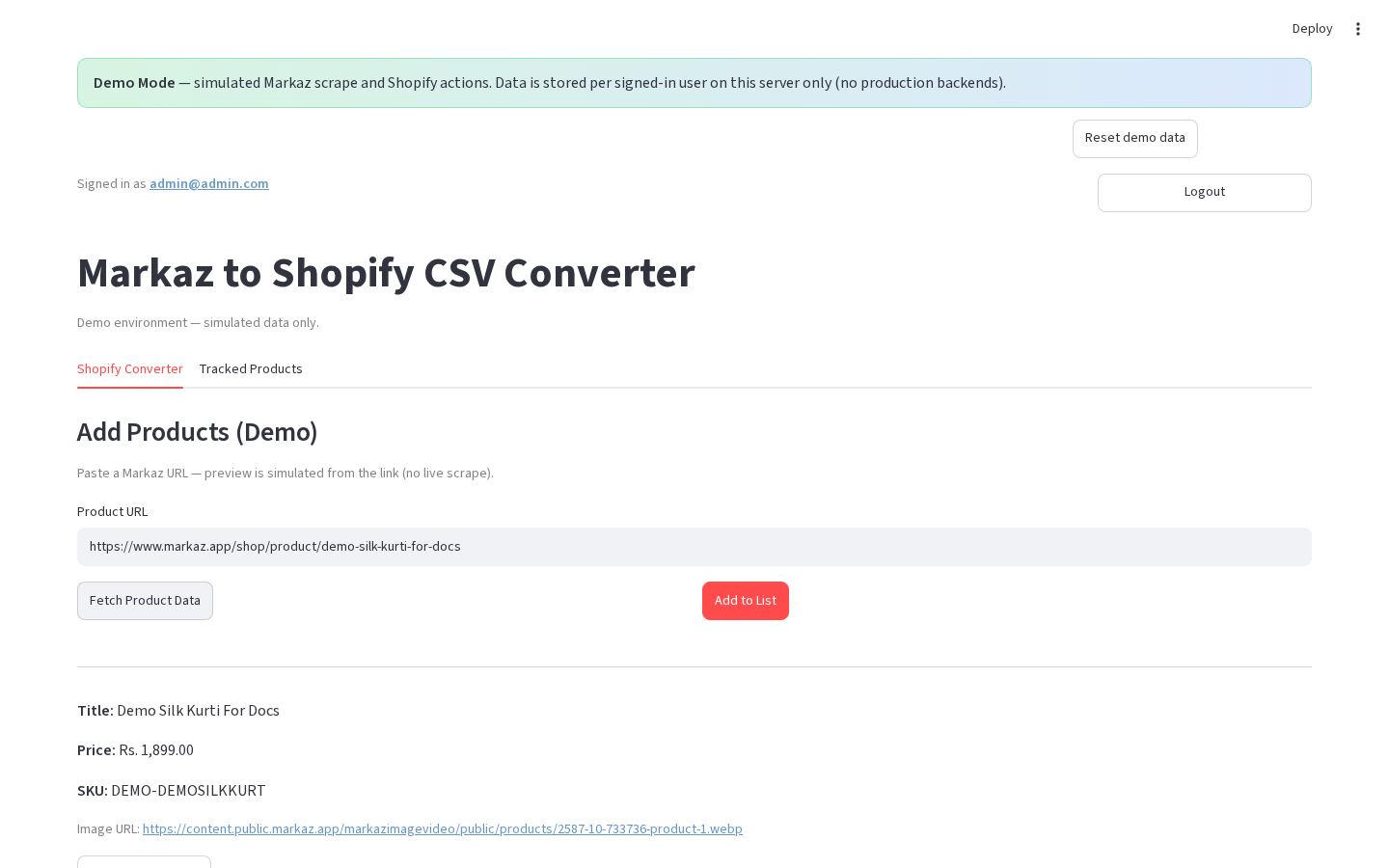
What this page does
Documents the default sale and compare-at formulas applied when Markaz prices are converted for Shopify. Delivery Charges and Margin % are editable at the top of the Shopify Converter tab and apply to Single, Multiple, and Category fetches, plus every product already in the list.
Formula
| Field | Formula |
|---|---|
| Sale price | (Markaz price + Delivery Charges) × (1 + Margin%/100) |
| Compare-at price | Markaz price × 2 |
Defaults
| Setting | Default |
|---|---|
| Delivery Charges | 215 |
| Margin on all products | 25% |
Examples (defaults)
| Markaz price | Sale price | Compare-at |
|---|---|---|
| 100 | (100 + 215) × 1.25 = 393.75 | 200 |
| 1000 | (1000 + 215) × 1.25 = 1518.75 | 2000 |
| 1380 | (1380 + 215) × 1.25 = 1993.75 | 2760 |
- CSV Vendor = at One Spot
- Cost per item = original Markaz price
Steps
- At the top of Shopify Converter, set Delivery Charges and Margin on all products (%).
- Changes apply immediately to the current product list and to new fetches (Single / Multiple / Category).
- Fetch or add products — defaults use the current settings.
- (Optional) Open preview or ✏️ Edit Prices to override a single product’s adjustments.
- Save / add to list.
Stock behavior (API publish / sync)
| Markaz stock | Inventory qty | Shopify status |
|---|---|---|
| in_stock | 50 | active |
| out_of_stock | 0 | draft |
CSV export currently uses quantity 50 and status active on generated rows.
Errors & edge cases
- Zero / missing Markaz price still runs the formula (sale ≈ Delivery × margin factor; compare-at = 0).
- Bulk and category adds always start from the current global Delivery / Margin settings.
- Changing Delivery or Margin at the top recomputes prices for all products already in the Converter list.