Product list management
Version: 1.0.0
Route: / → Shopify Converter (list section)
Who can access: signed-in users
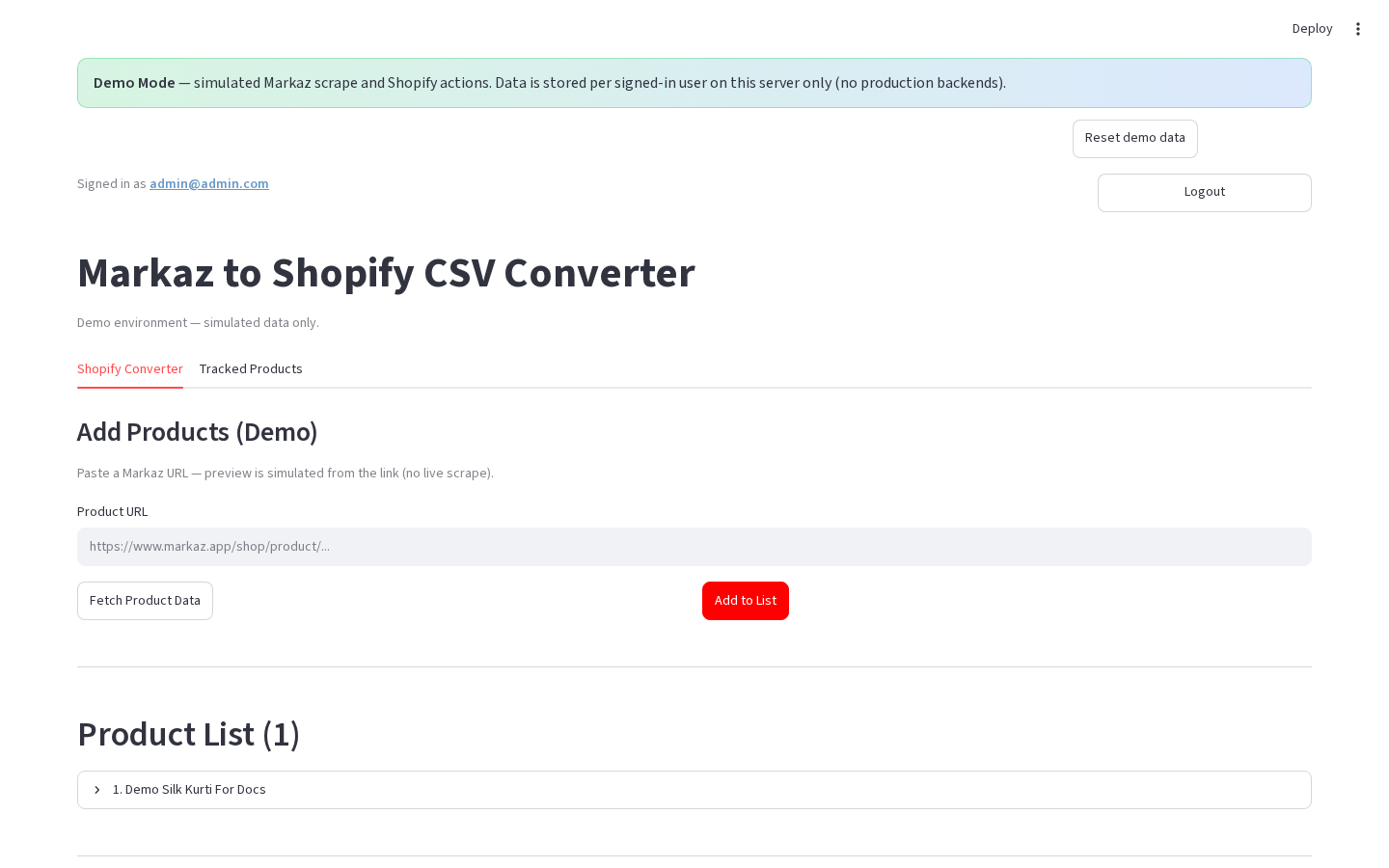
What this page does
Shows every product queued in the current session for CSV export or Shopify publish. You can expand a row, edit prices, or remove a product.
Layout at a glance
| Area | Content |
|---|---|
| Header | Product List (N products) |
| Rows | Expanders per product |
| Row actions | ✏️ Edit Prices · 🗑️ Remove Product N (production) |
| Edit panel | Adjustment inputs · 💾 Save Changes · ❌ Cancel |
Steps
- Add at least one product from Single / Multiple / Category (or demo Add).
- Open a product expander to review title, SKU, prices, URL, images.
- (Production) Click ✏️ Edit Prices, change adjustments, then 💾 Save Changes.
- Click 🗑️ Remove Product N to drop one item from the session list.
- Continue to Export CSV & publish.
Expander fields (typical)
| Field | Meaning |
|---|---|
| Title / Base SKU | Product identity |
| Fetched Price | Original Markaz price |
| Variant / Compare At | After adjustments |
| URL | Markaz product URL |
| Images Found | Count / URLs |
Errors & edge cases
- Empty list → helper “enter a product URL…” instead of the list header.
- Removing a product does not always delete it from Tracked Products (tracked delete is on the Tracked tab).