Add products — Single mode
Version: 1.0.0
Route: / → Shopify Converter → Single
Who can access: signed-in users
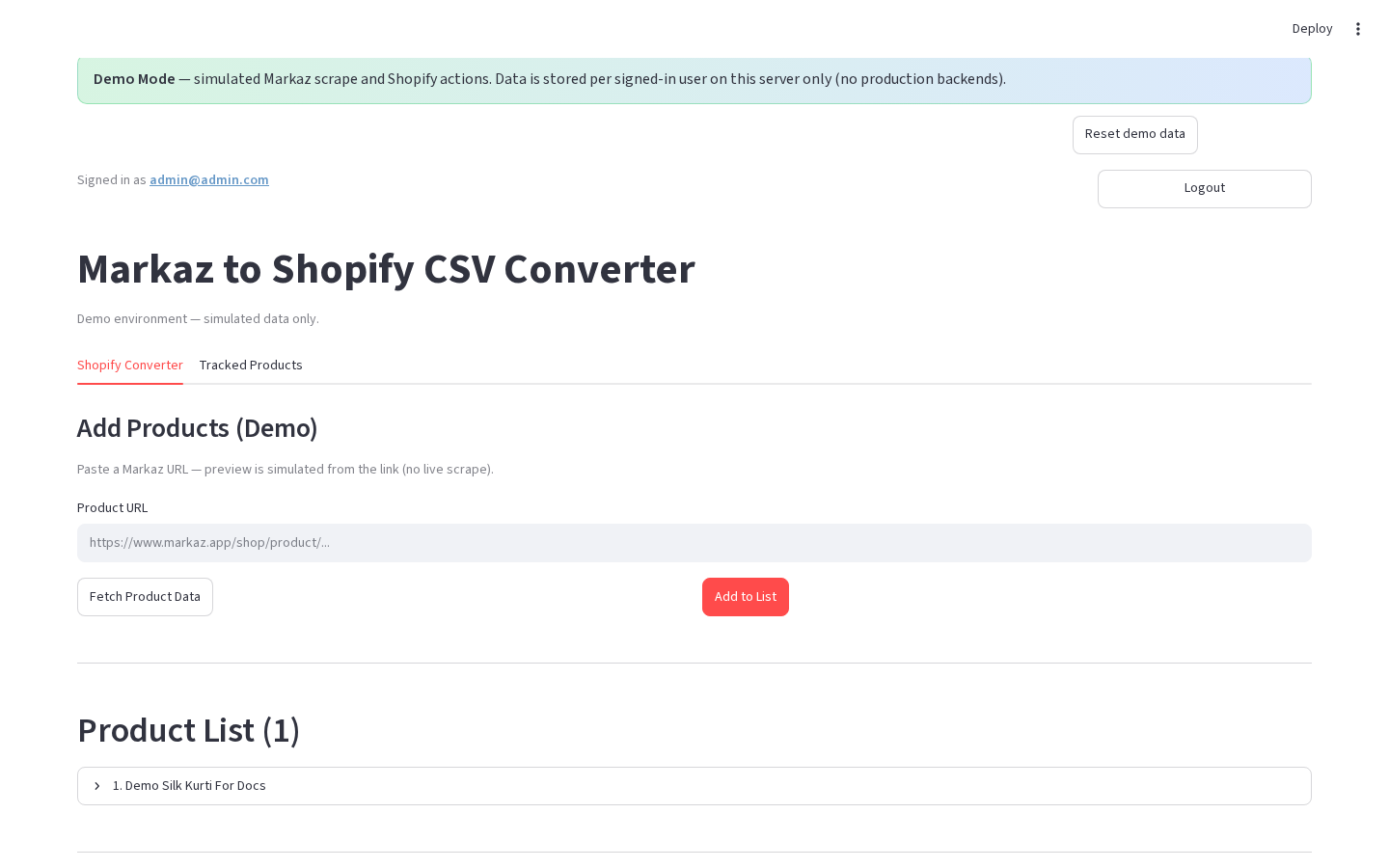


What this page does
Add one Markaz product URL at a time. You can fetch a preview first (and tweak pricing) or add straight to the list with default markups.
Layout at a glance
| Area | Content |
|---|---|
| Mode | Single selected (production) |
| Input | Product URL |
| Actions | ✅ Add to List · 📥 Fetch Product Data (labels may omit emoji in Demo Mode) |
Steps
- On Shopify Converter, click Single (production).
- Paste a Markaz product URL into Product URL.
- Choose one path:
- 📥 Fetch Product Data → review preview & pricing → ✅ Add to List or ❌ Cancel.
- Or click ✅ Add to List immediately (default pricing rules).
- The product appears under Product List; the Markaz URL is upserted to Tracked Products when storage is available.
Demo Mode
- Paste URL under Add Products (Demo).
- Click Fetch Product Data or Add to List.
- After fetch, use Add preview to list if you previewed first.
Form fields
| Label | Type | Required | Validation |
|---|---|---|---|
| Product URL | text | yes for actions | Should be a Markaz product link |
Errors & edge cases
- Empty URL → action does nothing useful / shows fetch failure.
- Scrape failure (production) → error status; product not added.
- Demo always simulates success from the pasted URL slug.