Export CSV and publish
Version: 1.0.0
Route: / → Shopify Converter → Export section
Who can access: signed-in users
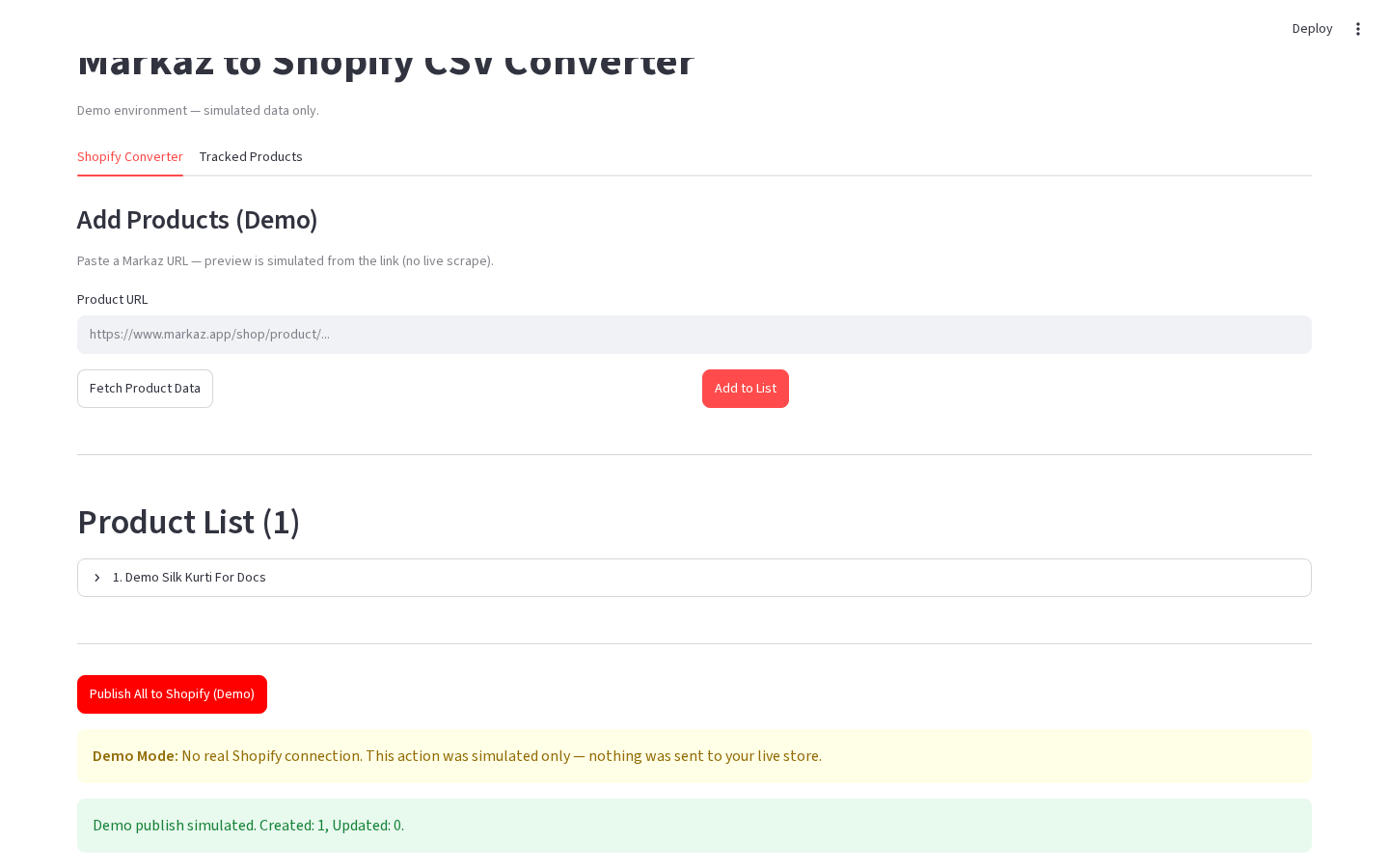
What this page does
From the Converter product list you can download a Shopify-ready CSV and/or push every listed product to Shopify via the Admin API (simulated in Demo Mode).
Layout at a glance
| Area | Content |
|---|---|
| Header | Export to Shopify (production) |
| Publish | Publish All to Shopify / Publish All to Shopify (Demo) |
| CSV | Download Shopify CSV · 📥 Download Shopify CSV (production) |
| Preview | CSV Preview table (production; truncated in demo if present) |
| Clear | Clear All Products |
Production CSV download UI is not in the current screenshot set — see README “Screenshots still needed”.
Steps
- Build a non-empty Product List.
- Download CSV (production): open Download Shopify CSV → 📥 Download Shopify CSV → file
shopify_products.csv. - Publish: click Publish All to Shopify (disabled if Shopify is not configured).
- Read created / updated counts and any warnings.
- Optional: Clear All Products to empty the session list.
Demo Mode
- Click Publish All to Shopify (Demo).
- A demo warning explains there is no real Shopify connection.
- Success message shows simulated Created / Updated counts.
CSV notes
- Vendor column is at One Spot.
- Cost per item uses the original Markaz price.
- Full 48-column Shopify product CSV layout is generated in production.
Errors & edge cases
- Publish All stays disabled when Shopify secrets are missing.
- Partial publish failures appear in publish feedback.
- Clearing the list does not remove Tracked Products rows.