Sidebar menu
Version: 1.0.0 · Released: 2026-09-08
Route: / (offcanvas Menu from the left)
Who can access
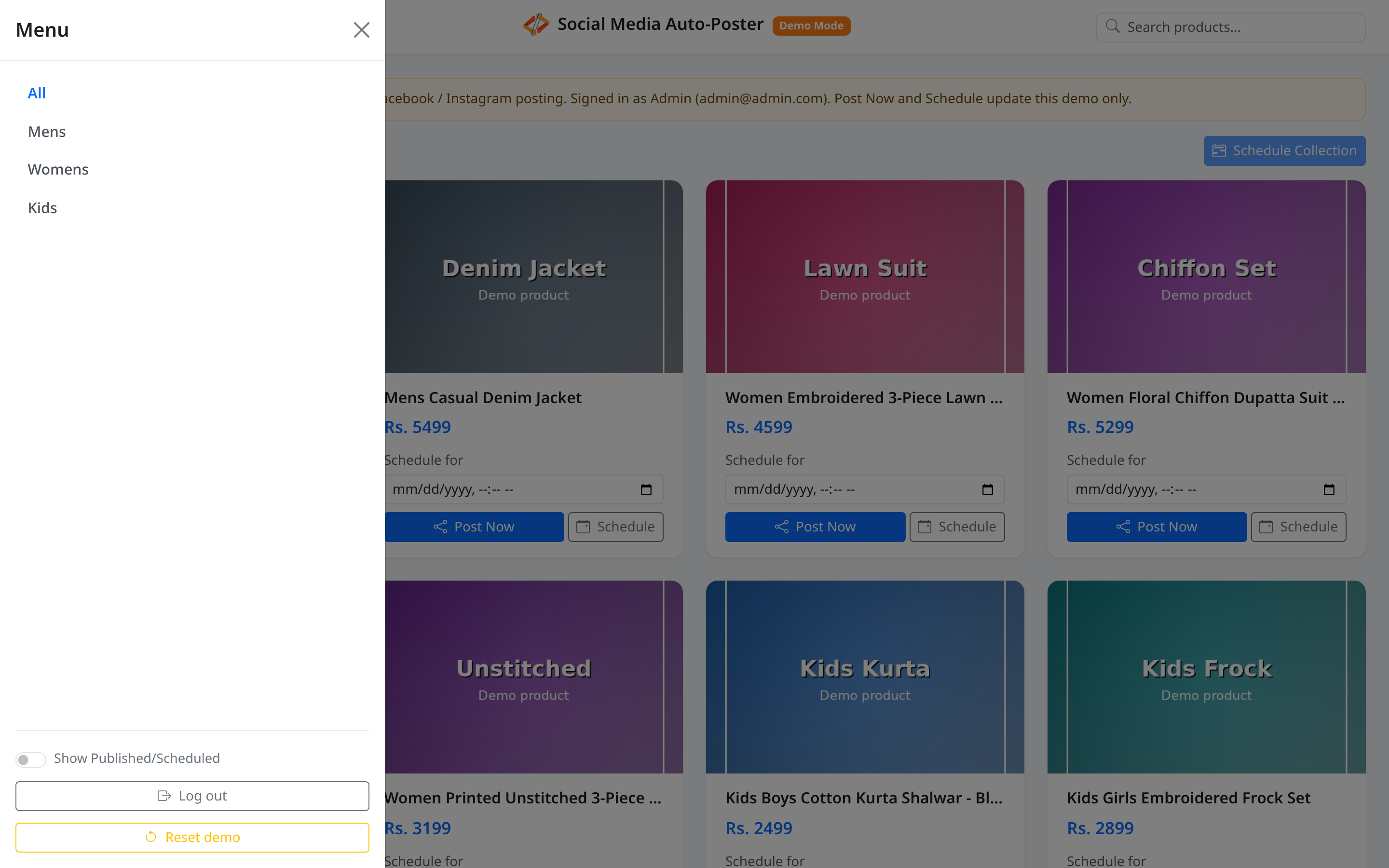
All signed-in users. Reset demo appears only for Admin and Editor (can_write). Viewer always sees collections, Show Published/Scheduled, and Log out.
Screenshots
What this page does
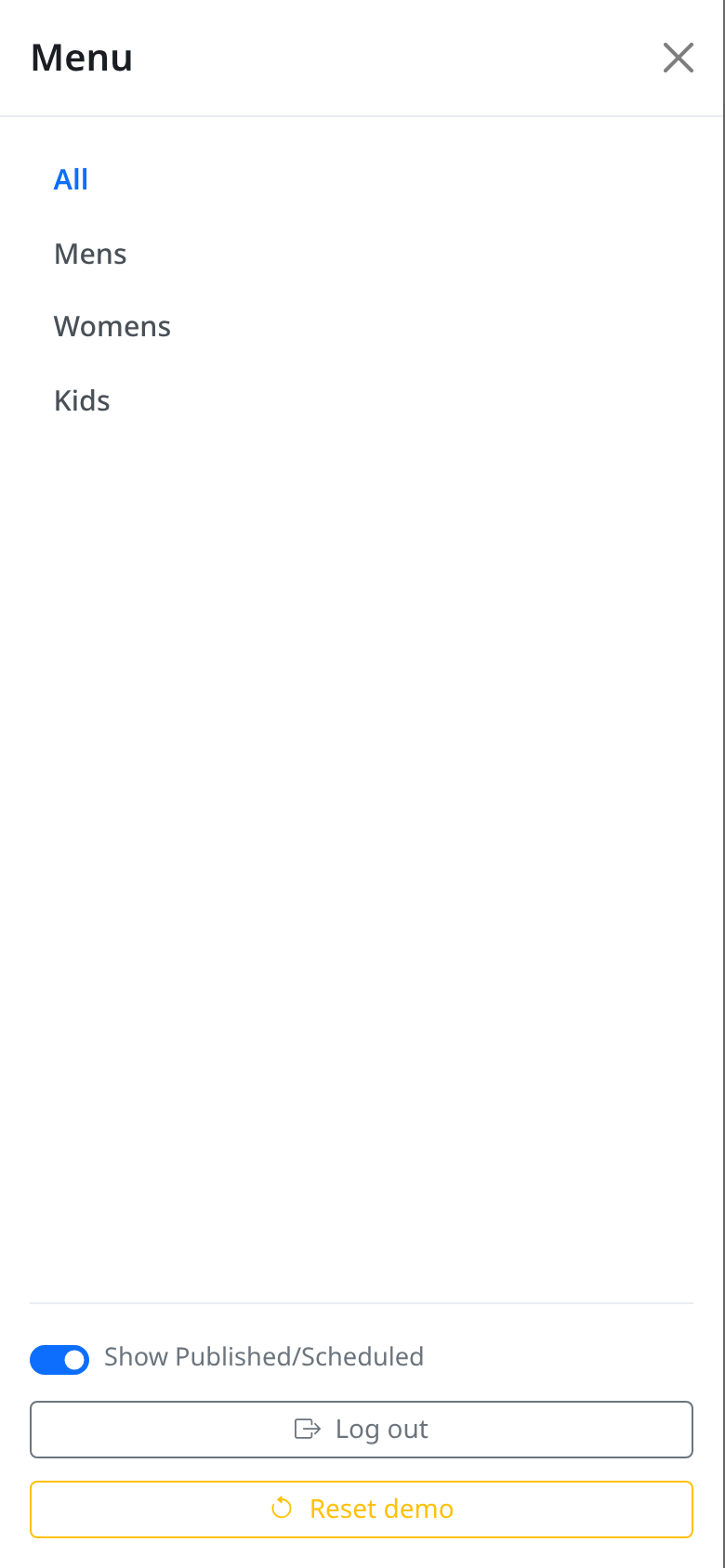
The Menu panel filters the product grid by collection, toggles visibility of published or scheduled products, signs you out, and (for write roles) resets Demo Mode data.
Layout at a glance
| Section | Controls |
|---|---|
| Header | Title Menu, close button |
| Collections | All, Mens, Womens, Kids |
| Bottom controls | Show Published/Scheduled switch, Log out, Reset demo (write roles) |
Steps — filter by collection
- Open the menu from the navbar.
- Click All to show every product (default).
- Click Mens, Womens, or Kids to limit the grid.
- The page title becomes the collection name (or Product Dashboard for All).
- The panel closes after you choose a collection.
Steps — show published or scheduled products
- In Menu, find Show Published/Scheduled.
- Turn the switch on.
- The page reloads and includes posted/scheduled products (often blurred or badged).
- Turn the switch off to hide them again.
Steps — log out
- Open Menu.
- Click Log out.
- You return to
/login.
Steps — reset demo (Admin / Editor)
- Open Menu.
- Click Reset demo.
- Confirm Reset all demo posts and schedules?
- Wait for the success toast, then the page reloads with fresh seed data.
Permissions
| Control | Viewer | Admin / Editor |
|---|---|---|
| Collection filters | Yes | Yes |
| Show Published/Scheduled | Yes | Yes |
| Log out | Yes | Yes |
| Reset demo | No | Yes |
Errors & edge cases
- Schedule Collection on the dashboard needs a named collection, not All.
- Reset only affects the current Demo Mode sandbox for your signed-in account.
- Toggle preference is stored in a cookie for about seven days.