Empty states and messages
Version: 1.0.0 · Released: 2026-09-08
Route: / (product grid and related sections)
Who can access
All signed-in users may see these messages depending on filters, search, and schedule status.
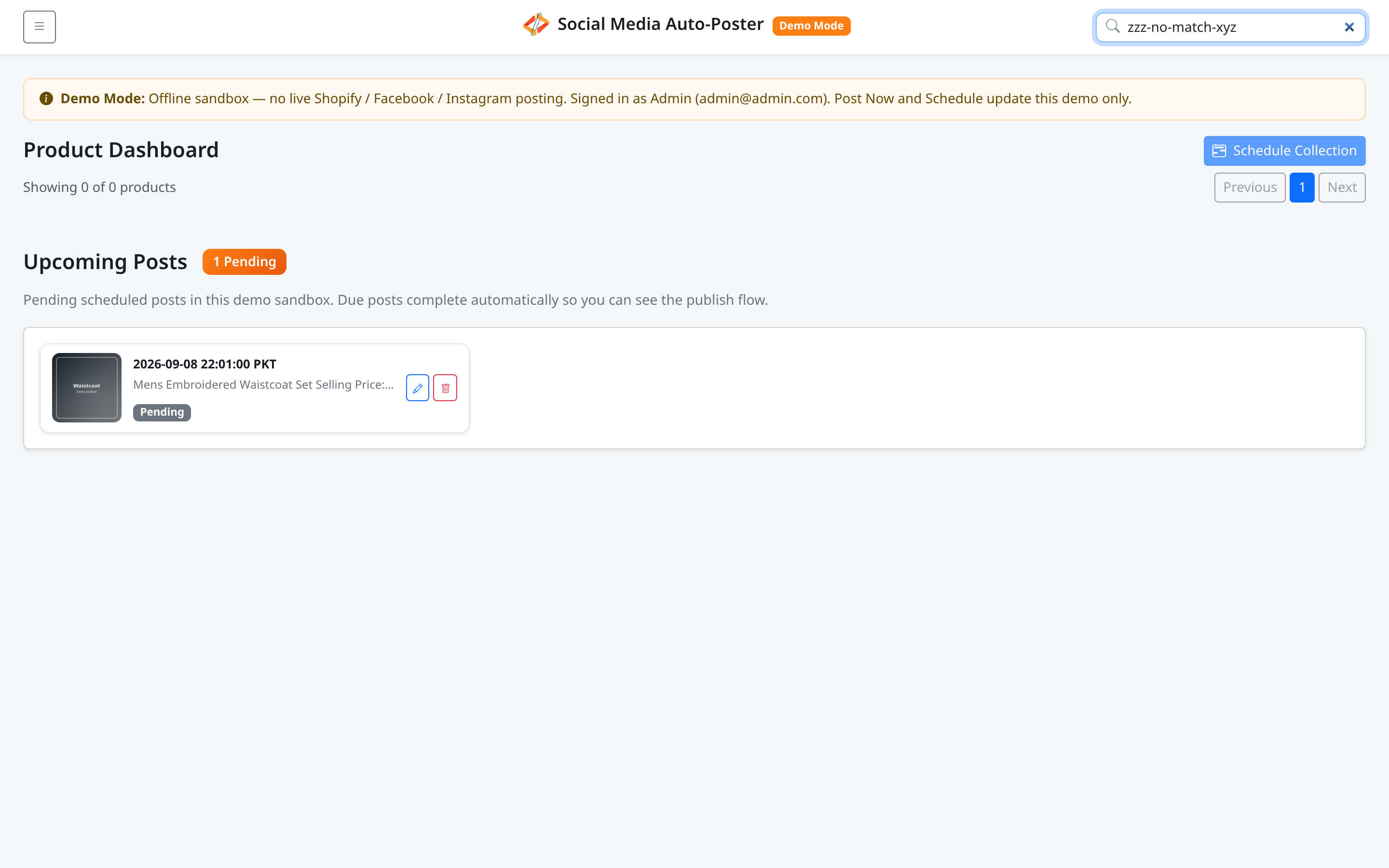
Screenshot
What this page does
Explains calm, expected messages when there is nothing to display — not a failure by default.
Layout at a glance
| Area | Typical empty copy |
|---|---|
| Product grid | Title No products to show plus a short explanation |
| Search / filter | Count Showing 0 of 0 products |
| Upcoming Posts | No pending scheduled posts. |
Steps — when the product grid is empty
- Read No products to show.
- Check the supporting line:
- All demo products are posted or scheduled. Turn on Show Published/Scheduled to view them. (common in Demo Mode with the toggle off)
- Or No products are available right now.
- Open Menu and turn on Show Published/Scheduled, or clear search / choose All.
- In Demo Mode (Admin / Editor), use Reset demo if you want a fresh catalog.
Steps — when Upcoming Posts is empty
- Scroll to Upcoming Posts.
- Confirm No pending scheduled posts.
- Schedule a product or collection if you need items in the queue.
Permissions
Empty states are informational. Reset demo remains write-only.
Errors & edge cases
| Situation | Guidance |
|---|---|
| Search too narrow | Clear Search products... |
| Collection has no matches | Switch to All or another collection |
| Toggle off after bulk schedule | Turn on Show Published/Scheduled |
| Upcoming load error | Could not load upcoming posts. — refresh and try again |