Getting Started
Version: 1.0.0
Route: — (start here before signing in)
Who can access: Anyone with the Demo Mode project; after login, access depends on role (admin / editor / viewer).
Screenshot(s)
What this page does
This guide gets you from zero to a working Demo Mode session of Courier Dashboard, so you can explore every documented screen with sample data.
Layout
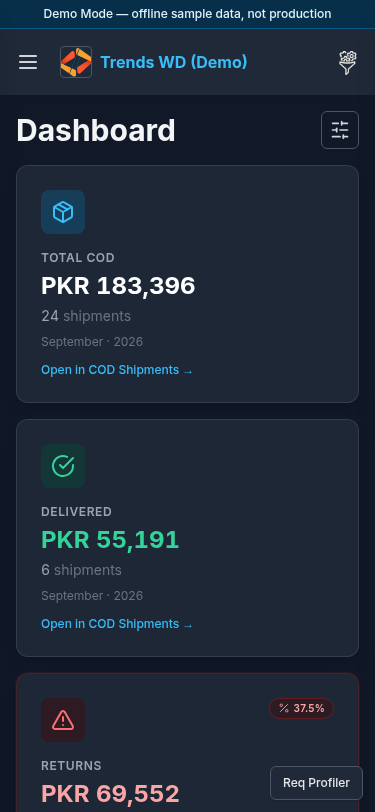
After you sign in, the app shell always includes:
- Top status banner: Demo Mode — offline sample data, not production
- Header: Open menu (hamburger) · business brand · Others (right tools)
- Main content area for the current route
- Left sidebar (opened via Open menu) with groups: Dashboard, COD Shipments, COD Payments, Due COD, COD Claimed, COD Charges, Shipment Tally, Settings
Steps
1. Start Demo Mode
cd Demo-Mode && npm install && npm run dev
Open the URL printed by the terminal (usually http://localhost:3000).
2. Sign in
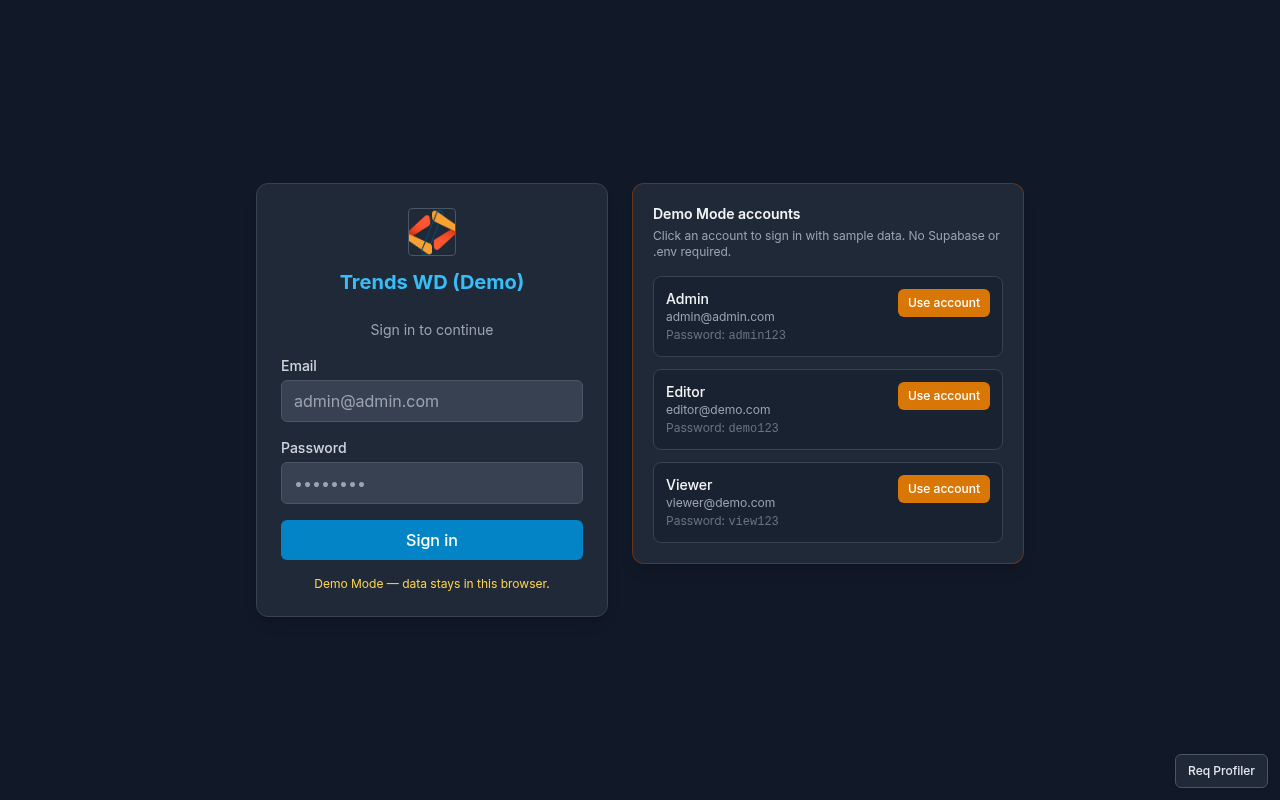
- You land on
/login. - Under Demo Mode accounts, click a role card (Admin, Editor, or Viewer) to fill email and password, or type them manually:
| Role | Password | |
|---|---|---|
| Admin | admin@admin.com | admin123 |
| Editor | editor@demo.com | demo123 |
| Viewer | viewer@demo.com | view123 |
- Click Sign in (or the form submit button shown on the page).
- You should arrive on the Dashboard home (
/) with the Demo Mode banner visible.
3. Open navigation
- Click Open menu in the header.
- Expand a group (chevron) such as COD Shipments, then choose a courier (e.g. TCS).
- Example path: Click Open menu → COD Shipments → TCS.
4. Open Others tools
- Click the right header button (Open menu / tools icon).
- The Others drawer lists tools such as Courier Fetch and TCS Labels (Shopify). Admins also see Due COD days and TCS charges days.
5. Know your role
| Role | Typical use |
|---|---|
| admin | Full access; can open Users and Access; bypasses permission flags |
| editor | Day-to-day view + edit; limited on Users and Access |
| viewer | Read-only (can_view only) |
Permissions are can_view / can_edit / can_delete per page_key.
6. Try mobile (optional)
Narrow the browser or use a phone viewport. The same shell applies; see Mobile Overview.
Key concepts
| Concept | Values / notes |
|---|---|
| Shipment statuses | InProcess, Return, Delivered |
| COD Charges paid status | Paid to A/C, Unpaid |
| Example couriers | TCS, M&P, Call Courier |
Errors
| Situation | What to do |
|---|---|
| Wrong email/password | Use a Demo Mode account from the table above |
| Blank page / no server | Confirm npm run dev is still running |
| Redirected away from a page | Your role lacks can_view for that page_key |