Dashboard
Version: 1.0.0
Route: /
Who can access: Users with can_view on page_key dashboard. Admin always. Editor and viewer typically yes in Demo Mode.
Screenshot(s)
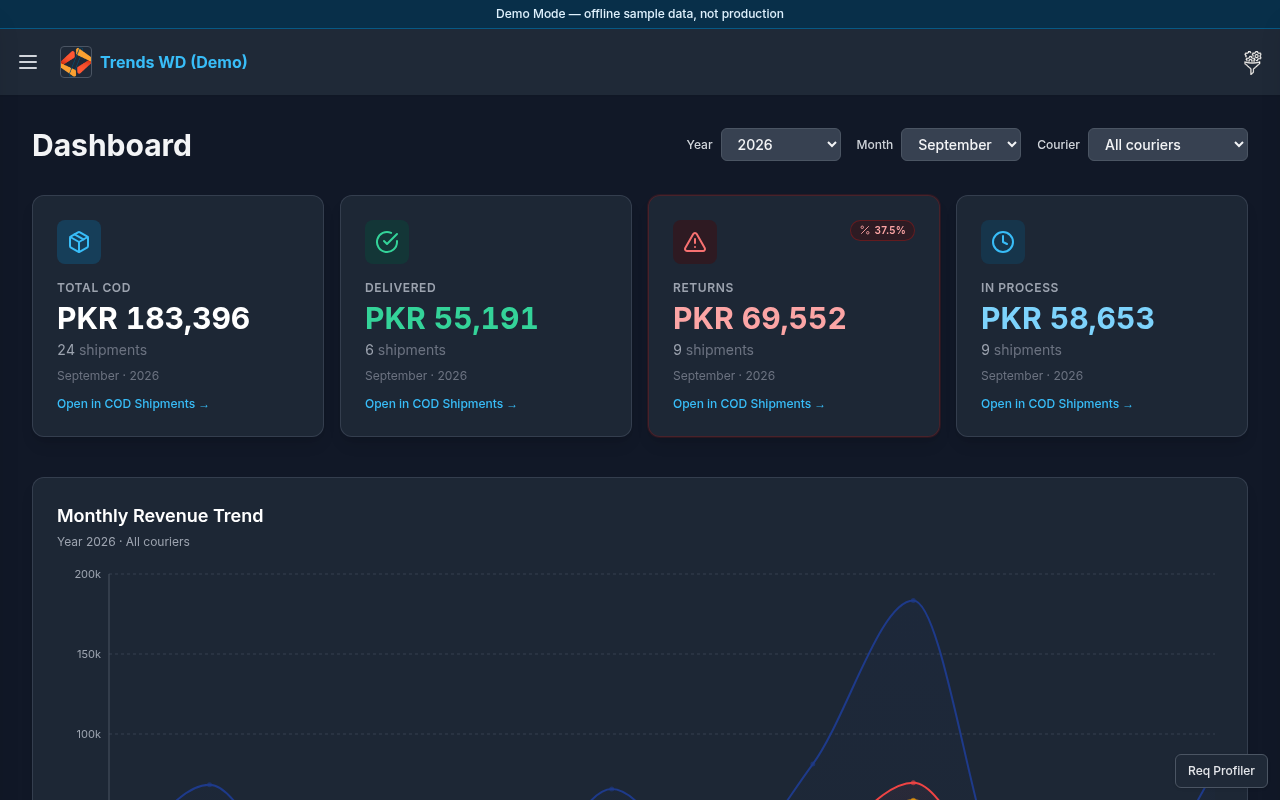
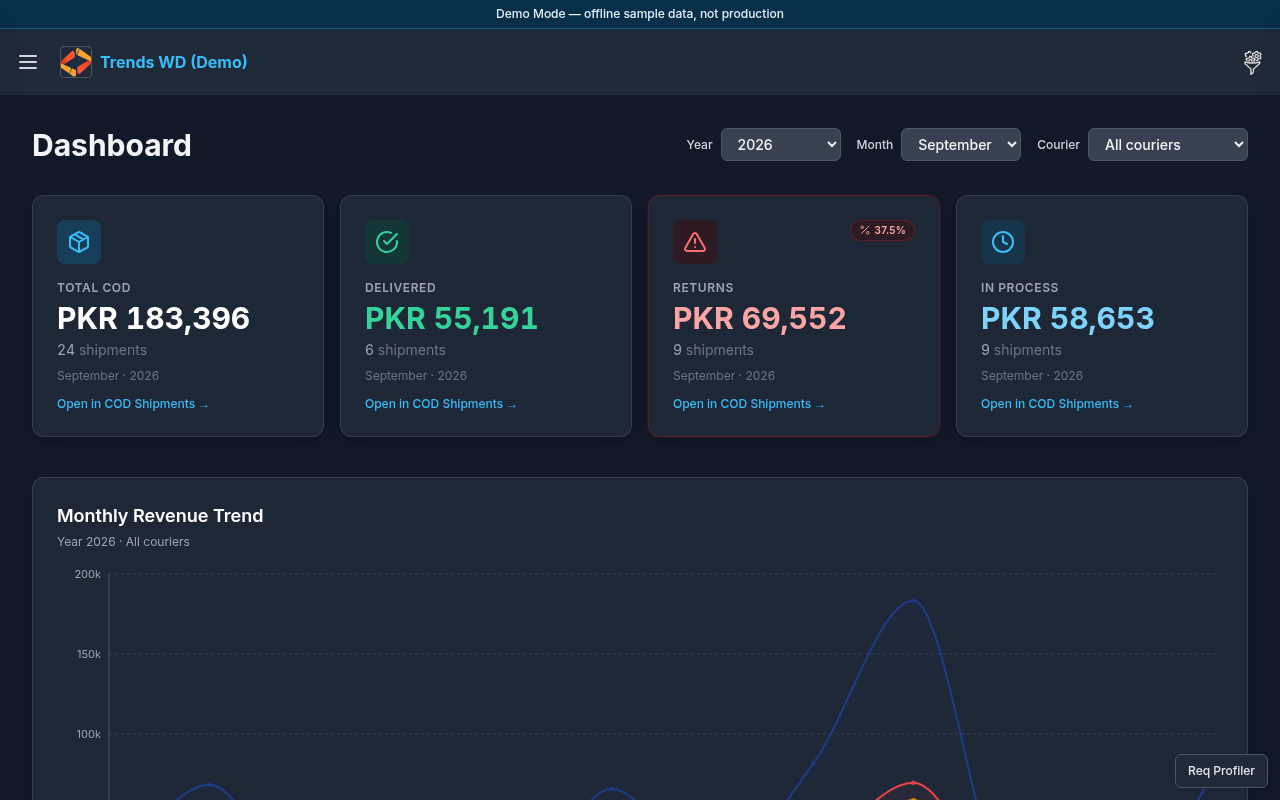
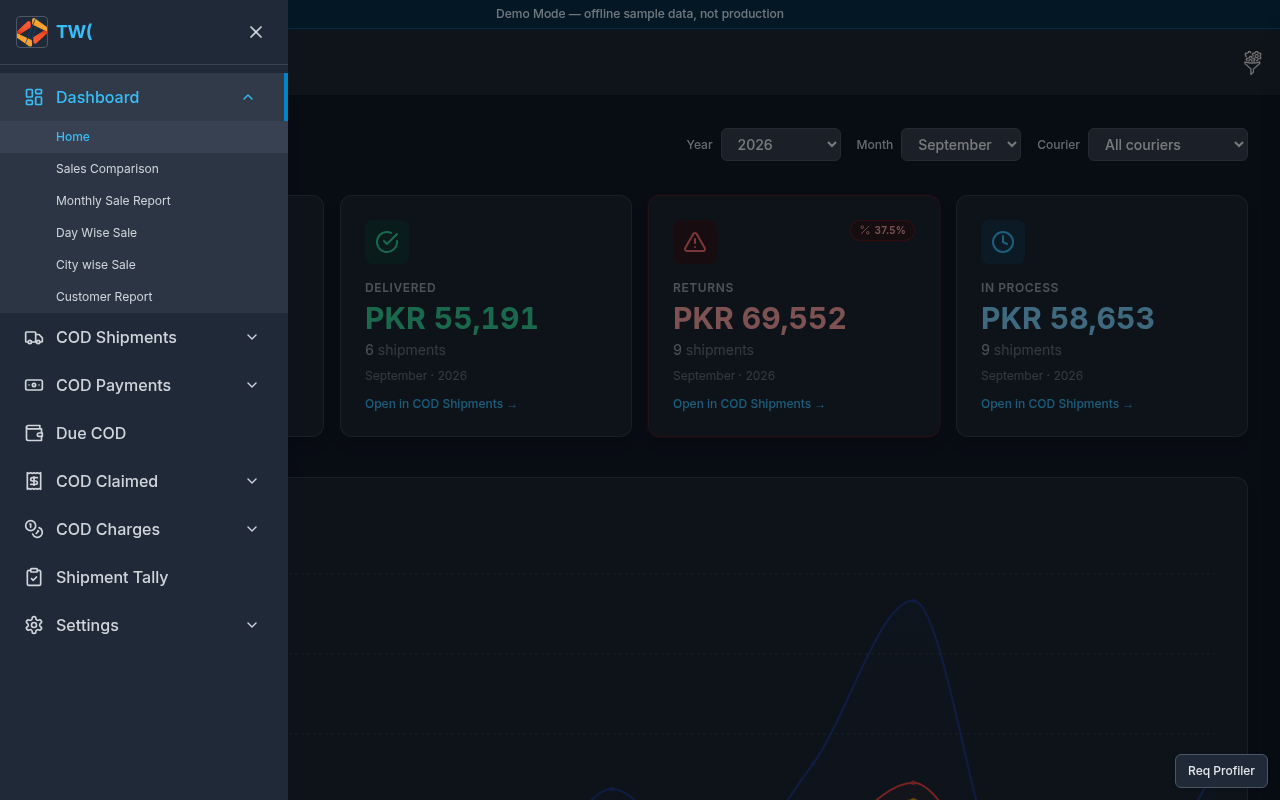
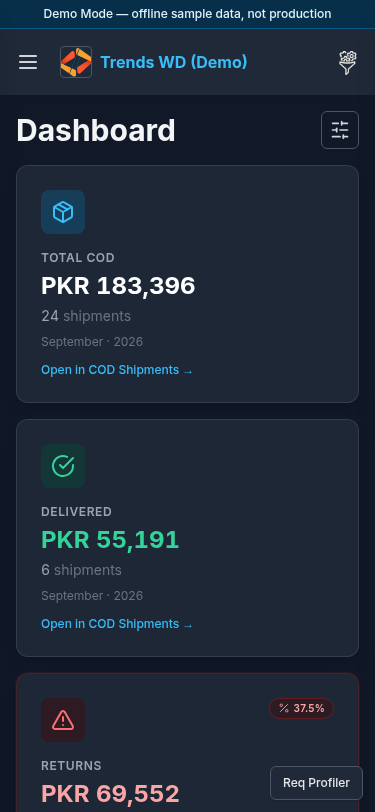
What this page does
Home overview of COD / sales performance: summary metrics, charts, and shortcuts into Dashboard submenu reports.
Layout
- Shell: Demo Mode banner, Open menu, brand, Others
- Main: dashboard title / KPI tiles / charts (monthly revenue and business insights as seeded)
- Sidebar Dashboard submenu: Home, Sales Comparison, Monthly Sale Report, Day Wise Sale, City wise Sale, Customer Report
Steps
- After login, confirm you are on
/(or click Open menu → Dashboard → Home). - Review summary cards and charts for seeded demo activity.
- To open a related report: Click Open menu → Dashboard → choose e.g. Sales Comparison.
- Optional theme: Click Open menu → expand Settings → click Dark or Light.
- Optional sign out: Click Open menu → Settings → Sign out.
Permissions
| Flag | Effect |
|---|---|
can_view (dashboard) | See home |
can_edit | Not required for viewing charts |
| Admin | Full access |
Errors
| Situation | Notes |
|---|---|
| Empty metrics | Seed may still be loading — refresh once |
Redirect off / | Missing can_view for dashboard |