Courier Setup
Version: 1.0.0
Route: /settings/courier-setup
Who can access: can_view on settings-courier-setup. Add/edit/delete need edit/delete flags. Admin full.
Screenshot(s)
What this page does
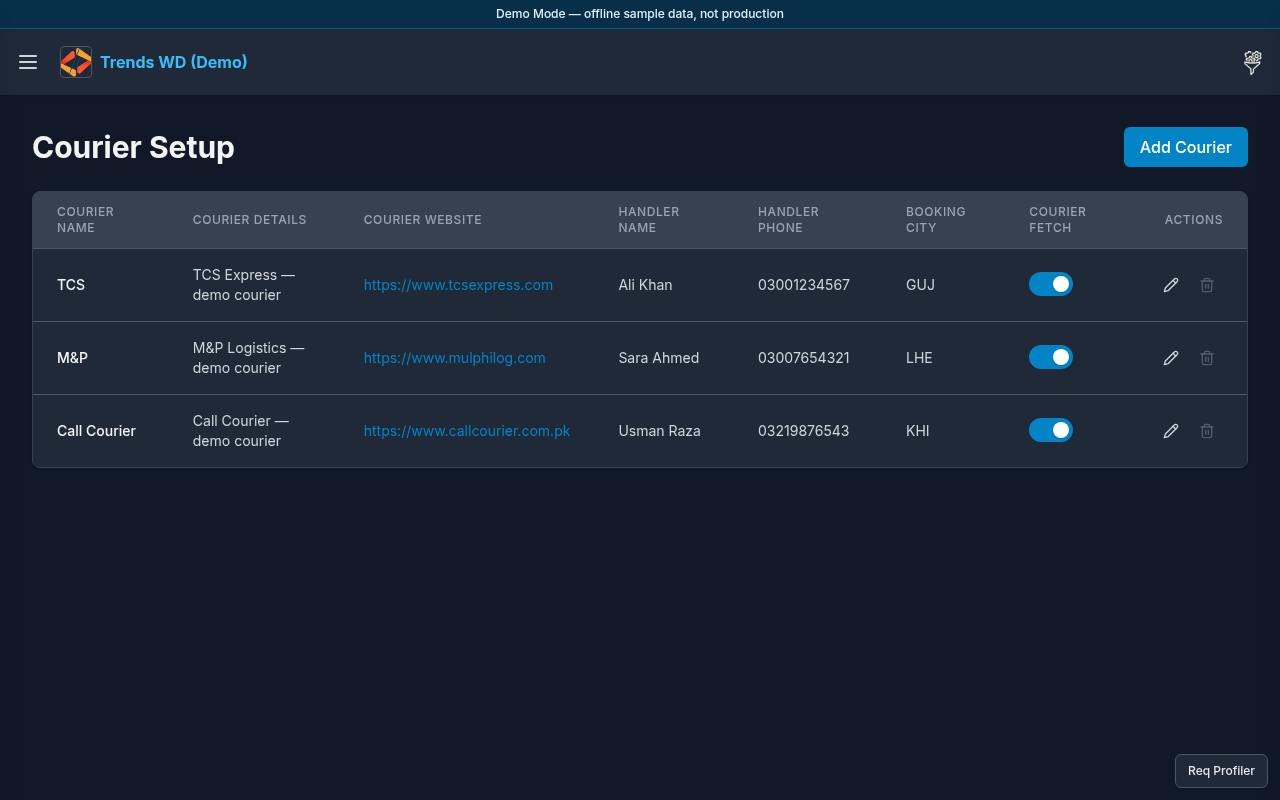
Creates and maintains courier definitions (name, slug, etc.) such as TCS, M&P, and Call Courier. These drive COD Shipments and COD Charges submenus.
Layout
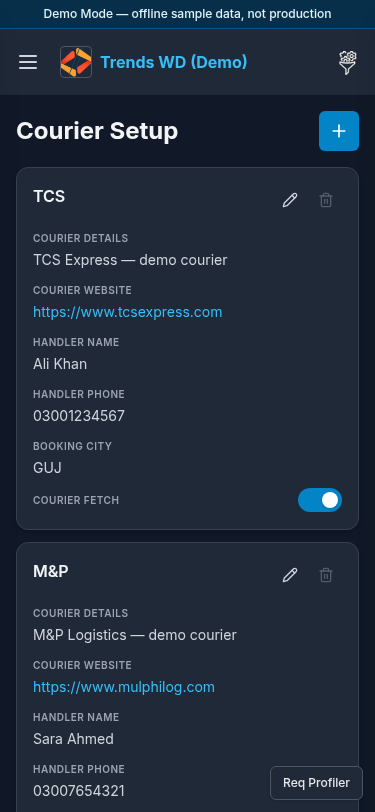
- Heading Courier Setup
- List of couriers with edit/delete actions
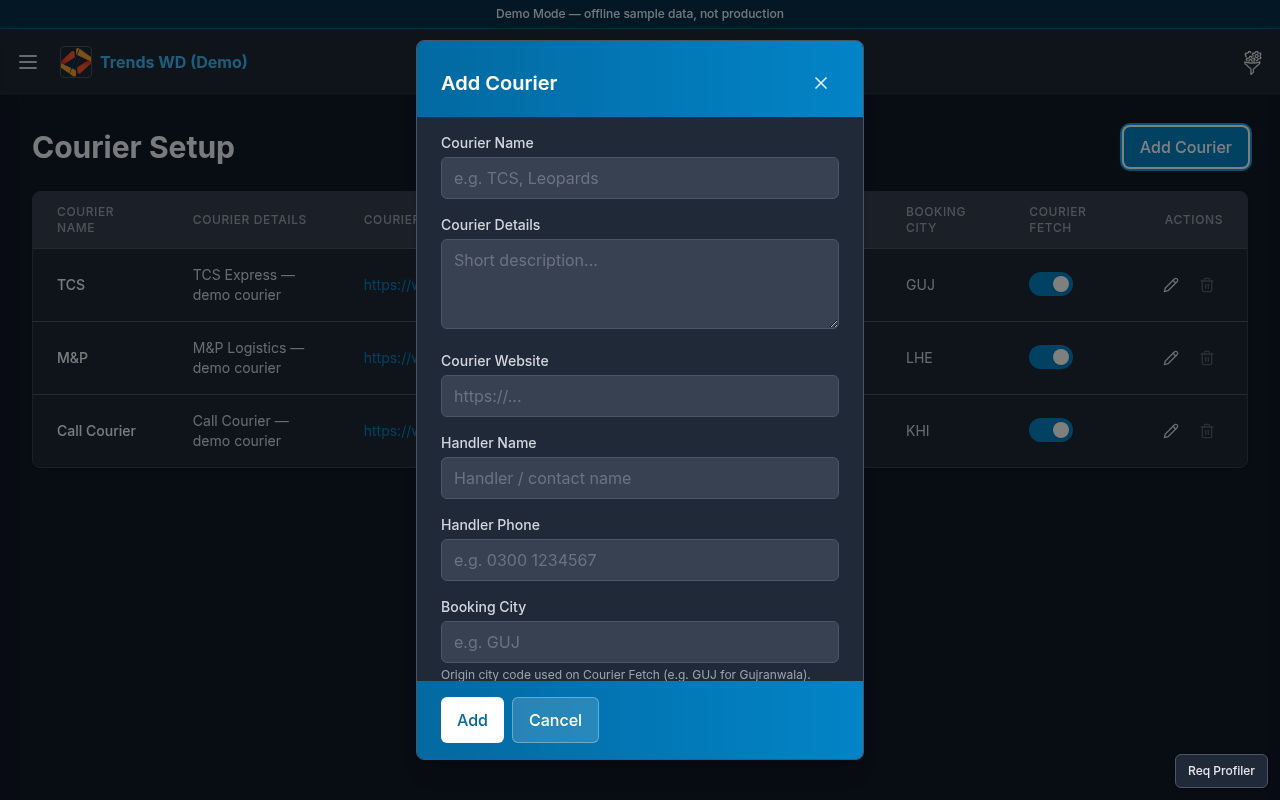
- Add Courier (or similar) opens a modal
Steps
- Click Open menu → Settings → Courier Setup.
- Review existing couriers (TCS, M&P, Call Courier in Demo Mode).
- Click Add / Add Courier to open the add modal; enter name and save.
- Edit a row to rename or update courier fields.
- Delete only when allowed and when deletion guards are not blocking (courier still has linked data).
Modals
| Modal | Purpose |
|---|---|
| Add / Edit Courier | Create or update courier |
| Delete confirm | Remove courier if safe |
Permissions
page_key: settings-courier-setup.
Errors
| Situation | Notes |
|---|---|
| Delete blocked | Courier still referenced by shipments/charges |
| Viewer cannot add | Needs can_edit |