Mobile Overview
Version: 1.0.0
Route: Same routes as desktop; viewport ≤ ~mobile width. Shipment Tally sidebar entry is desktop-only.
Who can access: Same role permissions as desktop.
Screenshot(s)
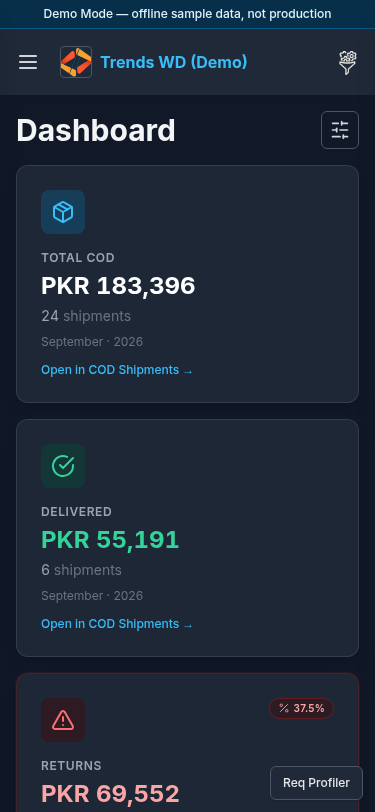
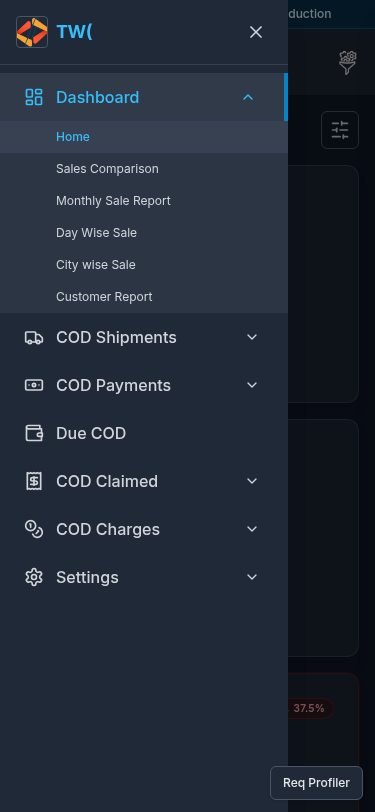
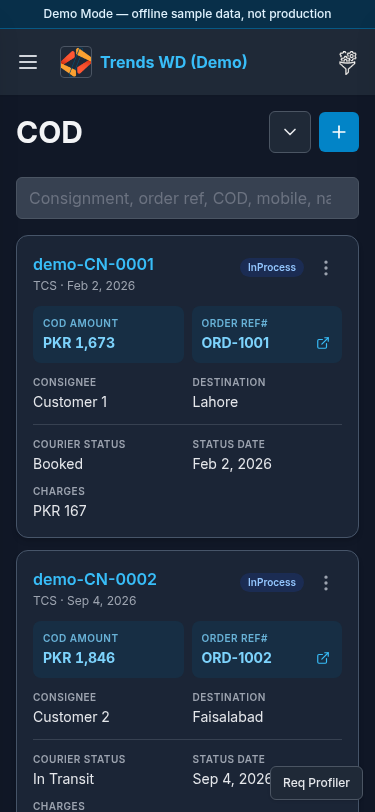
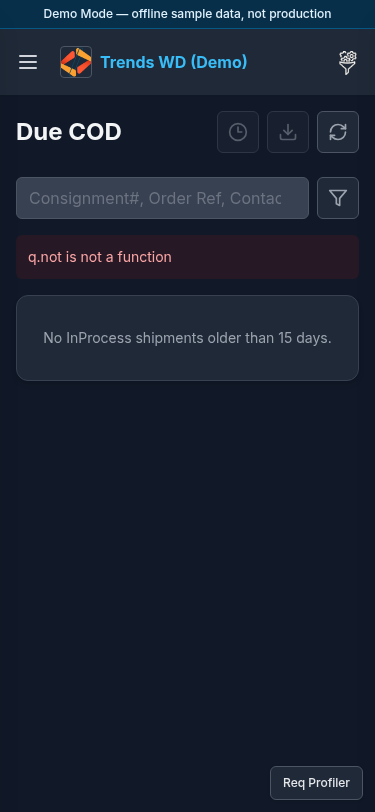
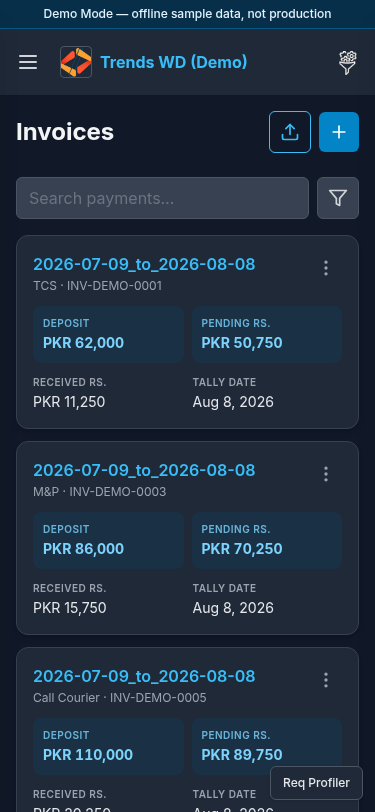
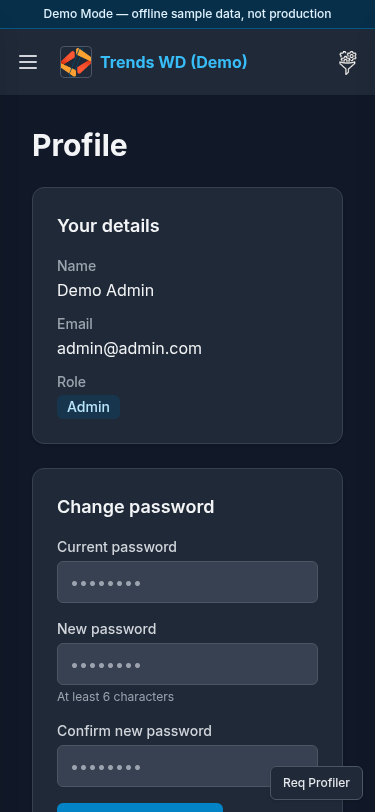
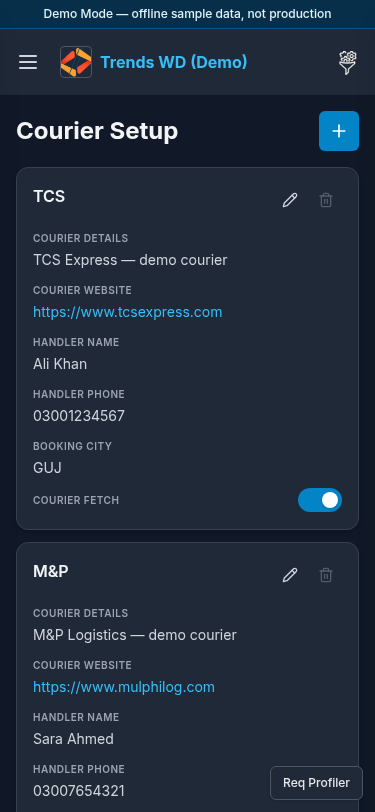
What this page does
Documents how Courier Dashboard behaves on phones: same Demo Mode banner and header, off-canvas Open menu, card layouts instead of wide tables on many lists.
Layout
- Demo Mode banner remains on top
- Hamburger Open menu → full-height left drawer
- Brand truncated in the center
- Right tools → Others
- Content: stacked titles, icon actions, search/filter rows, mobile cards (shipments, payments, claims, charges)
Steps
- Open Demo Mode on a phone or DevTools mobile viewport.
- Sign in (same demo accounts).
- Tap Open menu → browse Dashboard, COD Shipments, COD Payments, etc.
- Tap COD Shipments → TCS and scroll mobile shipment cards.
- Tap Due COD and use Filters.
- Tap COD Payments → Payment Invoice.
- Tap Settings → Profile or Courier Setup.
- Tap the right tools control for Others (e.g. Courier Fetch).
Permissions
Identical can_view / can_edit / can_delete rules. Admin bypasses.
Errors / notes
| Situation | Notes |
|---|---|
| Shipment Tally missing in menu | Hidden on small screens — use desktop or open /shipment-tally |
| Dense tables | Prefer landscape or desktop for heavy reconciliation |