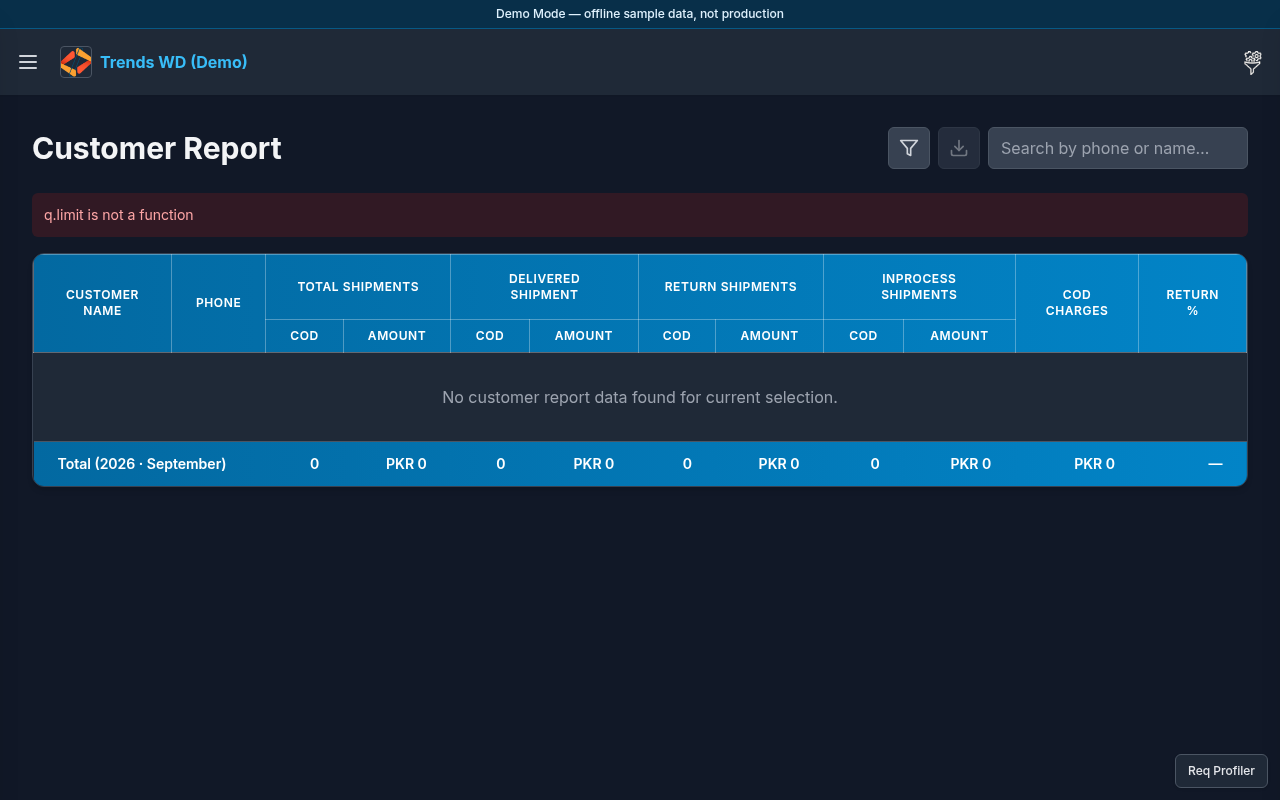
Customer Report
Version: 1.0.0
Route: /customer-report
Who can access: can_view on customer-report.
Screenshot(s)
What this page does
Lists customer-level COD / shipment summaries so you can find repeat buyers and outstanding activity.
Layout
- Heading Customer Report
- Search / table of customers
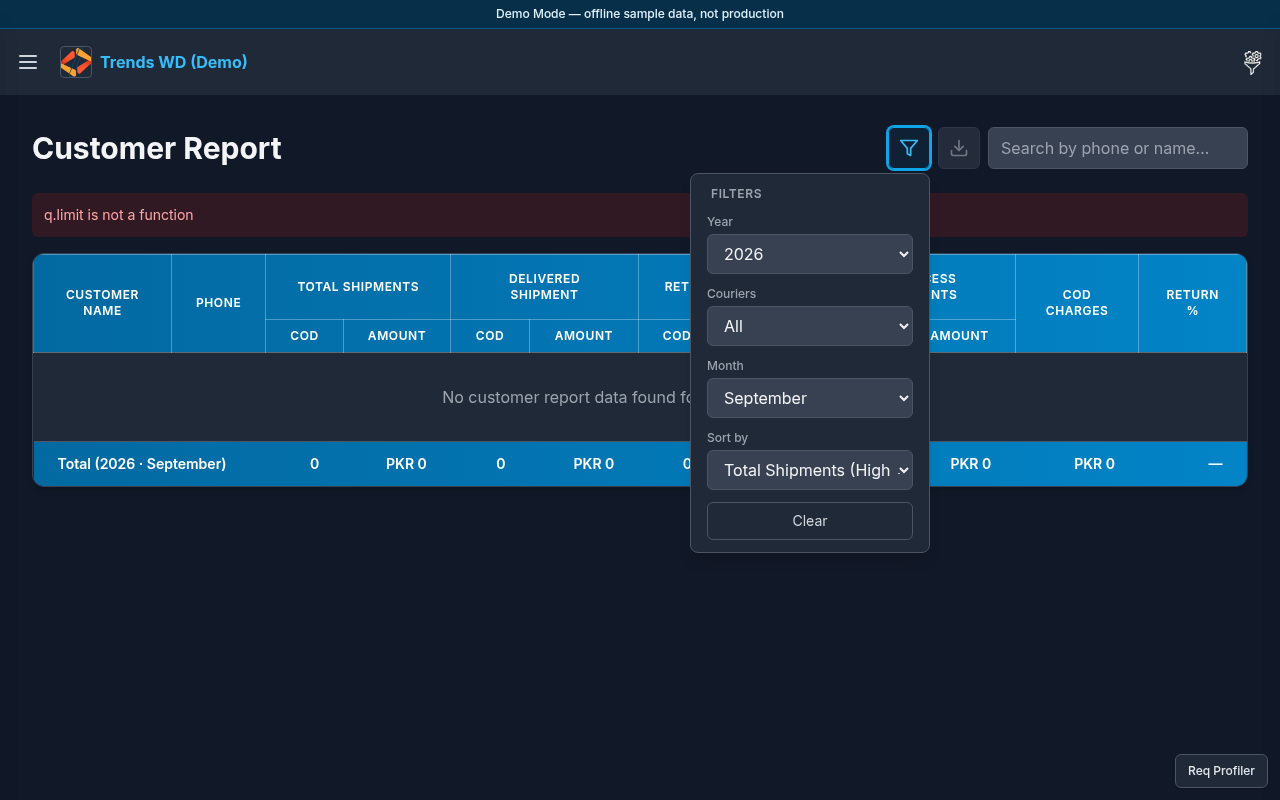
- Filters button → filters modal
Steps
- Click Open menu → Dashboard → Customer Report.
- Browse the customer table.
- Click Filters to refine by date or other fields; apply and close.
- Use search (if shown) to find a customer by name or contact.
- Open row details when available to see related shipments.
Permissions
page_key: customer-report.
Errors
No matches after filtering — clear Filters and retry with a wider range.