COD Payments
Version: 1.0.0
Route: /payments
Who can access: can_view on payments (hub). Child pages have their own page_keys.
Screenshot(s)
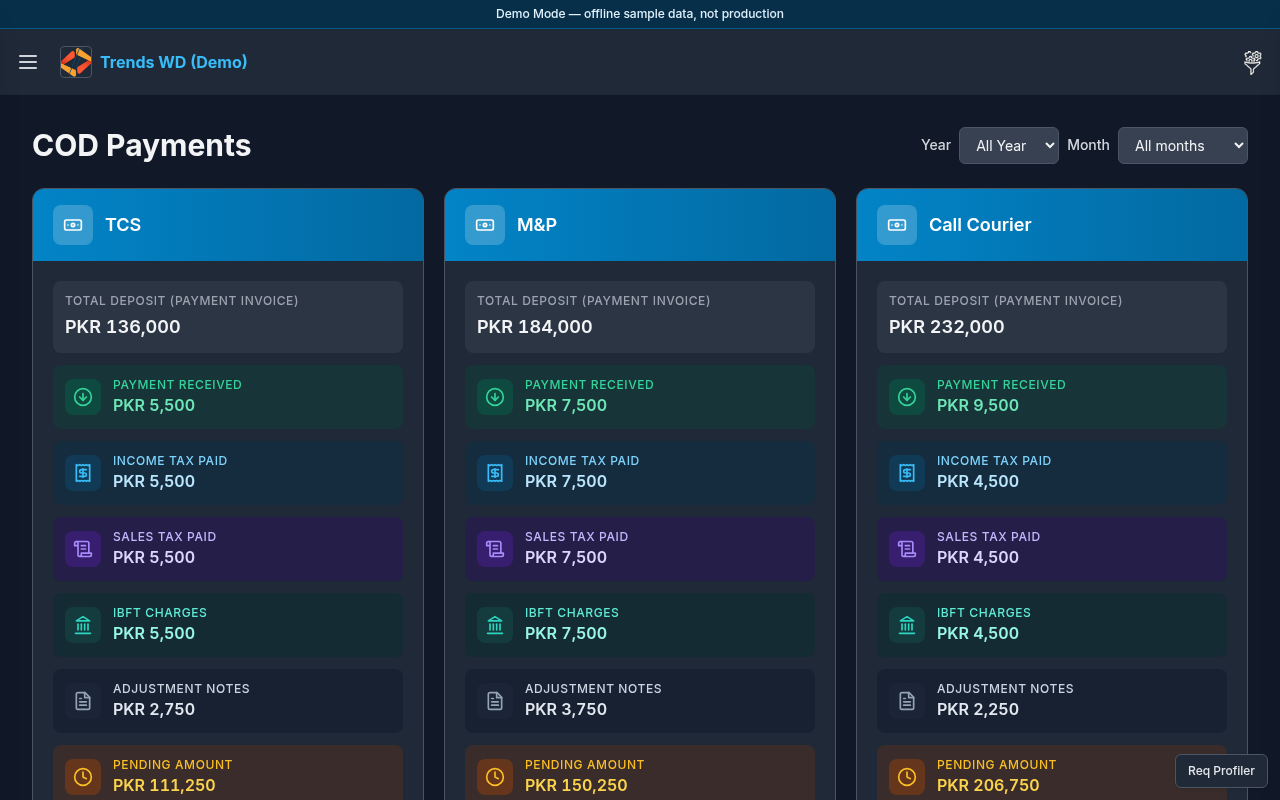
What this page does
Hub for payment-related pages: system pages (Payment Invoice, Payment Received, Income Tax Paid, Sales Tax Paid, IBFT Charges) plus any custom pages (e.g. Adjustment Notes).
Layout
- Heading for COD Payments
- Metric / card tiles linking to each payment page
- Sidebar COD Payments submenu lists the same pages
Steps
- Click Open menu → COD Payments.
- On the hub, click a tile such as Payment Invoice.
- Or Click Open menu → expand COD Payments → Payment Received (etc.).
- Return to the hub anytime via the parent COD Payments link.
Permissions
| Page | Typical page_key |
|---|---|
| Hub | payments |
| Payment Invoice | payments-invoice |
| Payment Received | payments-received |
| Income Tax Paid | payments-income-tax-paid |
| Sales Tax Paid | payments-sales-tax-paid |
| IBFT Charges | payments-ibft-charges |
| Custom pages | Often inherit payments until dedicated keys exist |
Errors
Missing tile → that page is hidden by permissions or not configured in COD Payments Setup.