Shipment Tally
Version: 1.0.0
Route: /shipment-tally
Who can access: can_view on shipment-tally. Note: the sidebar item is hidden on small screens (hidden lg:block) — use a desktop-width viewport or open /shipment-tally directly.
Screenshot(s)
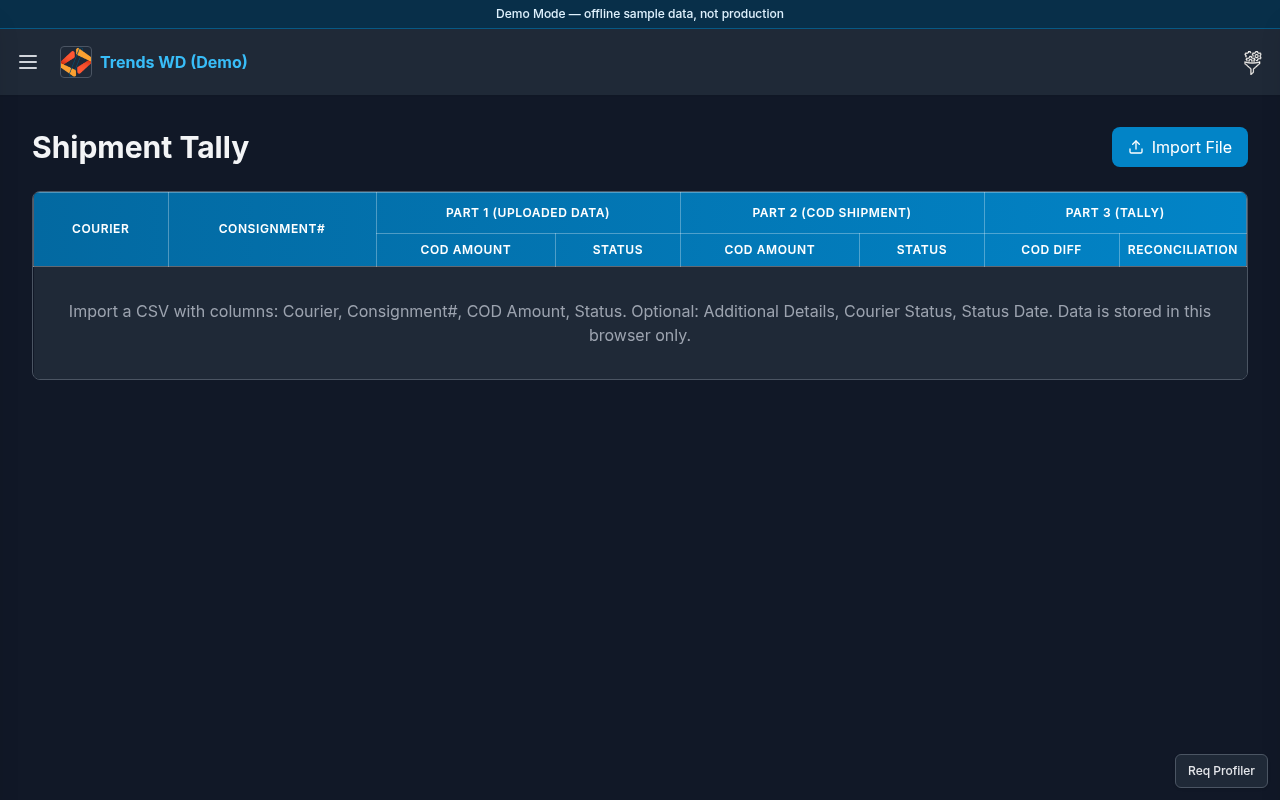
What this page does
Reconciles shipment counts/amounts (tally) against expected courier or Shopify-linked figures for the period.
Layout
- Heading Shipment Tally
- Tally controls, sync/actions, and result tables
- Desktop sidebar entry under main nav
Steps
- On a large screen, click Open menu → Shipment Tally.
- Or navigate to
/shipment-tallydirectly. - Select the tally period / courier options shown.
- Run tally or refresh; review mismatches in the results table.
- In Demo Mode, external Shopify sync is mocked — expect sample/local results.
Permissions
page_key: shipment-tally.
Errors
| Situation | Notes |
|---|---|
| Menu item missing on phone | By design on small breakpoints — use direct URL or desktop |
| Mocked sync message | Expected in Demo Mode |