COD Charges
Version: 1.0.0
Route: /charges and /charges/[slug] (example: /charges/tcs)
Who can access: can_view on charges.
Screenshot(s)
What this page does
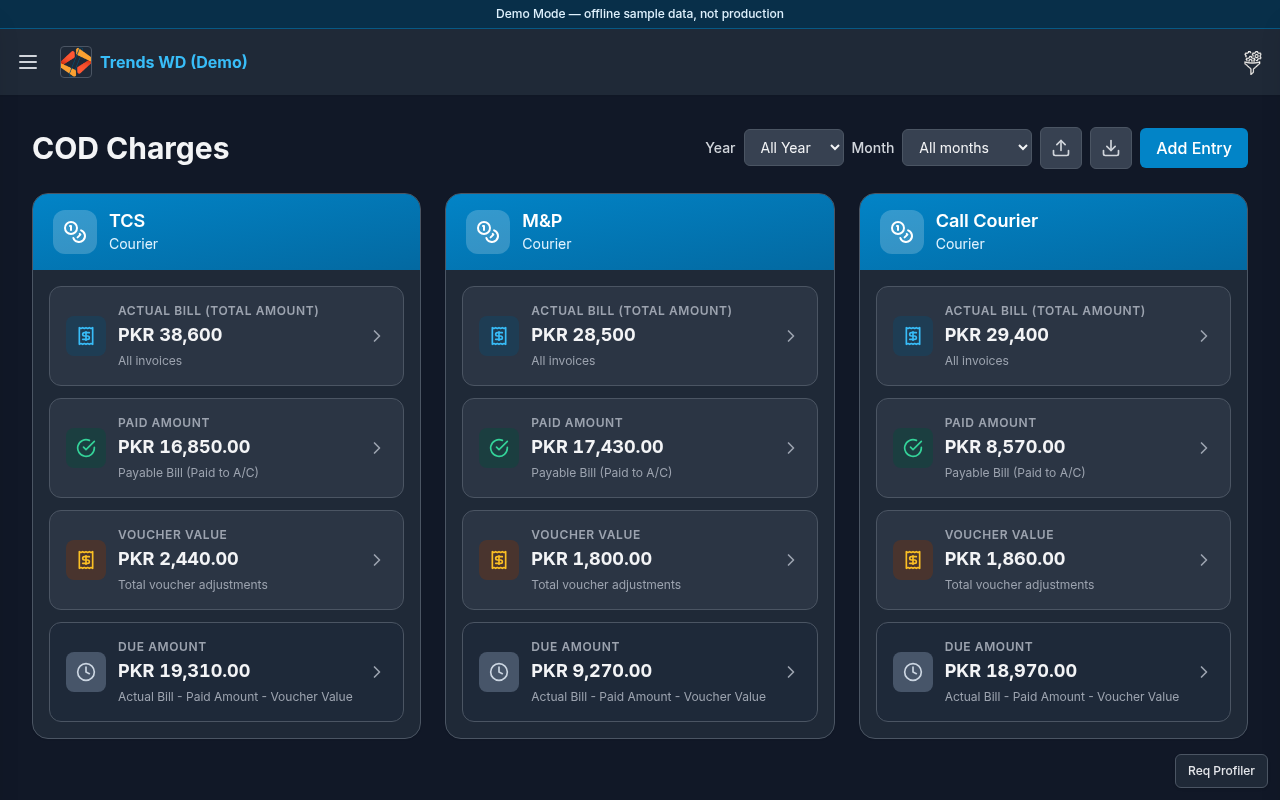
Tracks courier COD/service charges and whether they were settled. Paid status values: Paid to A/C and Unpaid.
Layout
- Overview at
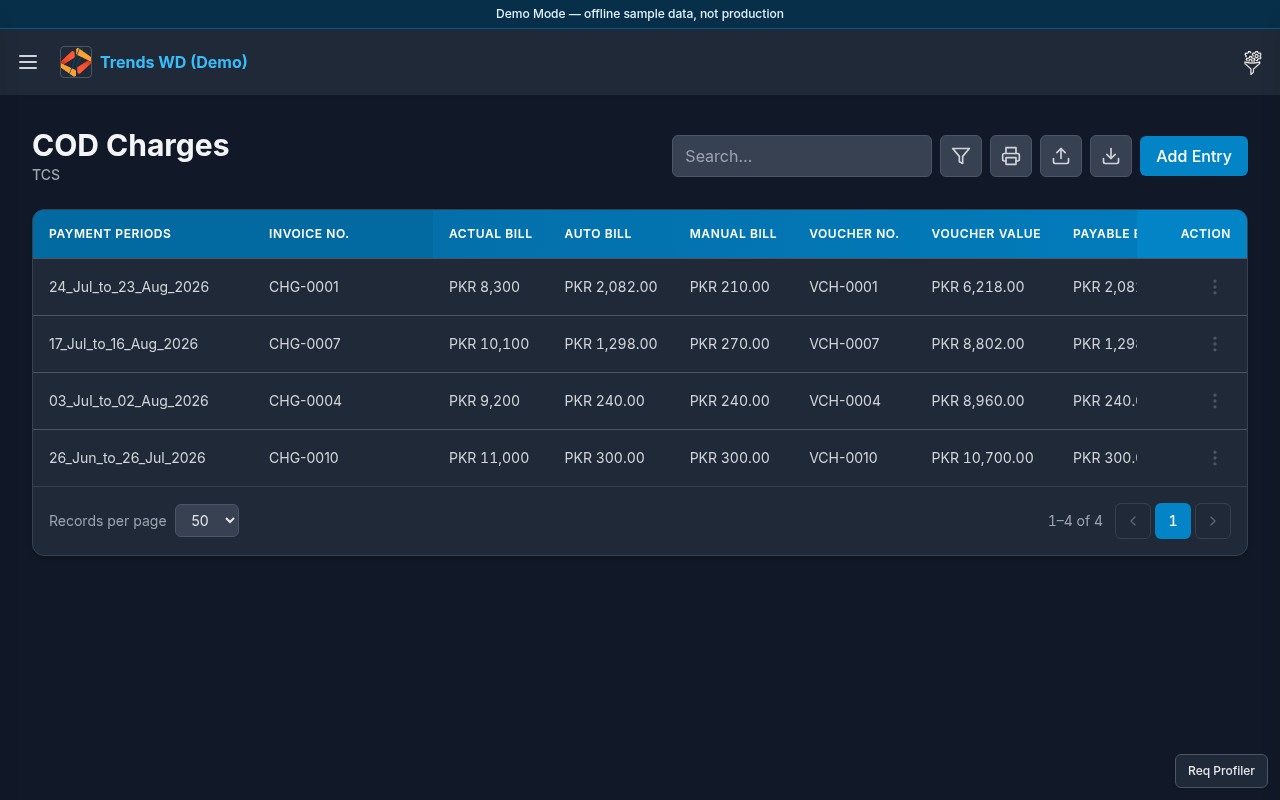
/chargeswith per-courier summaries - Per-courier page (e.g. TCS) with charge rows, filters, print unpaid helpers
- Form fields include
paid_statusoptions Paid to A/C / Unpaid - Sidebar COD Charges expands to each courier name
Steps
- Click Open menu → COD Charges for the overview.
- Click Open menu → COD Charges → TCS (or another courier).
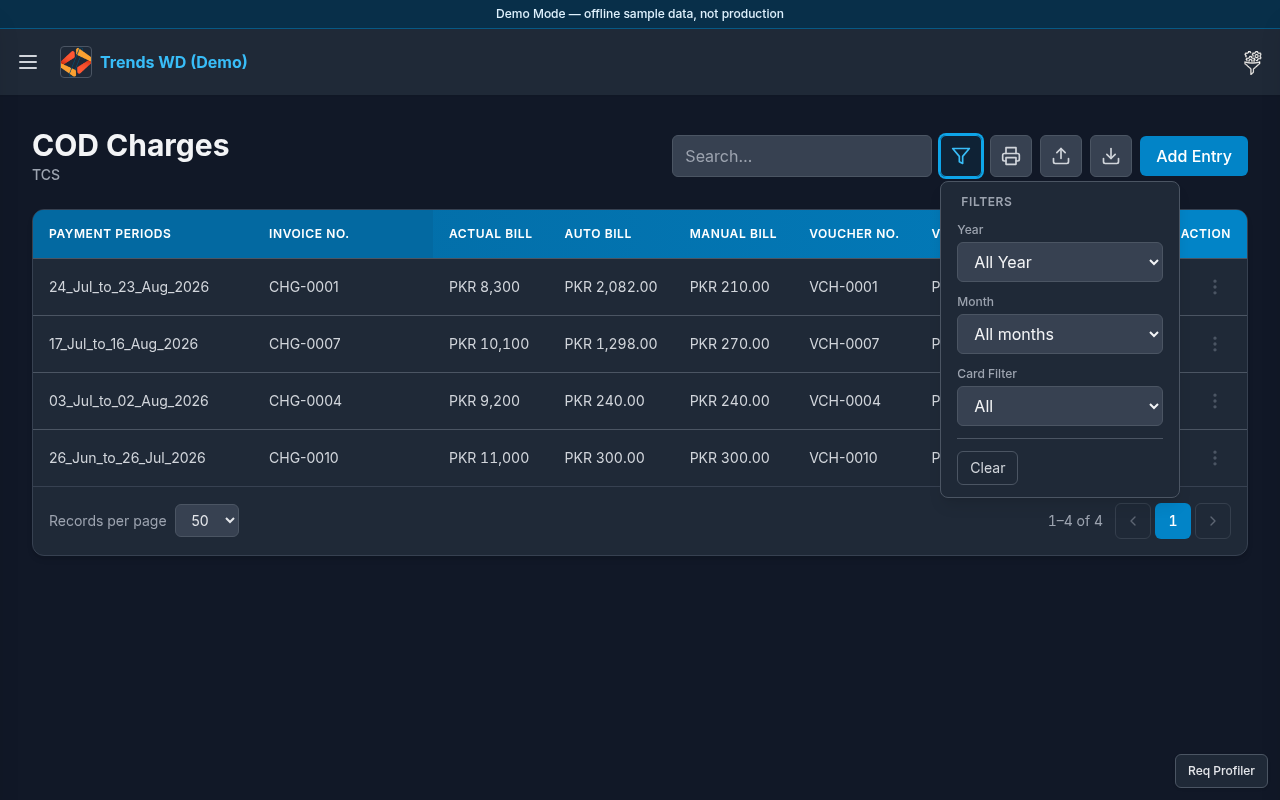
- Click Filters to narrow charge periods or paid status.
- Click Add Entry to add charges; set Paid to A/C or Unpaid.
- Use unpaid print / invoice helpers when available for rows not Paid to A/C.
- (Admin) Optionally set TCS charges days from the Others menu.
Tables
Charge rows typically include date range, amounts, deposit date, and paid_status.
Permissions
page_key: charges — can_view / can_edit / can_delete.
Errors
| Situation | Notes |
|---|---|
| Cannot change paid status | Viewer lacks can_edit |
| Empty courier page | No charges seeded for that courier |