City wise Sale
Version: 1.0.0
Route: /city-wise-sale
Who can access: can_view on city-wise-sale.
Screenshot(s)
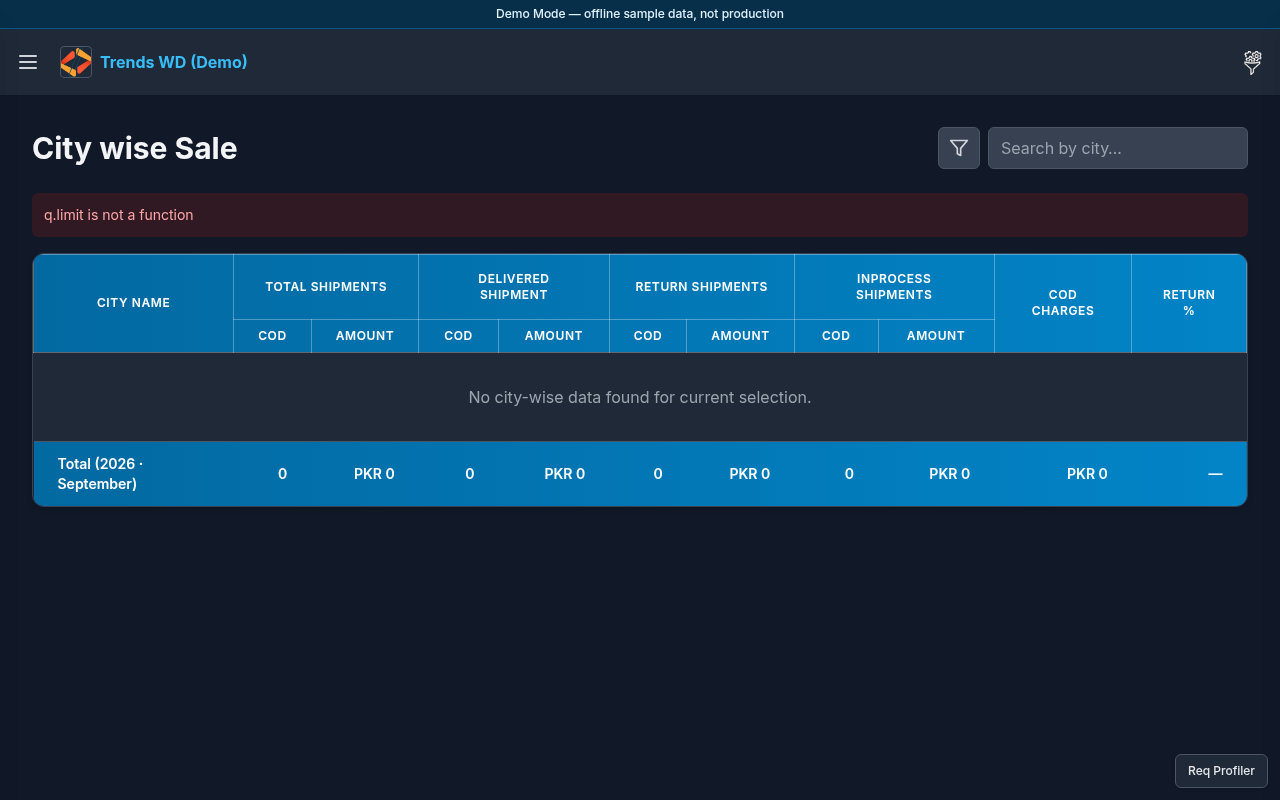
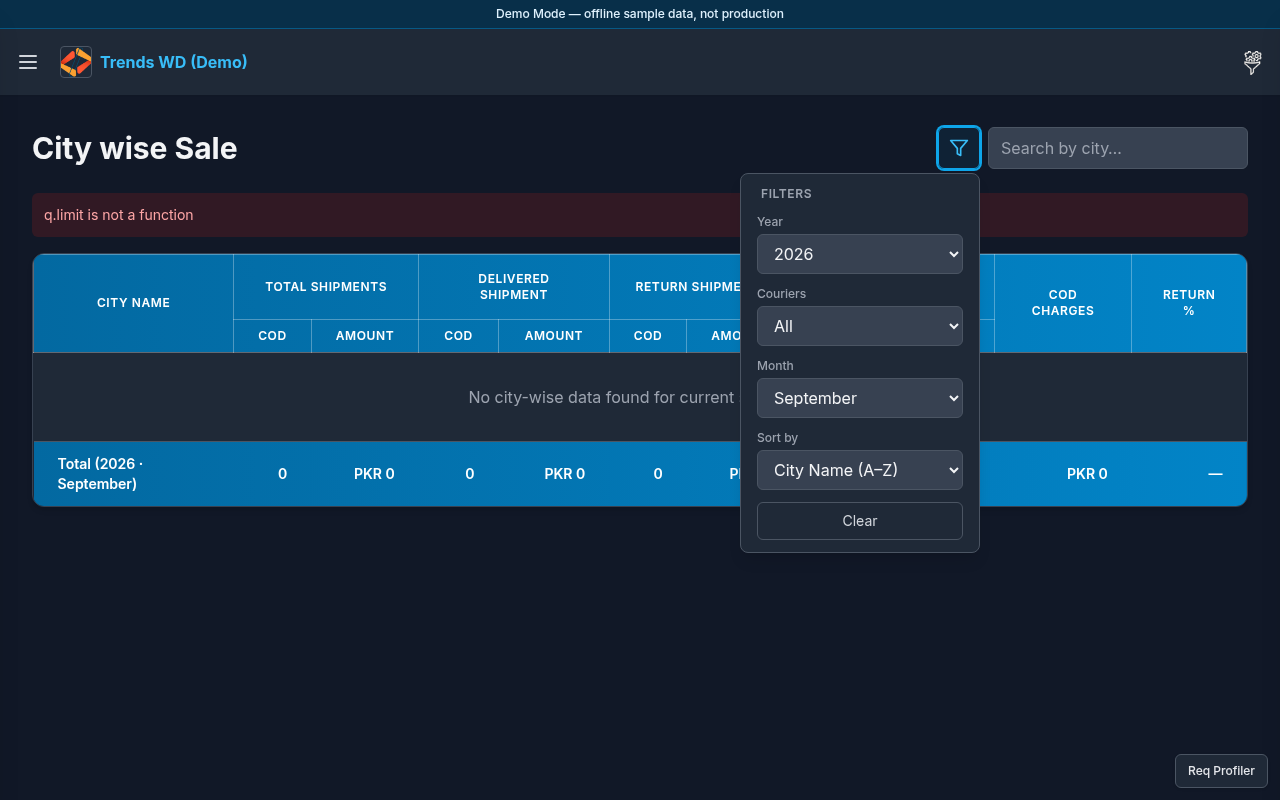
What this page does
Aggregates shipments and COD amounts by destination city, including InProcess / Return / Delivered style breakdowns.
Layout
- Heading City wise Sale
- Summary tiles (including InProcess counts/amounts)
- City table with shipment status columns
- Filters control opening a filters modal/panel
Steps
- Click Open menu → Dashboard → City wise Sale.
- Review city rows and status columns (InProcess, Return, Delivered as shown).
- Click Filters to open filter controls; set year/month/sort (e.g. InProcess COD (High → Low)) then apply.
- Click a city metric if the UI opens a shipments popup for that city.
- Close filters when done and continue reviewing the table.
Tables
Typical columns include city name and paired count/amount groups for statuses such as InProcess Shipments, returns, and delivered.
Permissions
page_key: city-wise-sale — view to open; edit not required for filters/view.
Errors
| Situation | Notes |
|---|---|
| Empty table | Filters too narrow or no city data in seed |
| Popup empty | No shipments for that city/status combo |