Login
Version: 1.0.0
Route: /login
Who can access: Public (unauthenticated). After login you leave this page.
Screenshot(s)
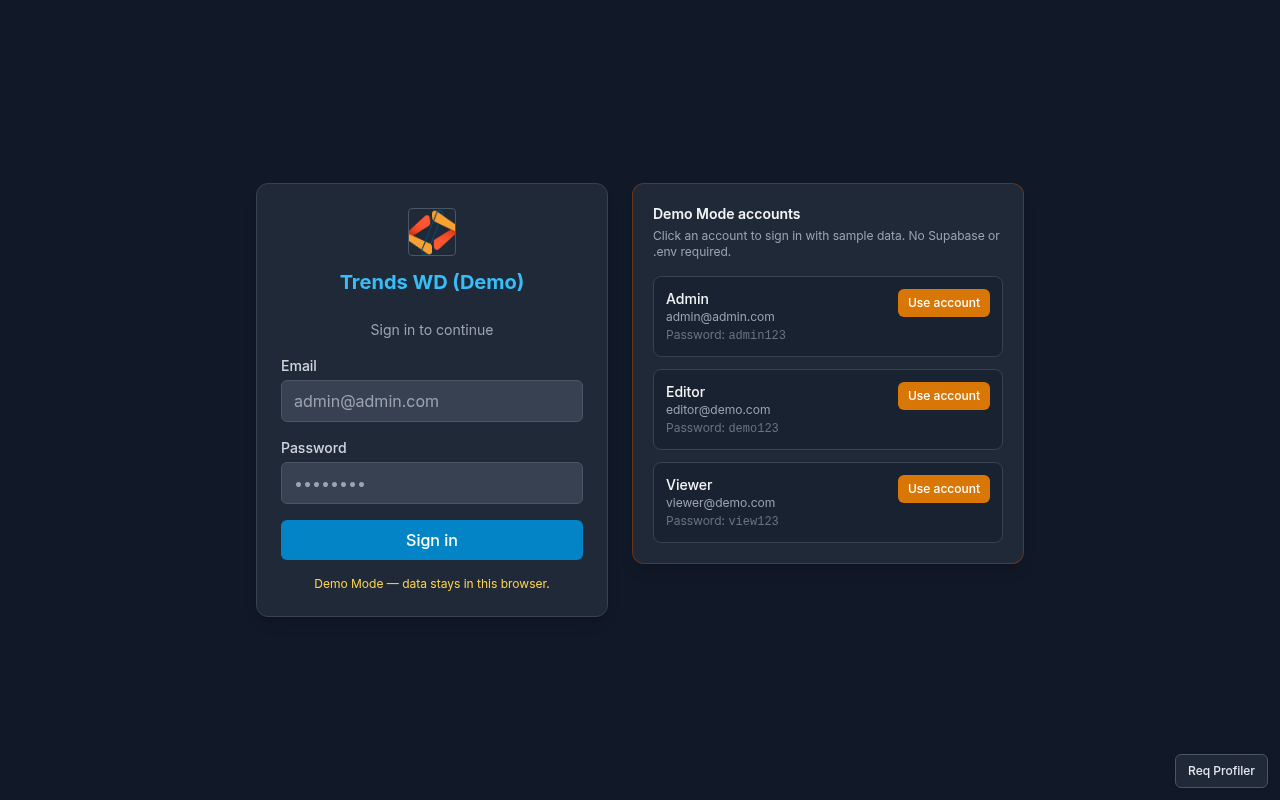
What this page does
Signs you into Courier Dashboard. In Demo Mode it also shows Demo Mode accounts for quick fill and explains that data stays in the browser.
Layout
- Product / Demo Mode heading and short note: Demo Mode — data stays in this browser.
- Email and password fields
- Submit / Sign in control
- Demo Mode accounts cards (Admin, Editor, Viewer)
Steps
- Open
/login(or start Demo Mode — you are redirected here when signed out). - Either:
- Click a Demo Mode accounts card to fill credentials, or
- Enter email and password manually.
- Submit the form (Sign in).
- On success you are taken to the first viewable page (usually Dashboard
/).
Demo credentials
| Role | Password | |
|---|---|---|
| Admin | admin@admin.com | admin123 |
| Editor | editor@demo.com | demo123 |
| Viewer | viewer@demo.com | view123 |
Permissions
Login itself has no page_key. After login, route access uses can_view per page. Admin bypasses checks.
Errors
| Error | Cause |
|---|---|
| Invalid credentials | Email/password not a demo (or configured) user |
Stay on /login after submit | Failed auth — check spelling and Demo Mode banner/cards |
Related links
- Getting Started
- Dashboard
- Profile (sign out from Settings)